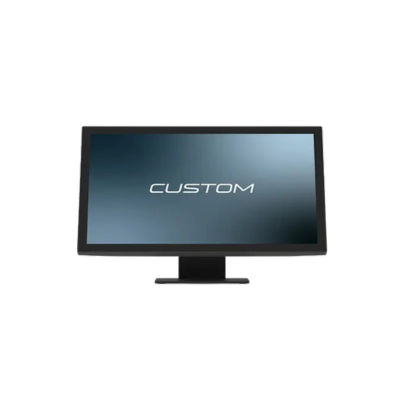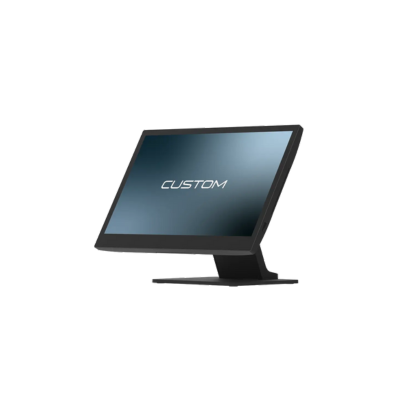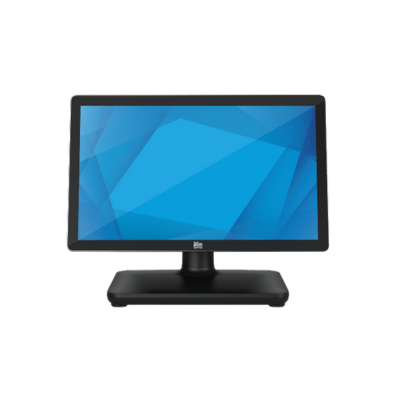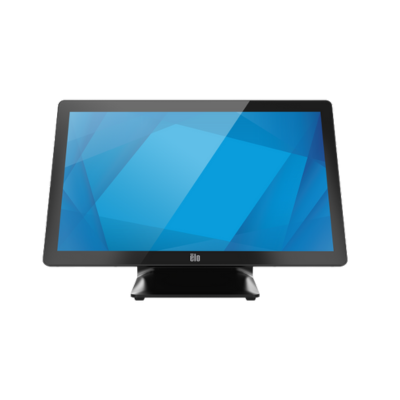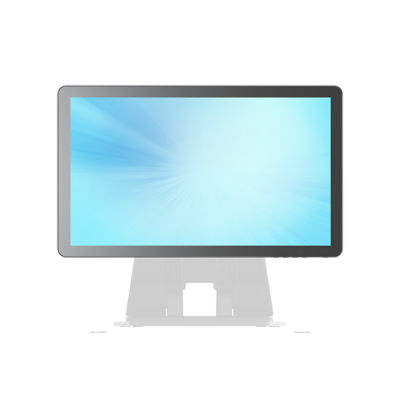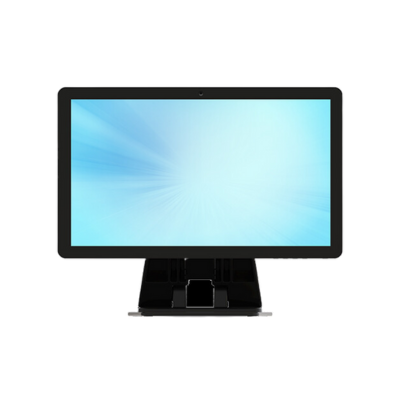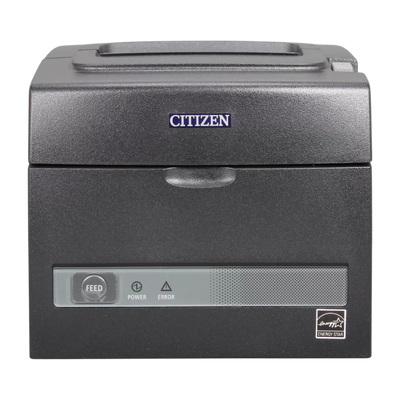
Small Retail Station
A practical configuration for boutiques, service counters and low-footprint checkout areas.
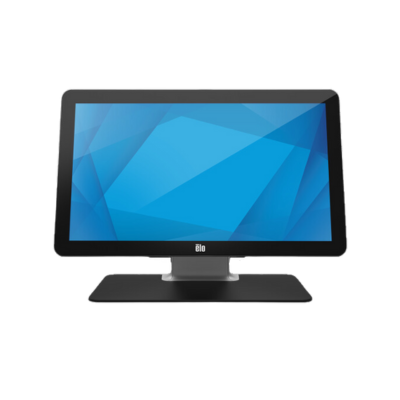
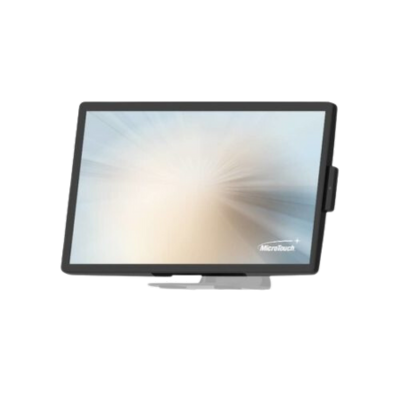
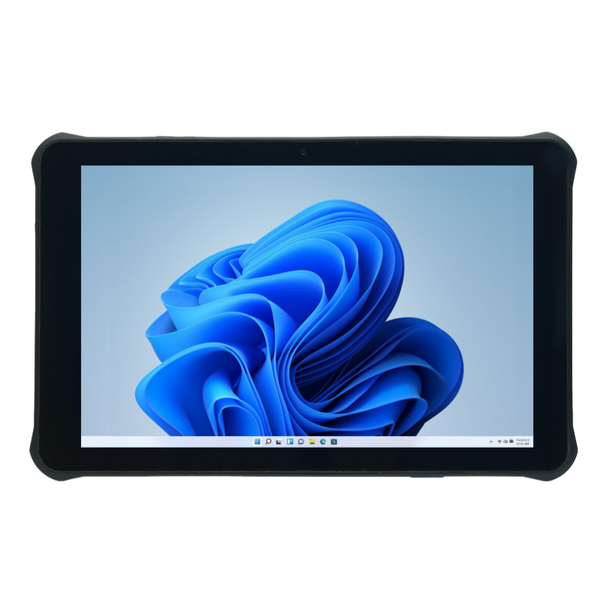
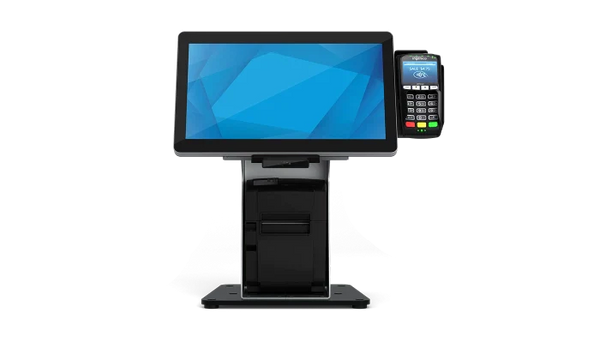
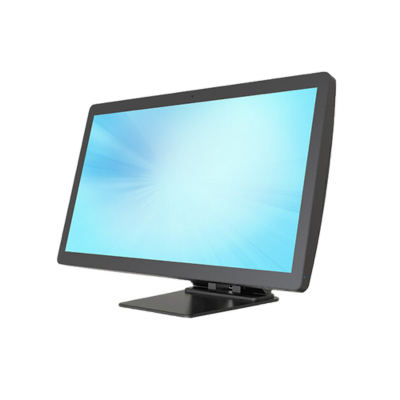
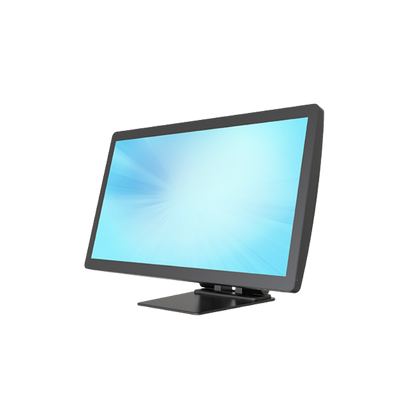
- Compact POS terminal or tablet
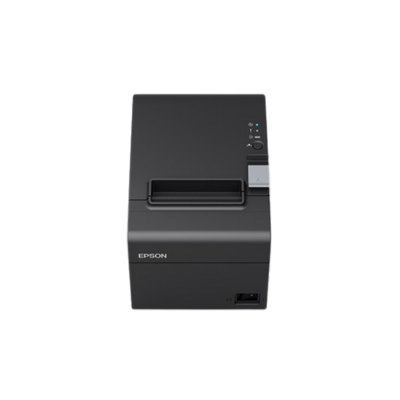
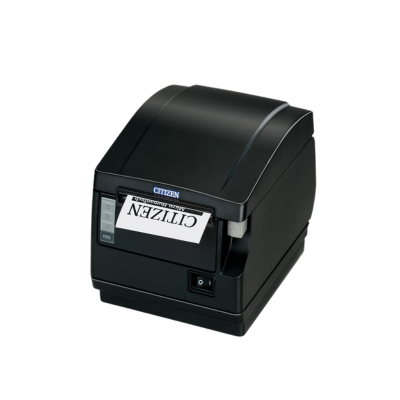
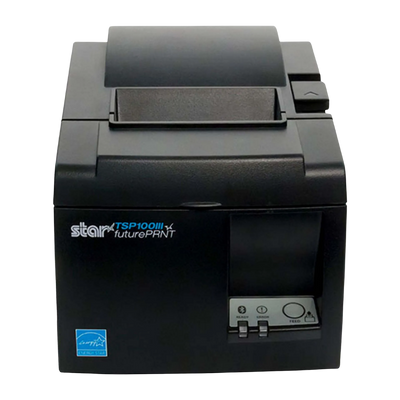
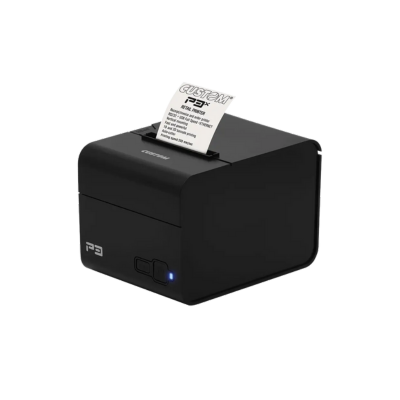
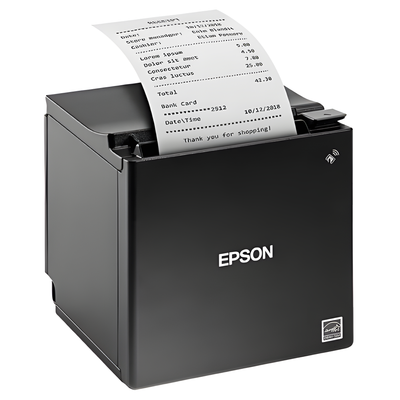
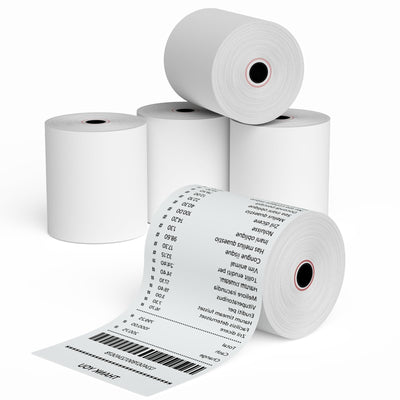
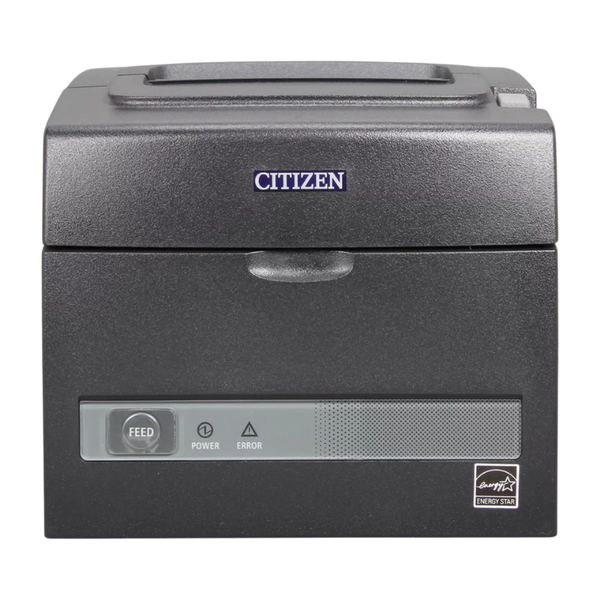
- Thermal receipt printer
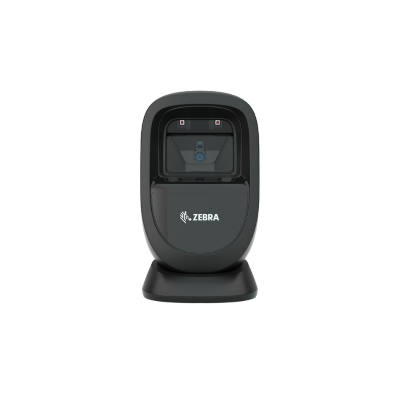
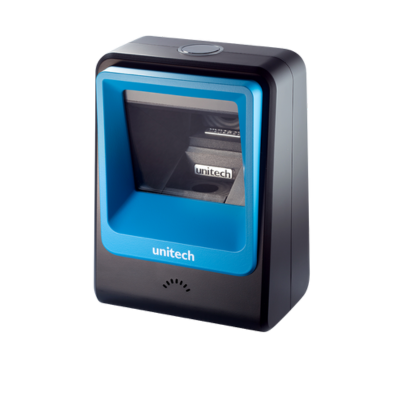
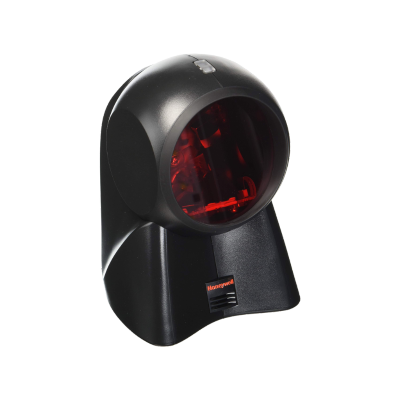
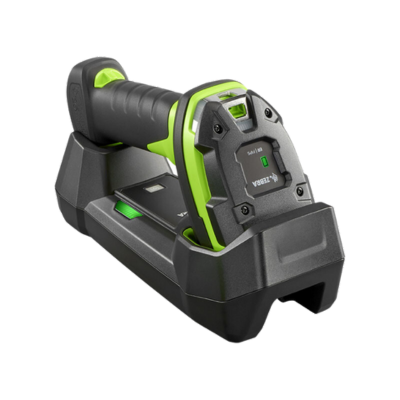
- Bluetooth or USB scanner
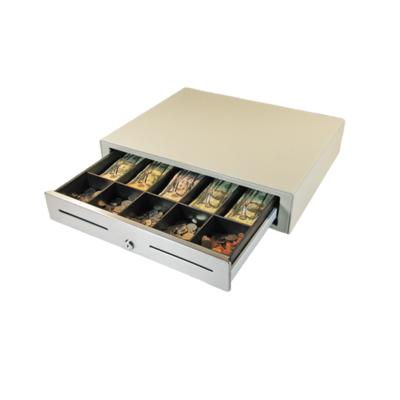
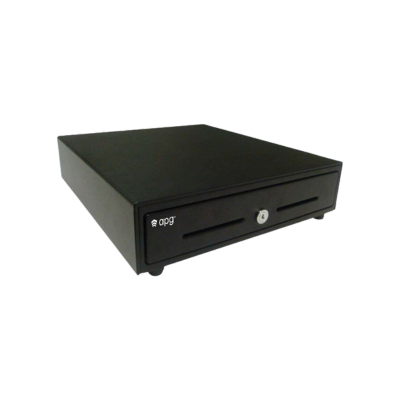
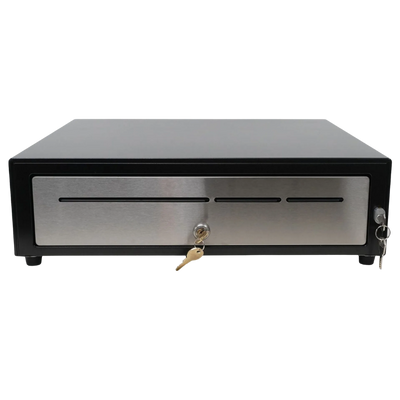
- Compact cash drawer
Configure reliable checkout environments with commercial terminals, receipt printers, barcode scanners, cash drawers, customer displays, scales, label printers and deployment accessories.
Select the hardware category that best supports the application, environment and deployment workflow.


Complete Point of Sale Deployments
A reliable point of sale deployment requires more than choosing a terminal or receipt printer. Every component must work together around the software platform, checkout workflow, transaction volume, physical workspace and network environment.
ShopPOSPortal helps software companies, resellers and end users configure complete hardware programs for retail, restaurant, grocery, hospitality, specialty retail and mobile checkout applications.
Hardware can be standardized for a single store, a growing franchise, an ISV fulfillment program or a multi-location rollout.
Select the primary terminal, tablet or workstation.
Add printers, scanners and customer-facing devices.
Match connectivity to the software and network.
Standardize hardware for repeatable deployments.
Explore the Complete POS Hardware Ecosystem
Use the collection links below to build a simple countertop station or a complete retail, restaurant, grocery or hospitality deployment.
Touchscreen terminals, all-in-one systems, tablets and fixed checkout workstations.

Thermal, impact, Ethernet, USB, Wi-Fi and Bluetooth receipt printing.

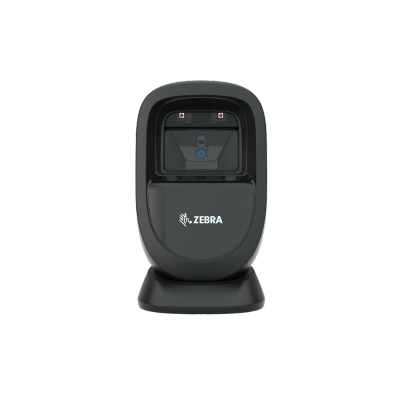
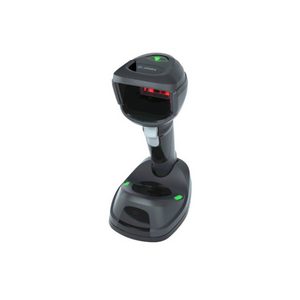
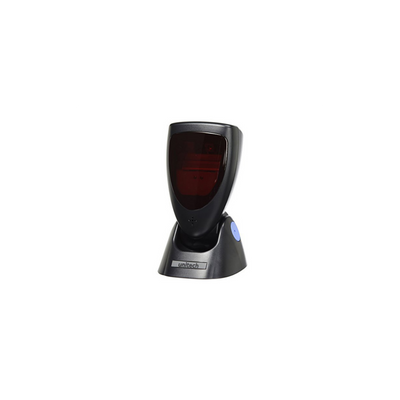
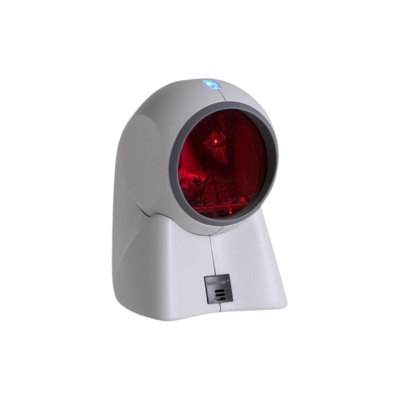
Handheld, wireless, presentation and countertop scanners for checkout.
Printer-driven, USB and network-connected drawers for every duty cycle.
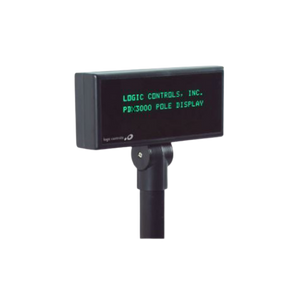
Pole displays, rear displays and customer-facing touchscreens.

Legal-for-trade and checkout scales for grocery and specialty food.
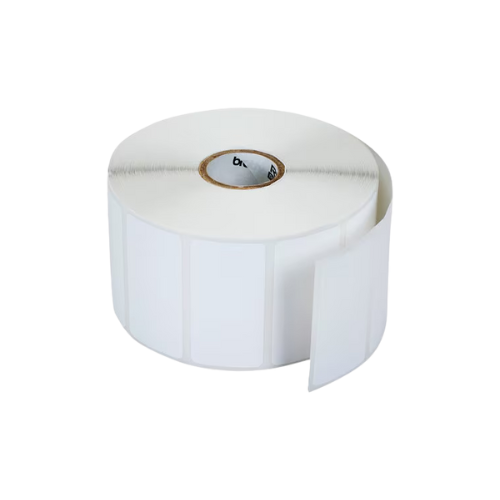
Product, shelf, inventory, pricing and prepared-food label printing.
Mounts, stands, cables, power supplies, media and replacement parts.
Hardware by Workflow
Different point of sale workflows place different demands on printing, scanning, cash management, mobility and customer-facing hardware.
Flexible countertop systems for general merchandise, specialty retail and multi-location stores.
Front-counter and kitchen hardware built for speed, durability and order routing.
Integrated scanning and weighing for produce, deli, market and price-by-weight transactions.
Reliable front-desk, gift-shop and service-counter equipment for guest-facing operations.
Clean, compact hardware for customer-facing spaces where design and footprint matter.
Portable checkout for line busting, events, curbside service and temporary locations.
Example Hardware Configurations
These examples show how common hardware categories work together before choosing specific models and interfaces.
A practical configuration for boutiques, service counters and low-footprint checkout areas.
A durable configuration for frequent transactions and larger customer volumes.
A complete front-counter setup with optional kitchen and order-routing hardware.
Designed for produce, deli, meat, bakery and specialty food environments.
Flexible hardware for events, curbside service, line busting and temporary sites.
A consistent equipment package for franchises, software partners and expanding retailers.
Hardware Decision Factors
Compatibility depends on more than the product category. Confirm the operating environment and deployment requirements before selecting models.
Confirm Windows, Android, iOS or browser-based application requirements.
Select USB, serial, Ethernet, Wi-Fi or Bluetooth based on the software and network.
Match duty cycle, print speed and scanner durability to daily usage.
Determine whether the workflow requires 1D, 2D, mobile-screen or presentation scanning.
Confirm thermal versus impact printing, paper width and kitchen or receipt use.
Account for counter depth, mounting, cable routing and customer-facing space.
Choose drawer size, interface, till layout and duty cycle around the transaction model.
Standardize models and accessories that can support future stores and replacements.
Featured Point of Sale Hardware
Six featured products spanning receipt printing, label printing, wireless scanning, cash management and commercial touchscreen checkout.

High-performance top-exit POS printer with an LCD display, compact footprint and print speeds up to 500 mm per second.

Fast front-exit receipt printer designed to help protect the paper path from moisture and foreign objects in demanding counters.

Versatile 3-inch printer for die-cut, continuous and linerless labels as well as receipt media in retail and foodservice workflows.

Wireless 2D barcode scanning for retail counters, loyalty programs, coupons and barcodes displayed on customer mobile devices.

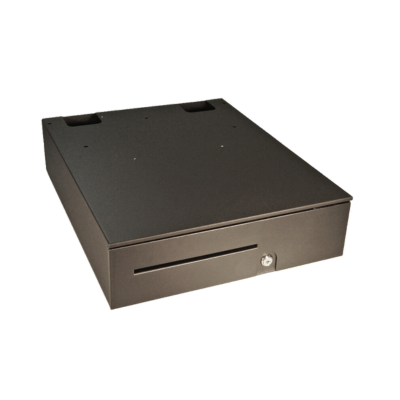
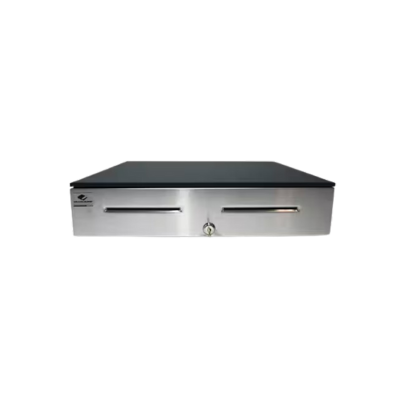
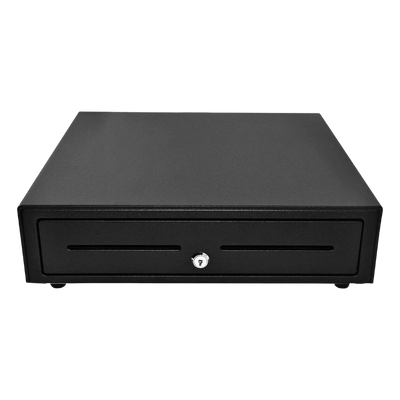
Commercial cash drawer with multiple size and till options for daily retail, restaurant and hospitality cash management.

Large-format Windows touchscreen POS terminal for retail checkout, restaurants, hospitality and software-driven deployments.
Good / Better / Best
Use these bundle levels as a starting point, then adjust interfaces, accessories and models to match the application.
A cost-conscious checkout package for small retail stores, service counters and straightforward daily transactions.
A balanced commercial configuration for busy retail counters, growing businesses and dependable everyday operation.
A premium standardized hardware package for high-volume checkout lanes, complex workflows and multi-location rollouts.
Trusted Manufacturers
ShopPOSPortal supports hardware programs using established manufacturers across printing, scanning, terminals, cash management and customer-facing devices.
Why ShopPOSPortal
Match interfaces, operating systems and accessories to the software environment.
Build the full terminal, printer, scanner, cash drawer and display package.
Support branded hardware programs for software companies that do not stock equipment.
Receive project pricing for rollouts, franchises, resellers and enterprise deployments.
Access thousands of models, interfaces, accessories, replacement parts and media.
Standardize products for future locations, replacement units and repeatable rollouts.
Point of Sale Hardware FAQ
Start with the software operating system and supported interfaces. Then confirm the required printer language, scanner type, cash drawer connection, customer display support and any scale or label-printing requirements.
USB is common for single-station deployments, while Ethernet is often better for shared or networked printers. Bluetooth and Wi-Fi are useful for mobile or flexible installations. Serial remains necessary for some legacy systems.
Thermal printers are the standard choice for customer receipts because they are fast and quiet. Impact printers are frequently used in kitchens because they can print multipart forms and tolerate heat better than thermal paper.
Most checkout stations include a terminal or tablet, receipt printer, barcode scanner and cash drawer. Depending on the workflow, you may also need a customer display, scale, label printer, kitchen printer, mounts or payment-device accessories.
Yes. Standardizing models, interfaces, cables and accessories simplifies installation, employee training, replacement inventory and technical support across locations.
Yes. Bundles can combine the terminal, printer, scanner, drawer and required accessories. Configurations can also be adjusted for the software platform, store format and transaction volume.
Yes. ShopPOSPortal can help software companies create approved hardware lists, standardized bundles, branded ordering portals, fulfillment programs and project pricing.
Volume and project pricing may be available for multi-location rollouts, franchises, resellers, software partners and enterprise deployments.