
Define the Mobile Ordering Workflow
Identify where orders are created, products are scanned, signatures are captured and documents are printed throughout the sales or replenishment process.
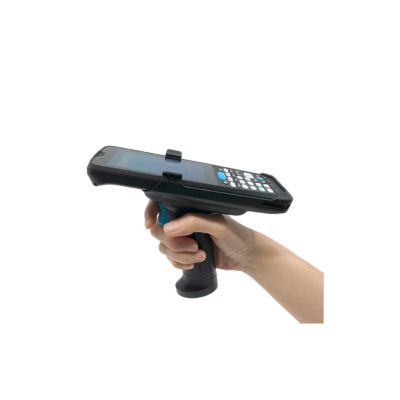
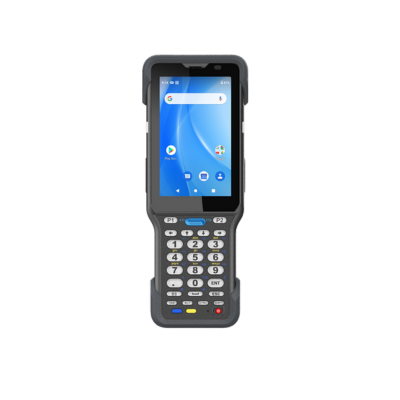
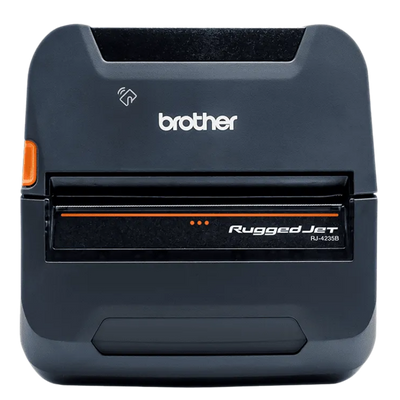
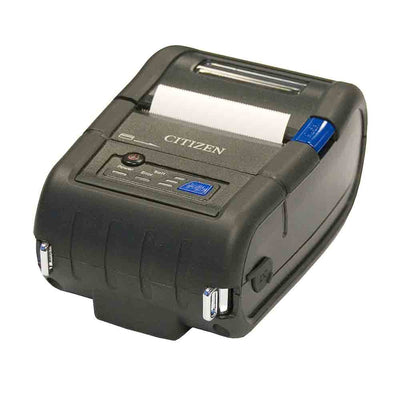
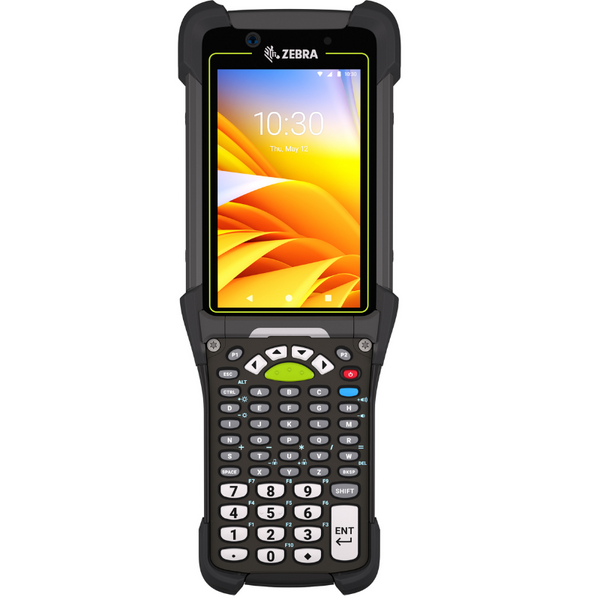
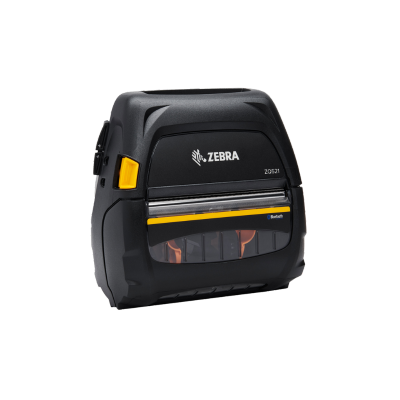
Support route sales, wholesale ordering and customer replenishment workflows with mobile computers, barcode scanners, portable printers, mounts, chargers and field accessories.
Select the hardware category that best supports the application, environment and deployment workflow.


A complete re-ordering deployment connects the application with mobile computing, barcode scanning, portable printing, vehicle power and field-ready accessories. Start with how representatives create orders, then standardize the equipment used in stores, vehicles, warehouses and customer locations.
Confirm Android, iOS, Windows or browser support, cellular requirements, approved scanners, printer compatibility and offline capabilities before selecting equipment.
Identify where orders are created, products are scanned, signatures are captured and documents are printed throughout the sales or replenishment process.
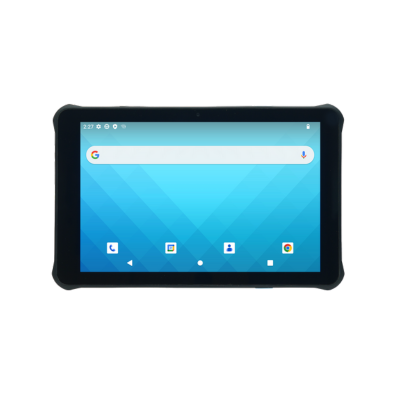
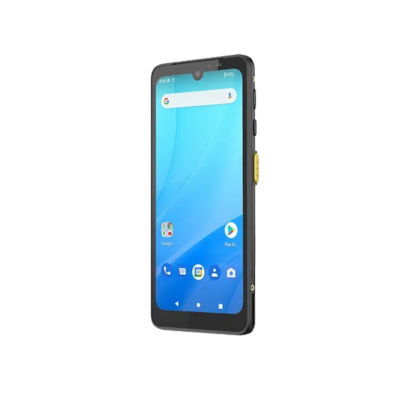
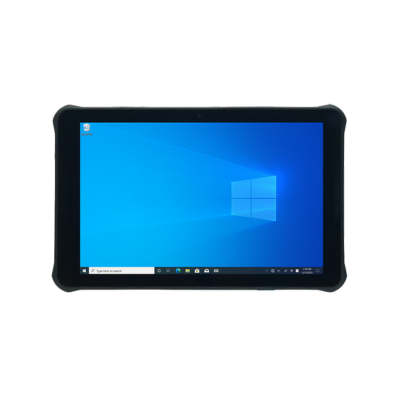
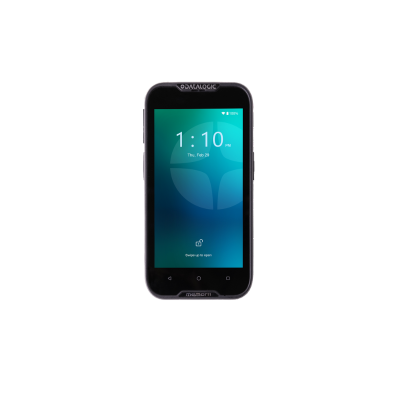
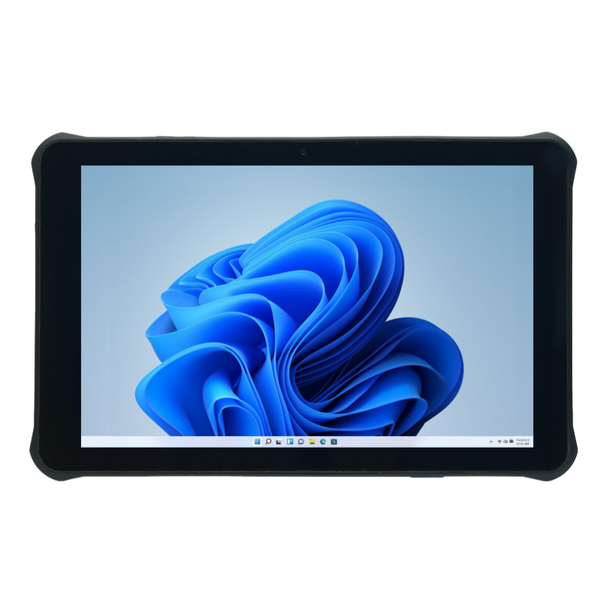
Select a smartphone, rugged tablet or enterprise mobile computer around the application, screen size, cellular needs, scanning volume and field conditions.
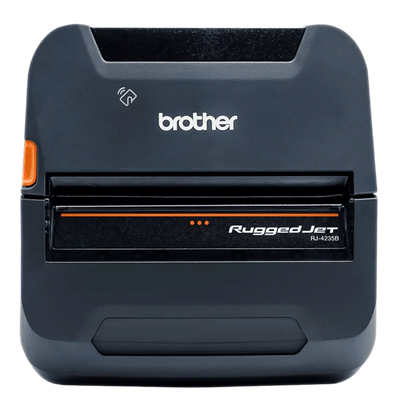
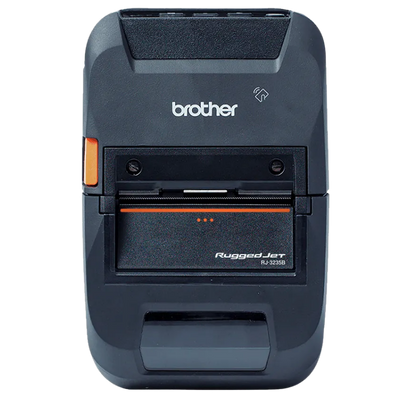
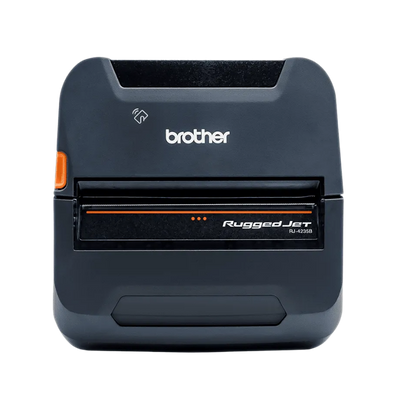
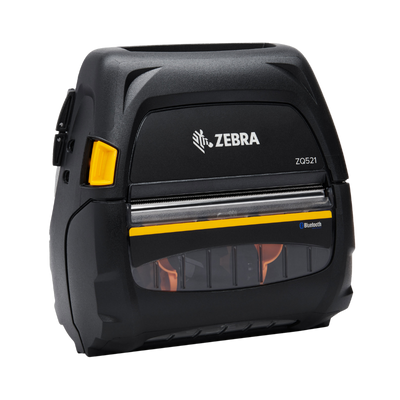
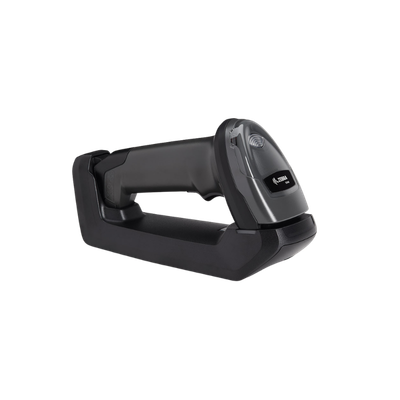
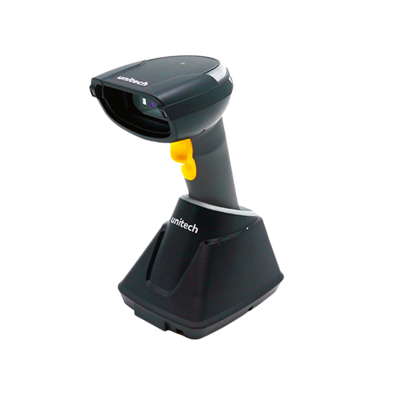
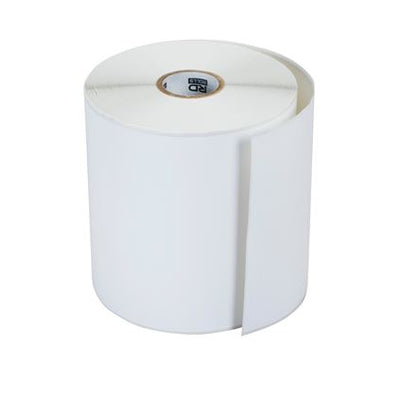
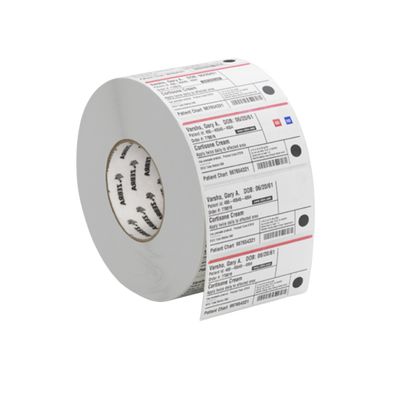
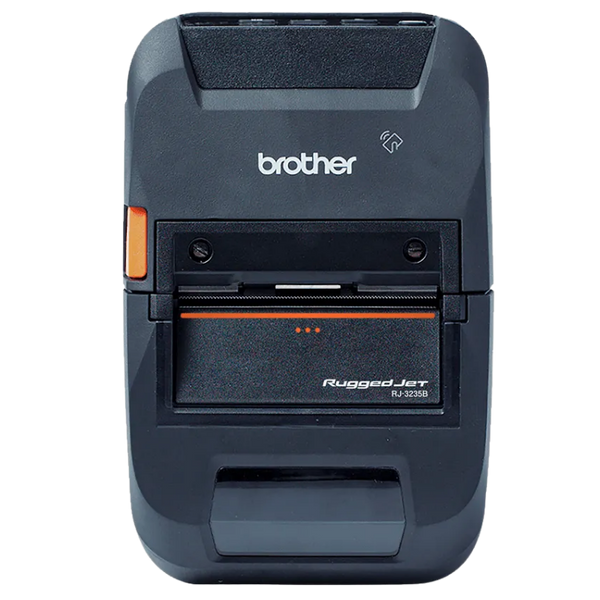
Add integrated or Bluetooth scanning and choose receipt, label or full-page printing based on the documents created by the application.
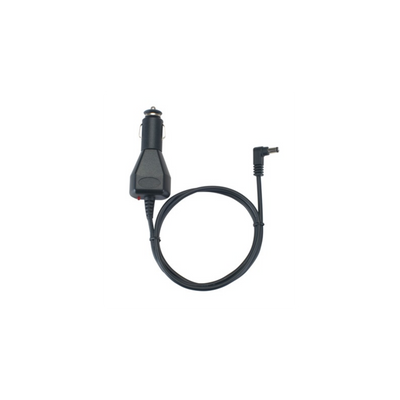
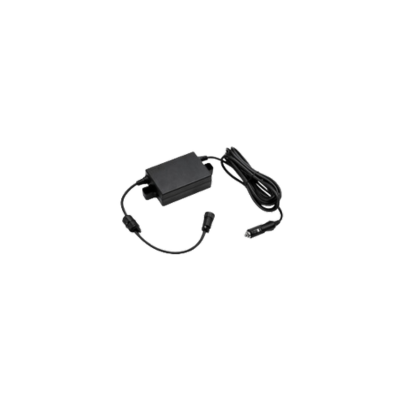
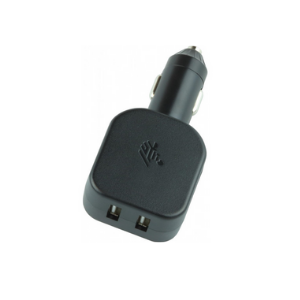
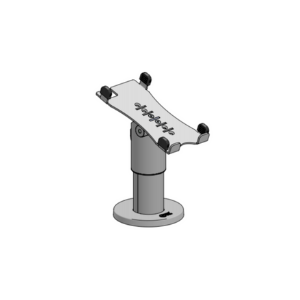
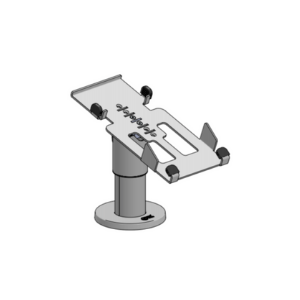
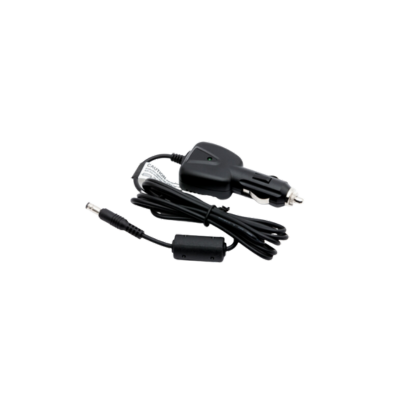
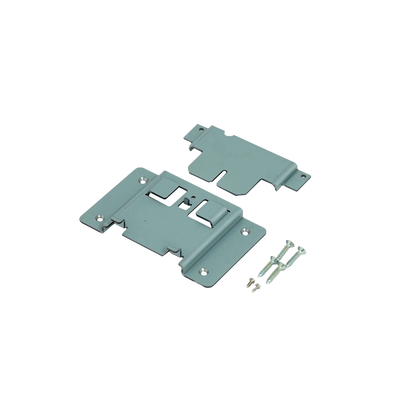
Complete each deployment with mounts, charging equipment, protective accessories, spare batteries and replacement equipment for repeatable field support.
ShopPOSPortal can configure Essential, Advanced and Enterprise hardware packages using mobile computers, scanners, printers, vehicle mounts, chargers and protective accessories.
Compare the mobile devices, scanners, printers, vehicle accessories and connectivity commonly used for wholesale ordering, route sales, shelf replenishment, customer visits, mobile invoicing and multi-user deployments.
A single mobile computer or tablet family can often support several workflows while printers, mounts, scanners and power accessories are adjusted for each representative or vehicle.
| Workflow | Recommended Hardware | Key Requirements | Technology | Best Fit |
|---|---|---|---|---|
|
01
Sales
Wholesale Ordering
Build customer orders from catalogs, pricing, order history and product barcode scans. |
|
Wi-Fi or Cellular
Offline application support may be important in customer
locations with limited coverage.
|
Wholesale distributors, account representatives and field sales teams | |
|
02
Routes
Route Sales
Capture customer orders, delivery activity, inventory and signatures from the vehicle. |
|
Cellular, Bluetooth and Vehicle Power
Powered mounting helps keep devices charged during long
multi-stop routes.
|
Direct-store delivery, route distribution, beverage, wholesale and service fleets | |
|
03
Shelves
Shelf Replenishment
Scan low-stock or depleted products and create replenishment orders directly from the shelf. |
|
Wi-Fi or Cellular with Integrated Scanning
Integrated scanning reduces the number of separate devices
carried in store aisles.
|
Retail replenishment, convenience stores, grocery, pharmacy and customer-managed inventory | |
|
04
Customers
Customer Visits
Review inventory, pricing, product catalogs and order history during in-person account visits. |
|
Cellular, Wi-Fi and Bluetooth
Larger displays improve catalog presentation, order review
and electronic signatures.
|
Account managers, outside sales, wholesale representatives and territory teams | |
|
05
Documents
Mobile Invoicing
Print receipts, invoices, forms and delivery documentation at the customer location. |
|
Bluetooth, Wi-Fi or USB
Printer format should be selected around the required
document size and application support.
|
Route sales, service fleets, deliveries, field invoicing and customer documentation | |
|
06
Teams
Multi-Representative Deployment
Standardize approved hardware kits across sales teams, territories, branches and vehicle fleets. |
|
Cellular Management and Standard Accessories
Consistent hardware simplifies onboarding, support,
replacements and future expansion.
|
Regional sales teams, franchise groups, distributors and multi-branch organizations |
ShopPOSPortal can create repeatable representative and vehicle configurations while adjusting printers, scanners, mounts, chargers and protective accessories for each role.
Start with a complete mobile ordering package, then adjust the device, scanner, printer, vehicle power, mounting and protective accessories around the application and field workflow.
Mobile device models, operating systems, scan engines, printer formats, mounting, cellular options, charging and protective accessories can be changed before pricing is prepared.
A lightweight phone or tablet-based package for product scanning, customer ordering and basic mobile documentation.
Final pricing depends on the scanner, printer, device accessories and charging configuration.
A rugged enterprise package for daily field sales, replenishment, customer visits and route-based ordering.
Final pricing depends on cellular configuration, printer type, charging, batteries and accessories.
A complete mobile office for demanding route sales, direct-store delivery, field invoicing and multi-vehicle deployments.
Final pricing depends on vehicle count, device quantity, mounting, printer configuration and rollout scope.
Each bundle can be divided into role-based configurations with different devices, printers, scanners, mounts, charging equipment and protective accessories.