Zebra Hardware

Zebra Printing, Scanning and Mobility Hardware

Explore Zebra label printers, barcode scanners, mobile computers, wearables, RFID hardware and media for warehousing, retail, manufacturing and logistics. One vendor across the whole workflow, from the label on the box to the device on the picker's arm.

Barcode LabelingWarehouse PickingInventory & AssetsRFID TrackingRetail Fulfillment
500+ Products Label printers, scanners, mobile computers, RFID and media in one catalog
Printers to RFID One vendor across printing, scanning, mobility and RFID workflows
Media Matched Zebra labels and ribbons matched to the printer before the order ships
Zebra Printing, Scanning and Mobility Hardware
Browse the Catalog

Zebra Products In Stock

Filter by category to see what we hold. Counts show the full collection; the grid is a preview, so use the arrow to see everything.

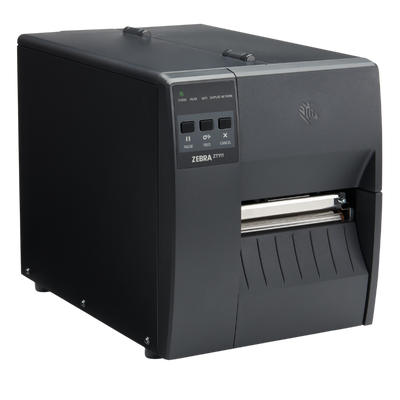
Zebra Label PrintersZebra, ZT111 Label Printer

Zebra, ZT111 Label Printer

Zebra

Zebra ZT111 4-Inch Industrial Label Printer Introduction The Zebra ZT111 is an affordable light-industrial barcode label printer designed for businesses...

Starting At

$938.50

Zebra Mobile ComputersZebra, WT6400 Wearable Computer

Zebra, WT6400 Wearable Computer

Zebra

Zebra WT6400 Wearable Mobile Computer Introduction The Zebra WT6400 represents the next generation of enterprise wearable computing for warehouses, distribution...

Starting At

$3,559.00

Zebra Mobile ComputersZebra WT5400 Wearable Computer

Zebra WT5400 Wearable Computer

Zebra

Zebra WT5400 Wearable Mobile Computer Introduction The Zebra WT5400 is a purpose-built wearable mobile computer engineered to improve productivity in...

Starting At

$2,450.00

No products found.

Select another filter or return to All Hardware.

New Zebra Products

Meet the WT6400 and WT5400 Wearables

Zebra's current-generation wearable computers put an Android device on the wrist and keep both hands free for picking. Choose the rugged WT6400 for warehouse and cold storage, or the lighter WT5400 for retail fulfilment and light warehouse work.

New Product Spotlight
Zebra WT6400
New ProductRugged

Zebra WT6400

Zebra's flagship wearable computer for warehouse, distribution and manufacturing. Built for hands-free picking, with more than twice the display area of the WT6300 it replaces.

  • 4.7 inTouchscreen display
  • Wi-Fi 6EWireless connectivity
  • 13 MPIntegrated camera
  • Bluetooth 5.3Ring scanner pairing
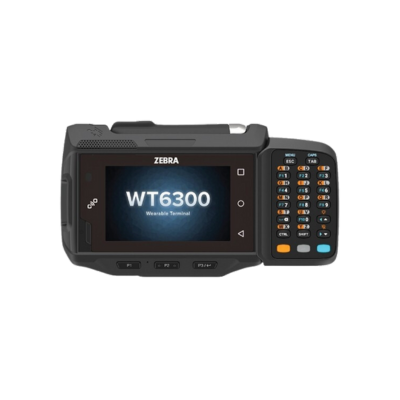
  • Successor to the WT6300 with more than twice the display area
  • Pairs with RS2100, RS5100 and RS6100 Bluetooth ring scanners
  • Freezer capable with the appropriate battery
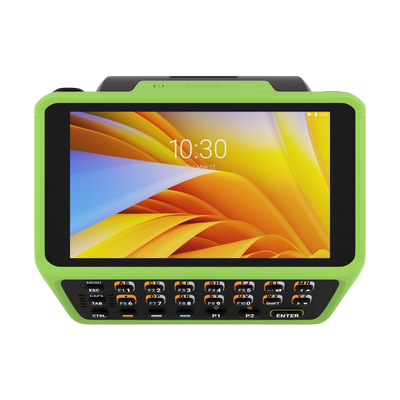
  • Optional integrated keypad for frequent manual entry
Zebra WT5400
New ProductRetail & Light Warehouse

Zebra WT5400

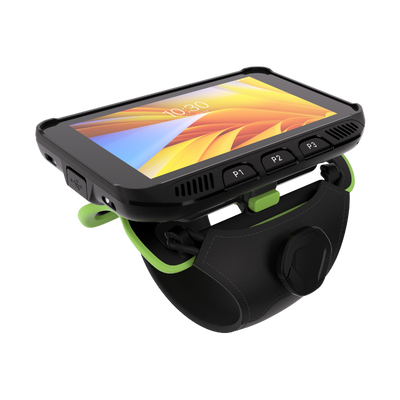
A lighter wearable computer for retail fulfilment and light warehouse work. The same 4.7-inch display in a slimmer profile designed to be worn comfortably for a full shift.

  • 4.7 inTouchscreen display
  • Wi-Fi 6EWireless connectivity
  • 5,000 mAhExtended battery option
  • Bluetooth 5.3Ring scanner pairing
  • Low-profile design built to reduce arm fatigue across a shift
  • Standard 3,500 mAh or extended 5,000 mAh battery
  • Pairs with RS2100, RS5100 and RS6100 ring scanners
  • Over twice the display area of the previous wearable generation

Wearable configurations vary by radio, battery and keypad option. Contact ShopPOSPortal for configuration and SKU validation.

Zebra Hardware Questions

Choosing between printers, scanners, mobile computers and RFID, and getting the part number right the first time.

Which Zebra label printer should I choose?

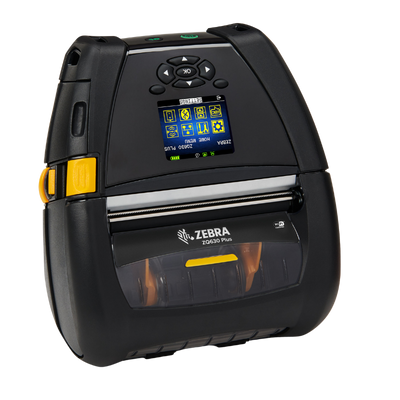
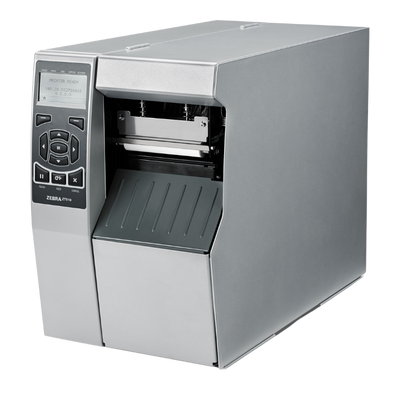
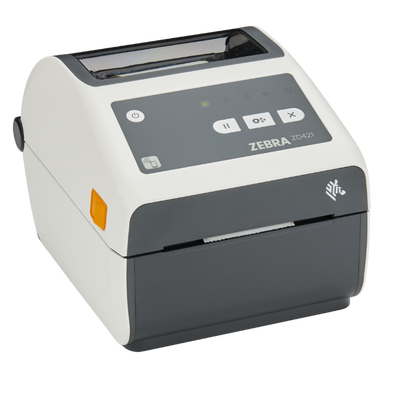
Start with volume and location. A desktop printer such as the ZD421 suits a shipping bench, stockroom or retail counter printing in bursts. An industrial printer from the ZT range suits a warehouse line running continuously through a shift, with larger media rolls and heavier construction. A mobile printer such as the ZQ521 suits printing at the point of work rather than at a desk.

Then decide on print method. Direct thermal needs no ribbon and suits shipping labels and anything short-lived. Thermal transfer uses a ribbon and is required for durable labels that must last years.

Browse desktop, industrial and mobile label printers.

What do Zebra model numbers mean?

The first letters identify the family. ZD is desktop, ZT is industrial tabletop, ZQ is mobile, ZE is a print engine for integration into automated lines, and ZXP or the Zebracard range covers plastic card printing.

Beyond the family name, the full manufacturer part number carries the configuration: resolution, interface, whether the unit is direct thermal or thermal transfer, and any options such as a cutter or peeler. Two printers sharing a family name can be very different machines.

This is why we ask for the complete part number rather than the model when quoting a like-for-like replacement.

Why does Zebra have so many part numbers for the same model?

Because the configuration is fixed at manufacture. Radio type, imager, resolution, battery, keypad and interface are all built in rather than added later, and each combination gets its own part number.

The practical consequence is that ordering by model name alone is unreliable. A ZD421 with USB only and a ZD421 with Ethernet are different orders, and the wrong one cannot be upgraded on site.

Send us the part number from the label on your existing unit, or from your original order, and we will match it exactly.

Which Zebra barcode scanner should I choose?

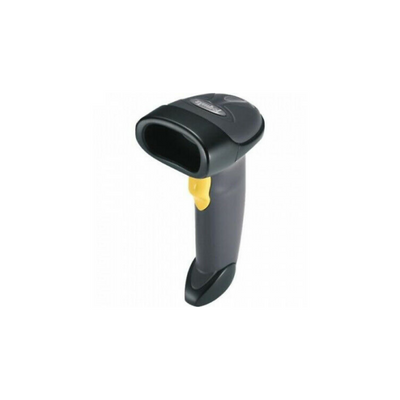
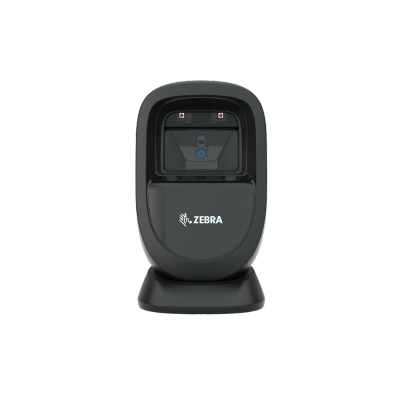
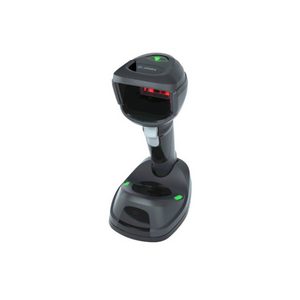
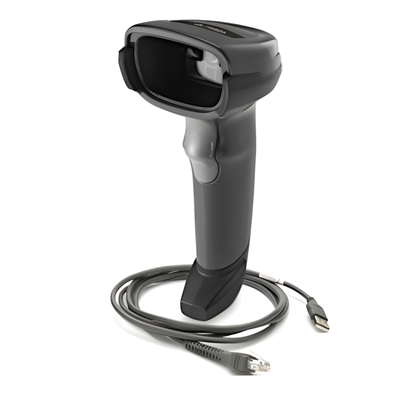
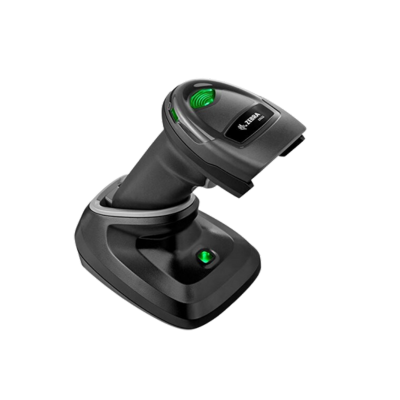
Decide on three things: what you scan, how far you scan it from, and how rough the environment is. A 1D laser such as the LS2208 is the economical choice if you only ever scan traditional barcodes at the counter. A 2D imager such as the DS2208 reads QR codes, DataMatrix and barcodes from phone screens, which most retail and healthcare workflows now need.

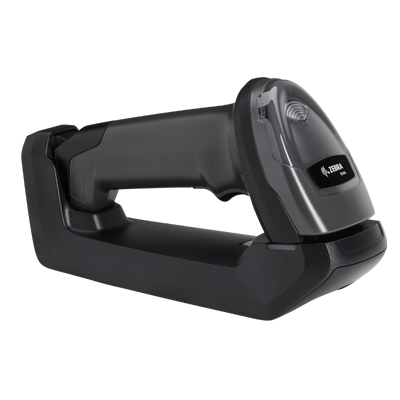
Corded scanners are cheaper and never need charging. Cordless models suit anyone working away from the till or scanning bulky items. For warehouse and industrial use, choose a rugged model rated for drops onto concrete.

Browse Zebra barcode scanners or the industrial range.

Do I need a barcode scanner or a mobile computer?

A scanner is an input device. It sends data to a computer or till and does nothing on its own, which is right for a fixed counter or a workstation that already has a screen.

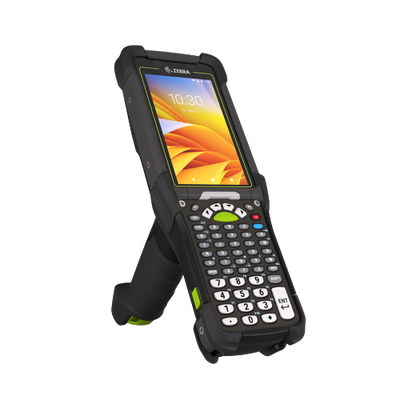
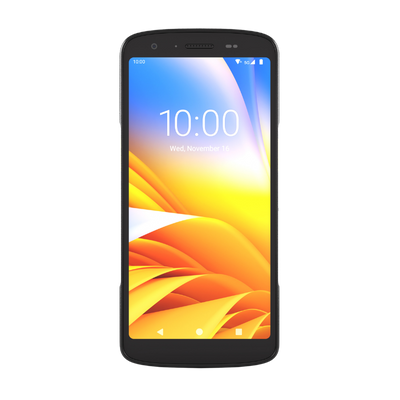
A mobile computer is a complete Android device with an integrated scanner. It runs your warehouse or retail application in the aisle, shows the operator what to do next, and works away from any fixed terminal. That matters for picking, receiving, stock counts and anything where walking back to a screen wastes time.

The rule of thumb: if the worker needs to see information as well as capture it, they need a mobile computer. Browse Zebra mobile computers.

What is a wearable computer and when is it worth it?

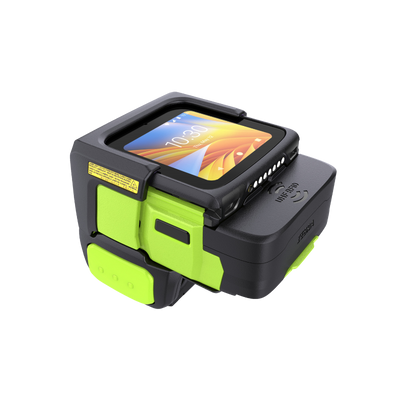
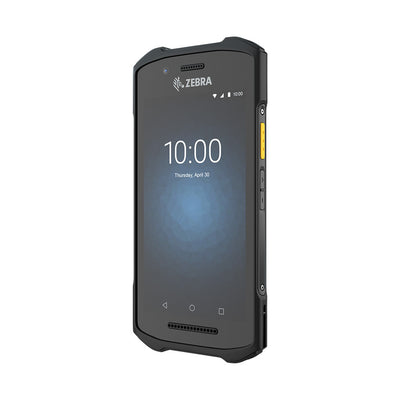
A wearable computer straps to the wrist or arm and pairs with a ring scanner worn on the finger, so the operator keeps both hands free. Zebra's current range is the WT6400 for rugged warehouse work and the WT5400 for retail fulfilment and lighter duty, with the WS50 combining computer and scanner into one very small unit.

The gain is measured in seconds per pick. A handheld has to be put down to lift a carton and picked up again to scan the next one, and across a shift of high-volume picking that adds up considerably.

Wearables earn their cost in dense picking operations. For occasional scanning, a handheld remains the cheaper and simpler answer. Browse Zebra wearable computers.

Which Zebra mobile computer should I choose?

Match the device to the environment first. Retail and light indoor use can run a lighter device, while warehouse, yard and manufacturing need a rugged unit rated for repeated drops onto concrete and for dust and water ingress.

Then consider the scan range. Standard imagers read at arm's length, which suits picking from a shelf. Long-range imagers read a barcode several metres up a racking bay, which is essential if operators scan from a forklift rather than climbing.

Battery is the third factor and the most commonly underestimated. If the device runs a full shift with the screen on, specify the extended battery or plan for hot-swapping. Browse Zebra mobile computers and rugged tablets.

Do I need RFID or is barcode enough?

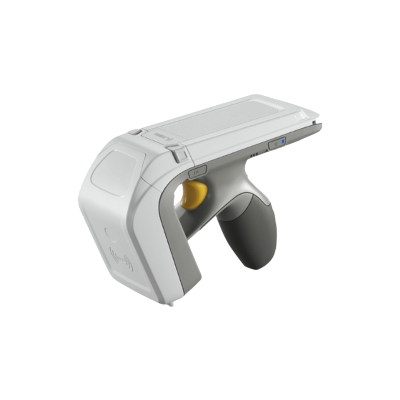
Barcode requires line of sight and one scan per item. RFID reads many tags at once without seeing them, so a whole carton or pallet can be counted in seconds.

That difference matters most in stock counting, high-volume receiving, and asset tracking across a large area. Retailers running frequent full-store counts and warehouses receiving sealed cartons are the usual cases where RFID pays back.

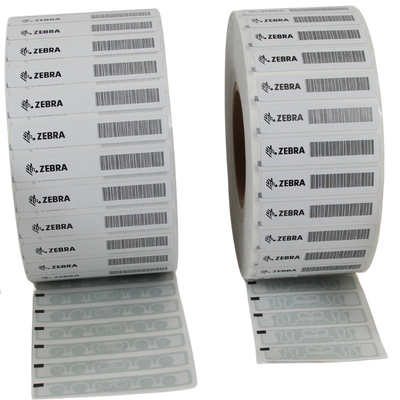
RFID tags cost more per item than a printed barcode, and you need both an RFID-capable printer to encode them and readers to capture them. For most workflows barcode remains the right economics. Browse RFID label printers.

What is ZPL and will my software work with a Zebra printer?

ZPL is Zebra's printer command language, and it is effectively the industry standard for barcode label printing. Most warehouse, shipping and ecommerce platforms can generate ZPL out of the box, which is a large part of why Zebra printers integrate so widely.

If your existing label templates were written for another brand, note that many competing printers offer ZPL emulation for exactly this reason, so moving to Zebra rarely means rewriting templates. Moving away from Zebra sometimes does.

Tell us which platform generates your labels and we will confirm compatibility before you order.

Which labels and ribbons work with my Zebra printer?

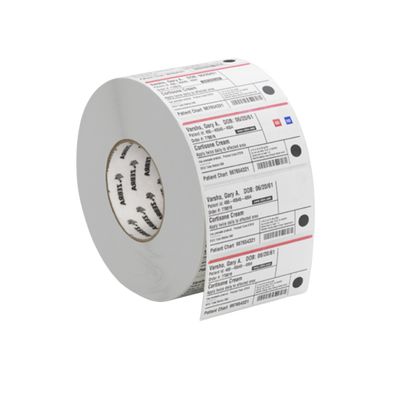
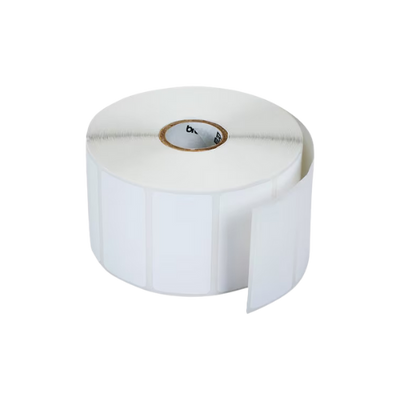
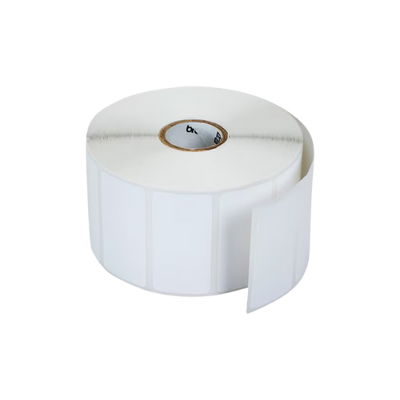
Two things have to match. The roll must physically fit, which is set by core size and outside diameter: 1-inch core with 5-inch OD for desktop printers, 3-inch core with 8-inch OD for industrial. The print method must match too, since direct thermal stock will not work in thermal transfer mode and the reverse wastes ribbon.

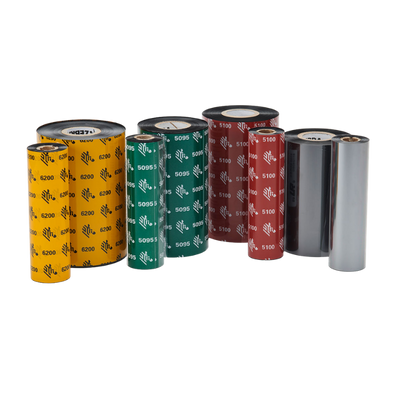
If you are running thermal transfer, the ribbon must also match the label material. Wax pairs with paper, wax/resin with coated paper, and resin with polyester and other synthetics. A resin ribbon on paper or a wax ribbon on polyester both give poor results.

Browse Zebra labels and ribbons.

Can I use non-Zebra labels and ribbons?

Physically, usually yes, provided the core size, width and print method match. Many sites run third-party media without difficulty.

The risks are worth knowing. Inconsistent liner thickness and coating quality cause more label jams and more printhead wear, and the printhead is the most expensive consumable on the machine. Some Zebra media also carries certifications for specific applications, which generic stock will not.

Where genuine media matters most is thermal transfer on synthetics, because the ribbon and facestock are formulated as a pair. For everyday direct thermal shipping labels the difference is smaller.

How long will my Zebra Android device be supported?

Zebra's mobile computers run Android Enterprise with a long-term security and OS update programme, which is the main reason they cost more than consumer tablets and phones. Consumer devices typically stop receiving updates within a few years, and an unsupported device on a warehouse network becomes a security problem.

Support windows differ by model and generation, so check the specific device rather than assuming the range is uniform. Newer models such as the WT6400 carry a longer runway than devices already several years into their life.

If you are standardising a fleet for a five-year deployment, tell us and we will confirm which models have the support window to match.

What is the printhead and why does it need replacing?

The printhead is the component that applies heat to create the image, and it is a wear part rather than a fault. Every label that passes under it causes a small amount of abrasion, so on a printer running at full duty it is a running cost in the same way labels and ribbons are.

Resolution matters here: a 300 dpi printhead costs more to replace than a 203 dpi one, which is worth factoring in if you are choosing resolution you do not strictly need.

Poor quality media shortens printhead life noticeably, and so does running darkness higher than necessary. Browse Zebra printheads.

My barcodes are printing but will not scan. What is wrong?

Work through four things in order. First, darkness: an underburned barcode looks readable to the eye but has poor contrast for a scanner. Second, print speed, since printing faster than the media can take reduces edge definition.

Third, check the barcode is not too small or too dense for 203 dpi. Small 2D codes such as DataMatrix often need 300 dpi to resolve cleanly. Fourth, check for printhead wear, which shows as a consistent white line running through every label in the same place.

If print quality looks fine and the scan still fails, the problem is more likely the symbology or quiet zone in your label template than the printer.

Which Zebra printer should I use for wristbands?

Wristbands need a printer designed for them rather than a standard label printer. The ZD510 is the current cartridge-based wristband printer, and the HC100 is its predecessor, both taking sealed cartridges that load without threading media by hand.

The cartridge design matters in healthcare, because it lets staff change media quickly without contaminating the wristband stock. Zebra's Z-Band range covers comfort, antimicrobial, splash-resistant and paediatric variants.

Tell us the application and patient population and we will match the band type to the printer.

Can you help me replace an existing Zebra device?

Yes, and the fastest route is the part number rather than the model name. It is printed on a label on the underside or back of the unit, and it appears on your original invoice.

With that we can confirm an exact like-for-like replacement, or tell you the current equivalent if the model has been discontinued and identify what changes between the generations. That matters for things like interface and radio, which cannot be altered after manufacture.

If the device is beyond reach or the label has worn away, send us a photograph of the unit and any part of the label that remains and we will work from that.

Hardware Selection Support

Not sure which model is right?

Send us what you are trying to do and we will come back with a specific recommendation rather than a catalogue. If you are replacing equipment, a model number or a photo of the existing setup is usually enough to work from.

  • Solutions experts on staff to answer your hardware questions
  • 30 day return policy, excluding consumables
  • In-stock items ship same day when ordered by 4:00pm Eastern
  • Volume and multi-location pricing reviewed on request

Ask a Question

We usually respond within 10 minutes on weekdays.

We use your details to answer your enquiry and nothing else.