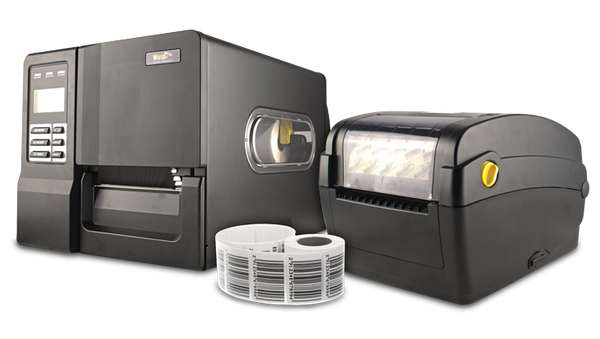
Hardware, Labels, and Supplies for Barcode Labeling Solutions
Give your customers or internal teams a clear path to the right label printing hardware. ShopPOSPortal supports barcode labeling deployments with desktop printers, industrial printers, mobile printers, RFID printers, barcode labels, thermal ribbons, accessories, fulfillment, and configuration assistance.
What Are You Printing?
The right printer, label, ribbon, and accessory stack depends on the label application first. Start here before choosing a model.
Shipping Labels
4x6 carrier labels, packing station labels, carton labels, and fulfillment workflows.
- Usually direct thermal
- Desktop or industrial printer
- High-speed print output matters
Product Labels
Retail, manufacturing, inventory, and compliance product labels for short-term or long-term use.
- Often thermal transfer
- Paper or synthetic materials
- 203 or 300 dpi depending on size
Asset Tags
Durable asset labels for equipment, IT assets, tools, facilities, and serialized tracking.
- Polyester recommended
- Thermal transfer ribbon
- Strong adhesive matters
Warehouse Labels
Bin labels, shelf labels, pallet labels, inventory labels, location labels, and rack labels.
- Desktop or industrial
- Durability varies by environment
- Scan quality is critical
RFID Labels
Encoded RFID tags for inventory, asset tracking, compliance, retail, and warehouse visibility.
- Requires RFID printer
- Label/inlay selection is critical
- Software must support encoding
GHS and Compliance Labels
Chemical, safety, regulatory, and durable labels that often require synthetic materials.
- Thermal transfer recommended
- Resin ribbon may be required
- Durability and readability matter
Featured Barcode Label Printing Hardware
Our most recommended printers for barcode labeling, shipping, asset tracking, RFID, and warehouse deployments. Volume pricing available.
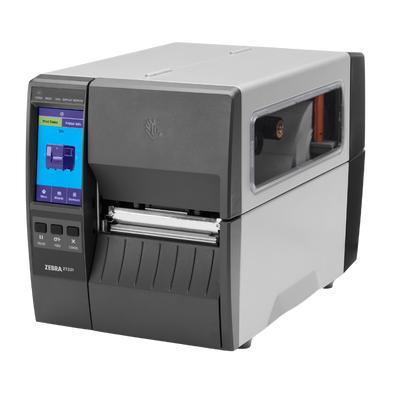
Zebra ZT231
Industrial label printer for barcode labels, carton labels, pallet labels, and high-volume warehouse labeling.
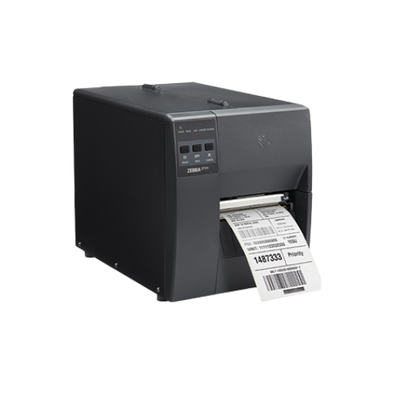
Zebra ZD421
Desktop label printer for shipping labels, product labels, bin labels, barcode labels, and lower-volume stations.
Zebra ZT411
Industrial printer for higher-volume warehouse labeling, compliance labels, pallet labels, and durable labels.
Zebra ZD621R
Desktop RFID printer for encoding RFID labels, inventory tags, asset labels, and item-level tracking workflows.
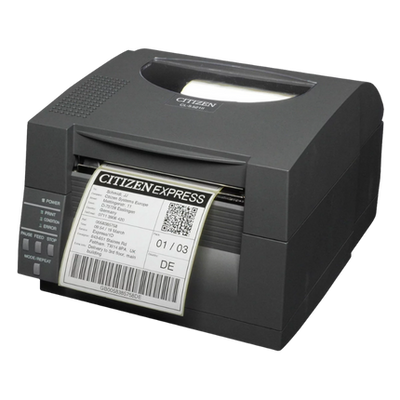
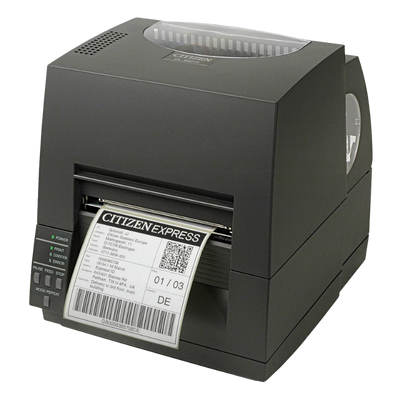
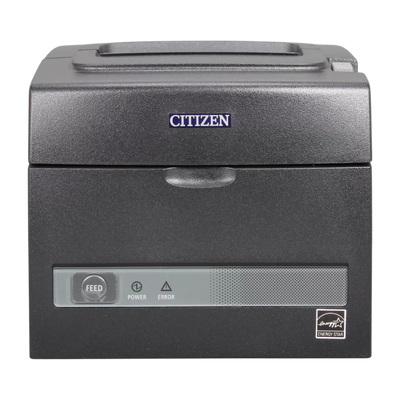
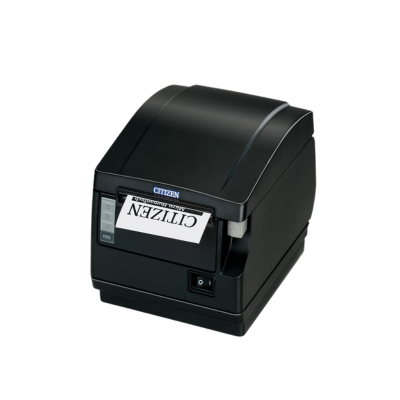
Citizen CL-E321
Desktop barcode label printer for product labels, inventory labels, shipping labels, and general labeling stations.
Zebra ZT411R
Industrial RFID printer for high-volume RFID label encoding, pallet tracking, asset tagging, and warehouse visibility.
Choose Your Printer Type
Each printer class solves a different labeling problem. The right choice depends on label volume, label durability, environment, connectivity, and future growth.
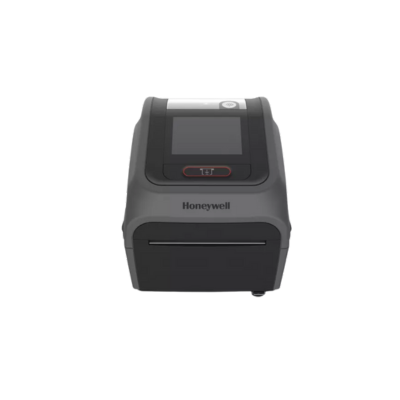
Desktop Label Printers
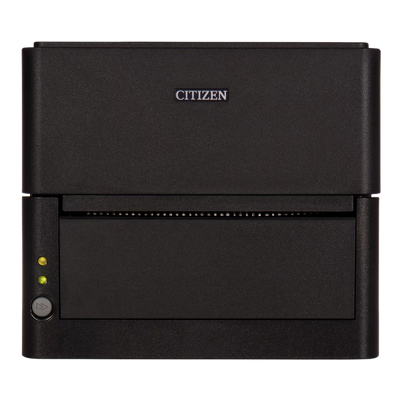
Best for lower-volume shipping labels, product labels, shelf labels, and general barcode label printing.
- Good for small to medium stations
- Typical 1-inch core media
- Direct thermal or thermal transfer
- Lower upfront cost
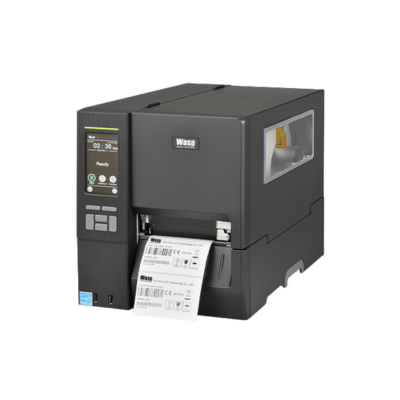
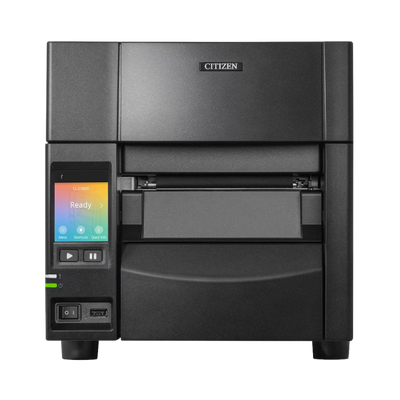
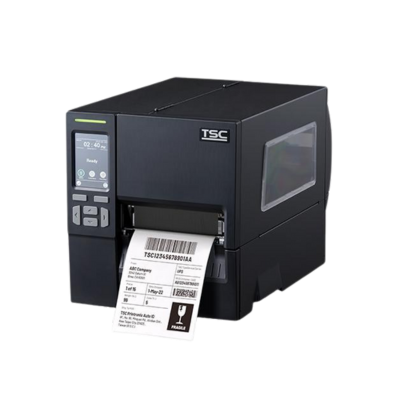
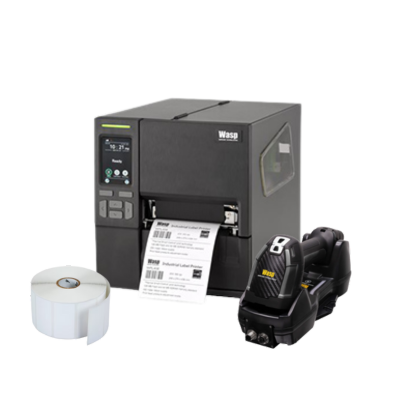
Industrial Label Printers
Best for warehouses, manufacturing, high-volume printing, larger rolls, and more demanding environments.
- Higher duty cycles
- 3-inch core media
- Faster print speeds
- Better for continuous use
Mobile Label Printers
Best for on-demand labels at the shelf, dock, truck, route, or point of activity.
- Battery powered
- Bluetooth or Wi-Fi options
- Useful for warehouse mobility
- Smaller media rolls
RFID Label Printers
Best when labels need to be encoded with RFID data for inventory visibility, asset tracking, or compliance.
- Requires compatible RFID labels
- Encoding must be supported
- Desktop and industrial options
- UHF applications are common
Key Decision Factors by Product Type
Use this section to help software providers, integrators, and end users narrow the correct printer, media, ribbon, and accessories.
Desktop Printers
- Daily label volume
- Direct thermal vs thermal transfer
- USB, Ethernet, Wi-Fi, or Bluetooth
- 203 vs 300 dpi resolution
- Maximum label width and roll size
Industrial Printers
- Print speed and duty cycle
- Media capacity and ribbon capacity
- Metal construction and environment
- Network management needs
- RFID upgrade or RFID model availability
Labels and Media
- Paper vs synthetic label material
- Permanent, removable, freezer, or specialty adhesive
- Indoor, outdoor, chemical, or temperature exposure
- Label size, core size, outside diameter
- Scan quality and barcode density
Ribbons
- Wax, wax/resin, or resin
- Matching ribbon to label material
- Durability and abrasion resistance
- Outdoor, chemical, or high-temp exposure
- Ribbon width and length compatibility
Direct Thermal vs Thermal Transfer
This is one of the biggest decisions in barcode labeling. Direct thermal is simpler, while thermal transfer is better for durability.
| Factor | Direct Thermal | Thermal Transfer |
|---|---|---|
| Ribbon Required | No ribbon required | Requires ribbon |
| Best For | Shipping labels, short-term labels, receipts | Product labels, asset tags, shelf labels, outdoor labels |
| Durability | Lower durability; sensitive to heat and sunlight | Higher durability with the right ribbon and material |
| Cost | Lower supply complexity | Higher supply complexity but better longevity |
| Common Materials | Direct thermal paper or top-coated thermal media | Paper, polypropylene, polyester, vinyl, specialty synthetics |
Label Material Guide
Label material affects scan quality, lifespan, durability, adhesive performance, and total cost.
Paper Labels
Best for shipping, product labels, inventory labels, and general indoor use where long-term durability is not required.
Polypropylene Labels
Good for moisture resistance and a more durable synthetic option than standard paper labels.
Polyester Labels
Strong choice for asset tags, outdoor labels, equipment labels, and longer-term identification.
Freezer Labels
Designed for cold surfaces, freezer environments, food distribution, and cold storage workflows.
Tamper Evident Labels
Used when labels must show evidence of removal, tampering, or unauthorized access.
RFID Labels
Labels with inlays that must match the RFID printer, encoding requirements, item material, and read range.
Ribbon Guide
Thermal transfer labels require the right ribbon. Matching ribbon to the label material is critical for durability and barcode readability.
Wax Ribbon
Best for paper labels and general-purpose barcode labels where heavy durability is not required.
Wax/Resin Ribbon
Better for coated paper and synthetic labels where improved smear resistance and durability are needed.
Resin Ribbon
Best for polyester, outdoor labels, chemical exposure, high durability, and harsh environments.
Common Barcode Label Sizes
Standardizing label sizes helps reduce errors, simplify supply ordering, and improve compatibility across printer models.
| Label Size | Common Use | Printer Type |
|---|---|---|
| 4 x 6 | Shipping labels, carrier labels, warehouse fulfillment | Desktop or industrial |
| 4 x 2 | Carton labels, product labels, warehouse labels | Desktop or industrial |
| 3 x 2 | Product labels, inventory labels, bin labels | Desktop or industrial |
| 2 x 1 | Small product labels, asset labels, inventory labels | Desktop or industrial |
| 2.25 x 1.25 | Shelf labels, retail labels, small barcode labels | Desktop |
| Custom / RFID | Asset labels, compliance labels, RFID tracking | Printer and media dependent |
Complete Hardware Bundles
For software providers and end users, bundles reduce buying confusion and help ensure the printer, labels, ribbons, and accessories work together.
Starter Label Printing Bundle
Desktop printer, starter labels, optional ribbon, USB or Ethernet connection, and basic setup guidance.
Warehouse Labeling Bundle
Industrial printer, larger media rolls, ribbons, cleaning supplies, and accessories for higher-volume workflows.
RFID Labeling Bundle
RFID printer, RFID labels, encoding-ready supplies, and hardware recommendations for RFID applications.
Frequently Asked Questions
Answers to common questions about barcode label printers, labels, ribbons, RFID, and hardware fulfillment.
How do I choose between desktop and industrial printers?
Choose desktop for lower-volume stations and industrial for higher-volume, larger rolls, faster printing, and tougher environments.
Do I need direct thermal or thermal transfer?
Use direct thermal for shipping and short-term labels. Use thermal transfer for product labels, asset tags, outdoor labels, and long-term durability.
What print resolution do I need?
203 dpi works for many standard labels. 300 dpi is better for small text, dense barcodes, small labels, and higher-quality product labeling.
Can any labels be used in any printer?
No. Label width, core size, roll outside diameter, material, adhesive, print method, and RFID inlay all need to match the printer.
When should I choose RFID?
Choose RFID when you need faster non-line-of-sight tracking, item-level visibility, asset tracking, inventory automation, or compliance workflows.
Can you help build complete bundles?
Yes. We can recommend printers, labels, ribbons, cables, cleaning supplies, accessories, and fulfillment options for your labeling workflow.
Need Help Choosing Barcode Label Printing Hardware?
ShopPOSPortal can help match printers, labels, ribbons, RFID hardware, and accessories to your barcode labeling workflow, environment, software requirements, and budget.