Star Micronics POS Hardware Guide
Star Micronics is a leading POS hardware brand known for reliable receipt printers, label printers, kitchen printers, kiosk printers, cash drawers, POS scales, barcode scanners, tablet stands, and cloud-connected printing solutions for retail, restaurant, hospitality, healthcare, and self-service environments.
ShopPOS Portals offers Star Micronics hardware for businesses that need dependable point-of-sale printing, cash handling, labeling, order routing, and front-of-house or back-of-house device support. Whether you are replacing a legacy Star printer, building a new POS station, adding cloud printing, or matching hardware to your POS software, choosing the right Star Micronics model depends on your workflow, connection type, software compatibility, and accessories.
Quick Answer
Star Micronics manufactures POS hardware used in retail, restaurant, hospitality, healthcare, kiosk, and service environments. Popular Star hardware categories include thermal receipt printers, impact kitchen printers, label printers, portable printers, kiosk printers, cash drawers, scales, barcode scanners, printer paper, tablet stands, and accessories.
What Is Star Micronics?
Star Micronics is a point-of-sale hardware manufacturer focused on business printing and POS peripheral solutions. The brand is widely used by retailers, restaurants, hospitality operators, healthcare organizations, service businesses, and enterprise merchants that need reliable receipt printing, order printing, labels, cash drawers, and connected POS hardware.
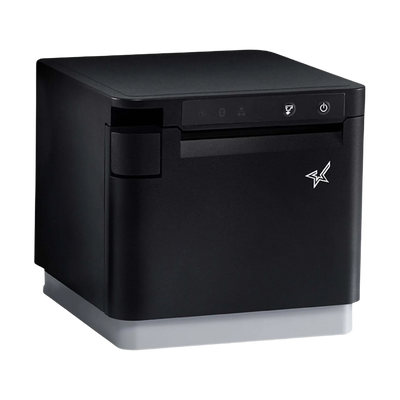
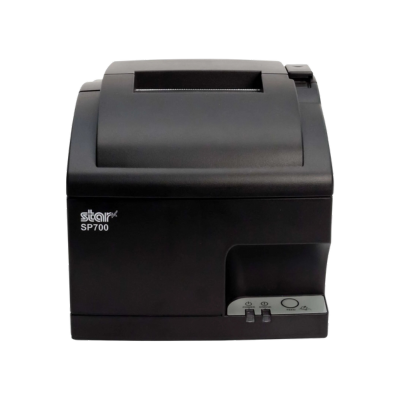
Star Micronics is especially well known for its TSP receipt printer series, mC-Print printers, SP700 kitchen printers, mPOP printer-and-cash-drawer systems, CloudPRNT-enabled printers, label printing solutions, and POS accessories that support modern checkout and service workflows.
Star Micronics Hardware Categories
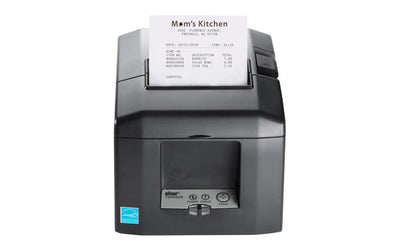
- Thermal receipt printers: Fast, quiet printers for retail checkout, restaurant receipts, hospitality counters, and service desks.
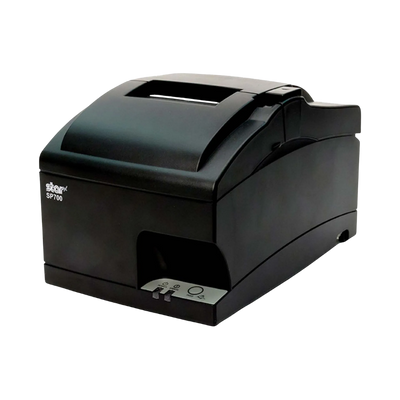
- Impact kitchen printers: Dot-matrix printers commonly used in hot, busy kitchen environments where impact printing and kitchen tickets are needed.
- Label printers: Printers for food labeling, retail labels, order labels, shelf labels, linerless labels, and specialty media.
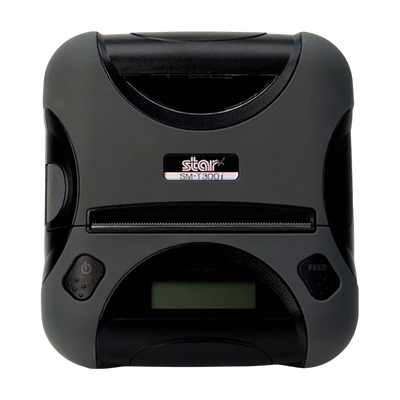
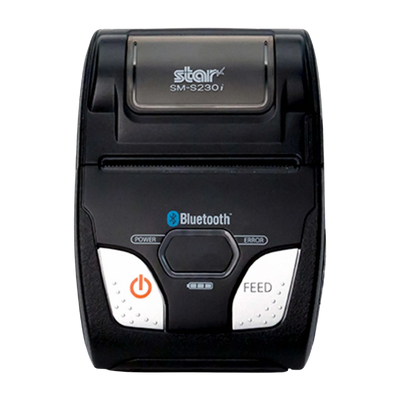
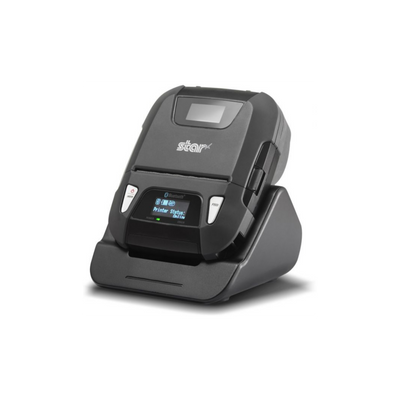
- Portable printers: Mobile printing hardware for delivery, field service, line busting, mobile POS, and on-the-go workflows.
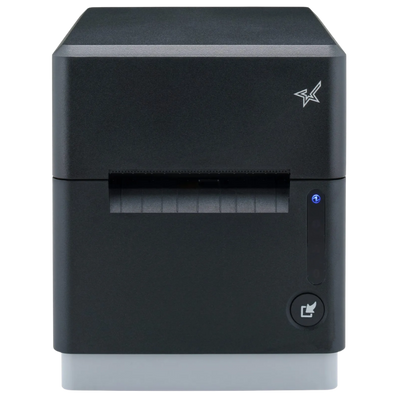
- Kiosk printers: Embedded printers for self-service kiosks, ticketing, check-in, unattended retail, and customer-facing stations.
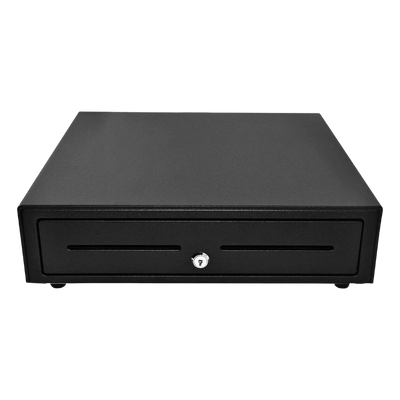
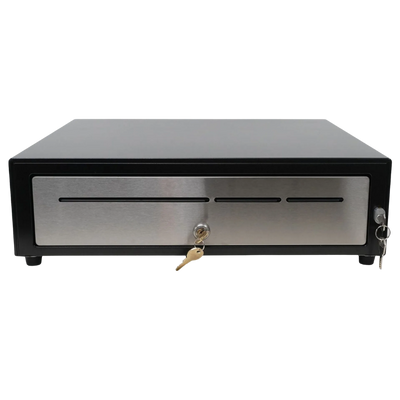
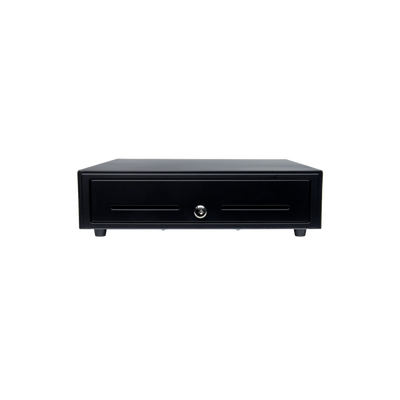
- Cash drawers: Printer-driven and USB cash drawers for retail, restaurant, and hospitality cash handling.
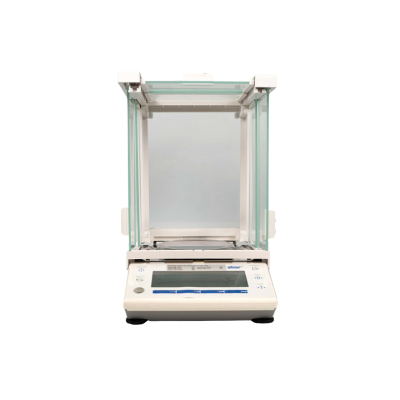
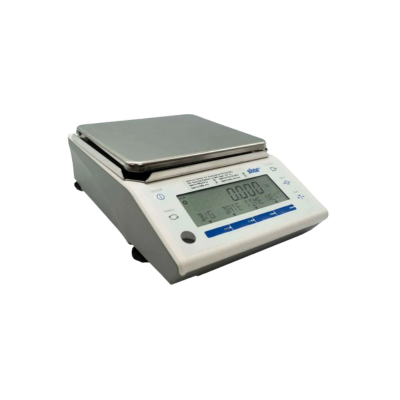
- POS scales: Weighing solutions for retail, food, specialty, and other weight-based selling environments.
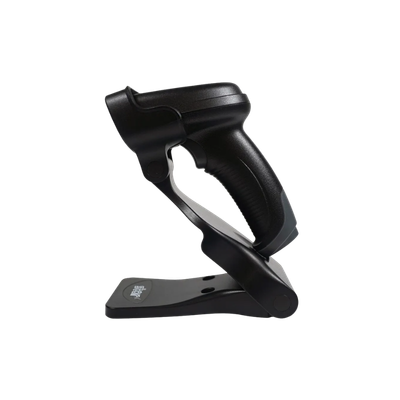
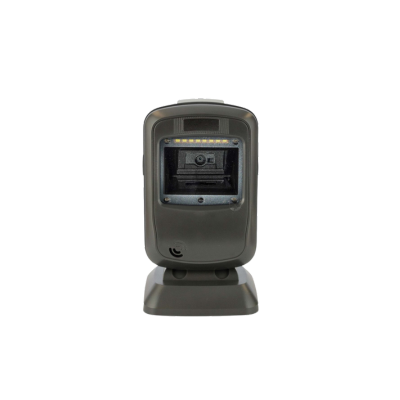
- Barcode scanners: Scanning hardware for checkout, inventory, stockroom, and customer-facing workflows.
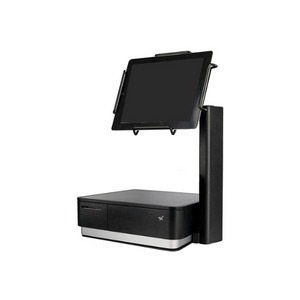
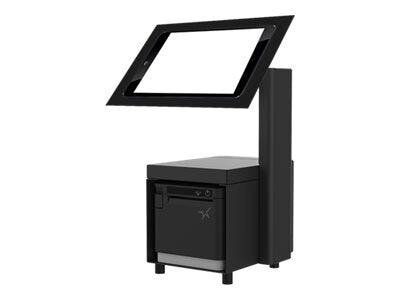
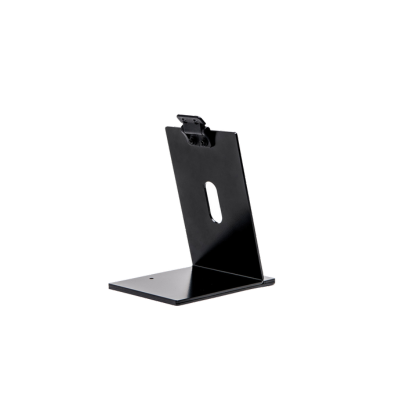
- Tablet stands and mounts: POS stands and mounting accessories for iPad, tablet, counter, and kiosk setups.
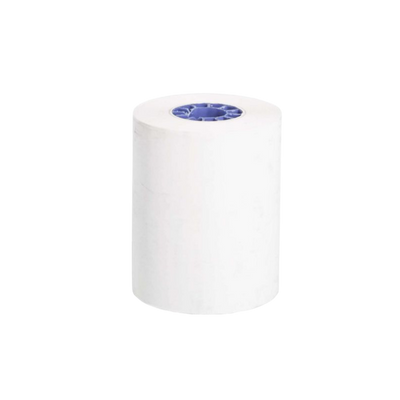
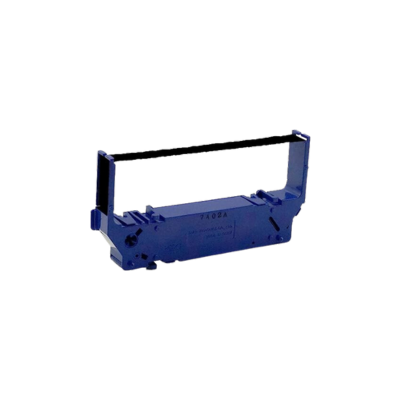
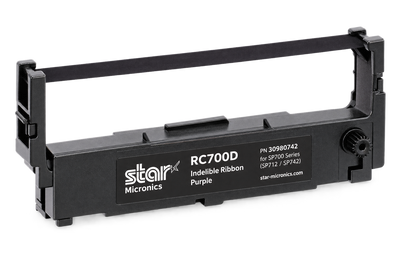
- Paper, labels, and accessories: Receipt paper, labels, ribbons, printer interfaces, cables, power supplies, mounts, and replacement parts.
Popular Star Micronics Receipt Printer Families
Star Micronics receipt printers are used across many POS environments because they offer multiple connection options and form factors. Businesses can choose from compact printers, high-speed receipt printers, cloud-connected printers, mobile printers, and wide-format printers depending on the application.
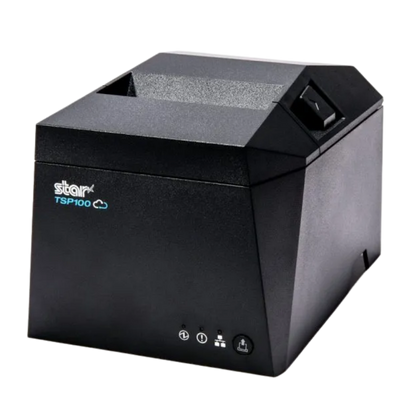
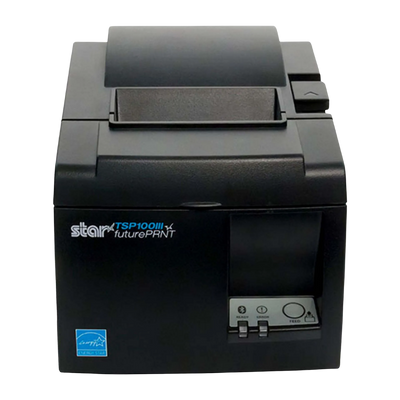
- TSP100 Series: A widely used receipt printer family for retail, restaurant, and general POS checkout workflows.
- TSP100IV / TSP143IV: Modern receipt printer models with flexible connectivity options for current POS environments.
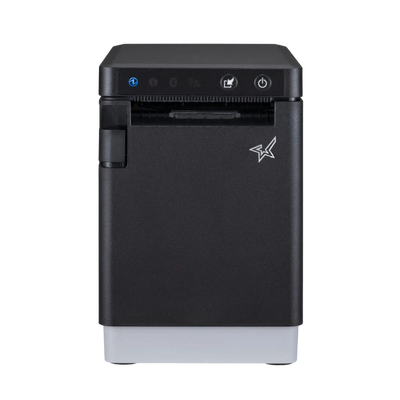
- mC-Print Series: Compact POS receipt printers designed for clean countertop installations and modern retail or restaurant setups.
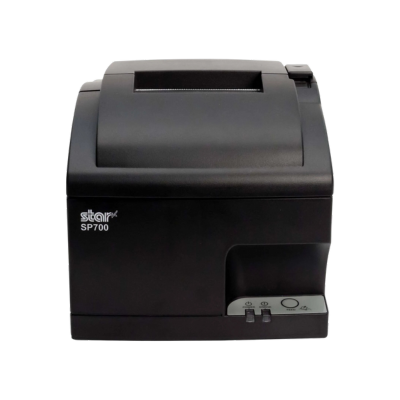
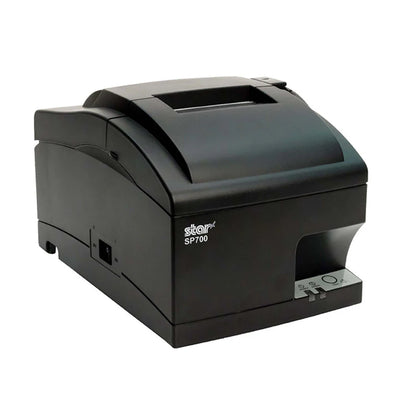
- SP700 Series: Impact kitchen printers often used for restaurant kitchen tickets, prep stations, and food service environments.
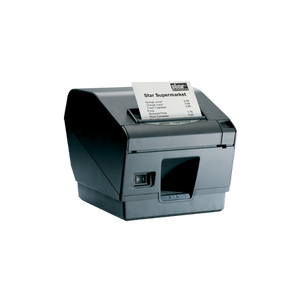
- TSP700 and TSP800 Series: Versatile receipt and wide-format printing options for businesses that need more than standard receipt output.
- mPOP: An all-in-one printer and cash drawer solution for compact POS stations.
Star Micronics Connectivity Options
The correct Star Micronics printer depends heavily on the connection type required by your POS software, device, and network. Some Star printers are built for direct wired installation, while others support wireless, cloud, or mobile device workflows.
- USB: Common for direct connection to a POS terminal, computer, or compatible device.
- USB-C: Used on newer Star printer models and modern POS hardware setups.
- Ethernet / LAN: A strong choice for networked POS environments, shared printer access, and stable wired installations.
- Wi-Fi / WLAN: Useful when a printer needs to connect wirelessly to the same network as the POS system.
- Bluetooth: Often used for tablet POS, mobile POS, and iPad-based setups when supported by the POS software.
- CloudPRNT: Designed for compatible cloud-based POS, online ordering, remote printing, and web-based workflows.
- Android Open Accessory: Used with supported Android POS device setups and compatible applications.
Star Micronics for Restaurants
Restaurants use Star Micronics hardware for front-of-house receipts, kitchen tickets, online ordering, delivery order routing, food labels, cash drawers, and host stand workflows. A restaurant may use a Star thermal receipt printer at the checkout counter, an SP700 impact printer in the kitchen, a label printer for food prep labels, and a cash drawer connected to the receipt printer.
For restaurant environments, confirm whether you need receipt printing, kitchen ticket printing, label printing, cloud printing, or mobile printing. A printer that works well at the checkout counter may not be the right model for a hot kitchen, and a kitchen printer may not be the right choice for customer receipts.
Star Micronics for Retail
Retail stores use Star Micronics POS hardware for customer receipts, cash drawer operation, product labels, shelf labels, barcode scanning, inventory workflows, and checkout stations. Retailers often choose Star printers because they support multiple POS environments, compact countertop setups, and a range of wired or wireless connection options.
For retail stores, the most important decisions are usually printer size, connection type, POS software compatibility, cash drawer compatibility, receipt paper size, and whether the printer needs to support cloud or mobile checkout workflows.
Star Micronics for Kiosks and Self-Service
Star Micronics also offers kiosk printing hardware for unattended and customer-facing environments. Kiosk printers are used in self-service checkout, order pickup, ticketing, healthcare check-in, visitor management, parking, transportation, and other applications where printing must happen inside an enclosure or kiosk station.
Star Micronics Cloud Printing
Cloud-connected Star printer models can support compatible cloud POS, online ordering, and web-based printing workflows. Cloud printing can be useful for restaurants accepting online orders, retailers using browser-based POS software, and businesses that need printing from a platform without relying only on a traditional local print driver.
Cloud printing compatibility depends on the POS application, printer model, firmware, network setup, and platform support. Confirm CloudPRNT or cloud printing requirements with your software provider before ordering.
Choosing the Right Star Micronics Hardware
Before selecting a Star Micronics product, start with the workflow. A restaurant kitchen, retail checkout counter, mobile POS cart, warehouse station, and self-service kiosk may all need different printer types, accessories, media, and connection methods.
- For customer receipts: Choose a compatible thermal receipt printer with the connection type your POS system supports.
- For kitchen tickets: Consider an impact kitchen printer or a printer approved by your restaurant POS software for kitchen use.
- For online ordering: Look for supported cloud printing or network printing options.
- For food labels: Choose a compatible label printer and confirm label size, media type, adhesive, and software support.
- For cash handling: Match the cash drawer to the receipt printer, interface cable, and POS software requirements.
- For mobile POS: Confirm Bluetooth, Wi-Fi, portable printer, tablet, and mobile app compatibility.
- For kiosks: Confirm printer mechanism, mounting, paper capacity, power, interface, and integration requirements.
What to Confirm Before Buying
- The exact Star Micronics model and part number
- Your POS software or platform compatibility
- Required connection type: USB, USB-C, Ethernet, Wi-Fi, Bluetooth, CloudPRNT, or Android Open Accessory
- Device compatibility, including Windows, macOS, iPadOS, iOS, Android, or POS terminal requirements
- Printer color, interface, included cable, and power supply details
- Cash drawer compatibility and required cable
- Receipt paper, label, ribbon, or linerless media requirements
- Whether the item is current, discontinued, end-of-life, or replaced by a newer model
- Mounting, kiosk, under-counter, or accessory requirements
Star Micronics Replacement and End-of-Life Planning
Many businesses shopping for Star Micronics hardware are replacing older TSP, SP, mC-Print, or mPOP devices. When replacing an existing printer, do not rely on the product name alone. Confirm the exact part number, interface, color, power supply, cable, printer language, driver support, and POS software approval.
Some Star Micronics models may have multiple versions with similar names but different interfaces. For example, a USB model, Ethernet model, Bluetooth model, and Wi-Fi model may belong to the same printer family but work differently with your POS system. If a model is end-of-life, confirm the recommended replacement before ordering.
Related Star Micronics Hardware and Supplies
- Star Micronics
- Receipt Printers
- Thermal Receipt Printers
- Kitchen Printers
- Label Printers
- Mobile Receipt Printers
- Kiosk Printers
- Cash Drawers
- Receipt Paper
- Printer Accessories
- Barcode Scanners
- POS Scales
- Restaurant POS Hardware
- Retail POS Hardware
Compatibility Notes
Compatibility depends on your POS software, operating system, connection type, drivers, accessories, and configuration. Confirm compatibility before ordering.
Star Micronics hardware compatibility may also depend on your printer model, part number, firmware, device type, network setup, mobile app, printer language, cash drawer cable, receipt paper, label media, and installation environment. Always confirm your POS provider’s current supported hardware list before purchasing.
Why Buy Star Micronics Hardware from ShopPOS Portals?
ShopPOS Portals helps businesses find practical POS hardware for retail, restaurant, hospitality, kiosk, mobile, and service environments. Our goal is to make it easier to match Star Micronics printers, cash drawers, paper, labels, accessories, and replacement hardware to the actual software, connection type, and workflow you use every day.
Frequently Asked Questions
What is Star Micronics best known for?
Star Micronics is best known for POS receipt printers, kitchen printers, label printers, cash drawers, kiosk printers, mobile printers, and connected POS hardware used in retail, restaurant, hospitality, and service environments.
Which Star Micronics printer should I buy?
The right Star Micronics printer depends on your POS software, connection type, device, print use, and environment. A retail checkout station, restaurant kitchen, online ordering setup, and kiosk installation may each require a different printer model.
Do Star Micronics printers work with iPad POS systems?
Some Star Micronics printers work with supported iPad POS systems, but compatibility depends on the exact printer model, connection type, POS app, iPad setup, and software requirements. Confirm compatibility before ordering.
What is CloudPRNT?
CloudPRNT is a Star Micronics cloud printing technology used by compatible software platforms to send print jobs to supported Star printers over a network or internet-based workflow. It is commonly considered for online ordering, cloud POS, and web-based printing environments.
Can I use the same Star printer for receipts and kitchen tickets?
Sometimes, but not always. Receipt printers and kitchen printers are often used differently. Hot kitchen environments may require an impact printer or a POS-approved kitchen printer, while customer receipts are commonly printed on thermal receipt printers.
How do I replace an older Star Micronics printer?
Start by checking the exact part number, model, interface, color, power supply, and POS software compatibility of the old printer. If the model is discontinued or end-of-life, confirm the current replacement model before ordering.
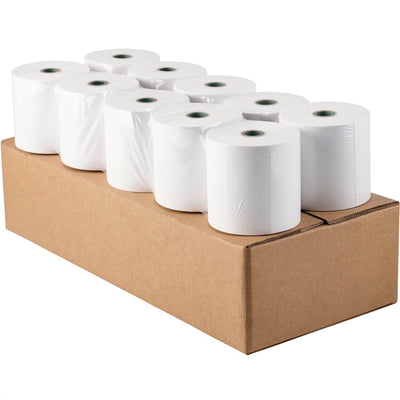
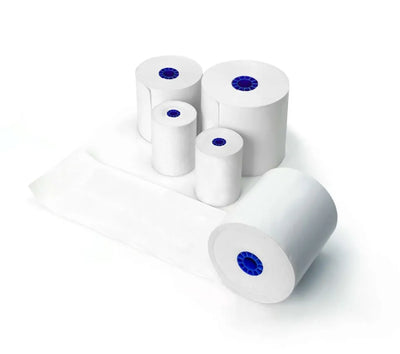
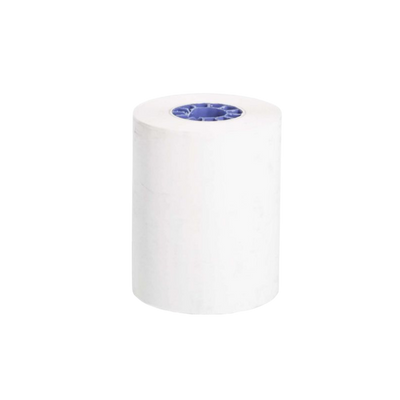
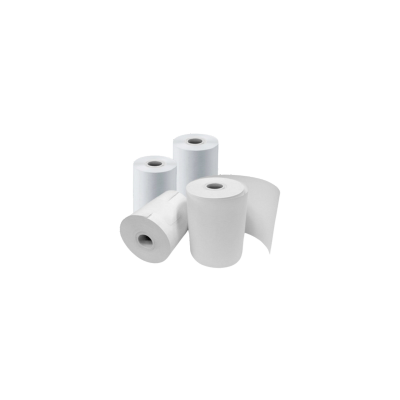
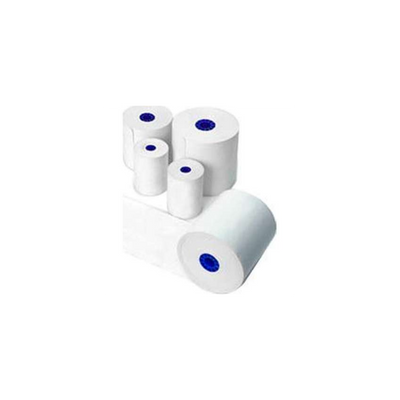
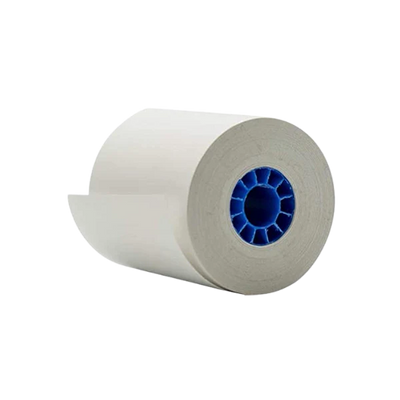
What paper do Star Micronics receipt printers use?
Paper requirements depend on the printer model. Many thermal receipt printers use thermal receipt paper, but width, roll diameter, core size, and media type can vary by model. Always confirm the correct paper before ordering supplies.
Bottom Line
Star Micronics offers a broad POS hardware lineup for businesses that need reliable receipt printing, label printing, kitchen printing, kiosk printing, mobile printing, cash handling, scanning, weighing, and POS accessory support. Before buying, confirm your exact software, printer model, connection type, media, accessories, and replacement path so your Star Micronics hardware fits your checkout, restaurant, retail, or service workflow.