
Shipping and Fulfillment Hardware

Every Parcel Out the Door on the First Attempt

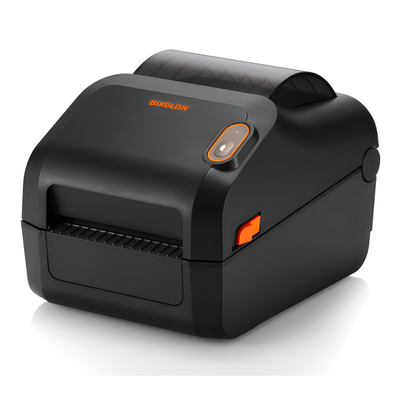
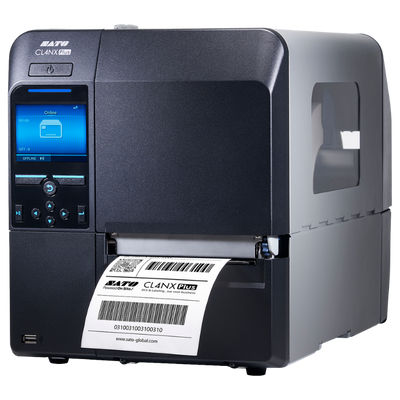
Label printers, scanners, scales and 4x6 media for pack benches and shipping stations. Specified so labels pass carrier scanning rather than coming back as exceptions.

Carrier-Compliant 4x6 PrintingPresentation Scanning at the BenchDirect Thermal, No Ribbon to ReloadPrint Quality That Survives the Hub
Every Parcel Out the Door on the First Attempt
How It Comes Together

Setting Up a Shipping Station

Most shipping hardware problems show up as carrier exceptions rather than obvious failures, which means they are discovered days later and by then several hundred parcels are affected.

01

Confirm the Shipping Platform

Shipping software drives the printer directly and most platforms publish a supported printer list. Some send raw ZPL, some need a print driver, some only work with specific models. This decides the printer before anything else does.

What we need from you Which shipping platform you use, and whether you print from a browser or a desktop app.
02

Size Against Peak, Not Average

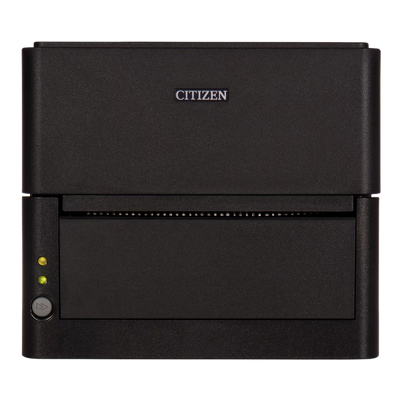
A desktop printer copes with a hundred parcels a day and becomes the bottleneck at five hundred. Size the printer against your busiest week rather than a normal one, because that is the week it will fail.

What we need from you Daily parcel volume at normal and peak, and how many benches you run.
03

Standardise on 4x6 Direct Thermal

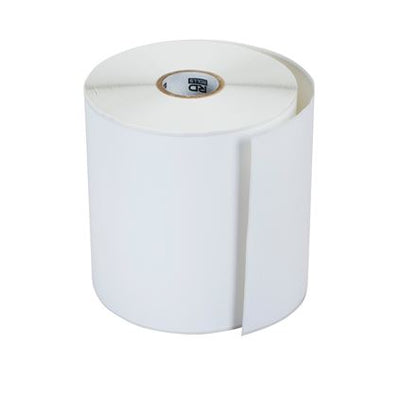
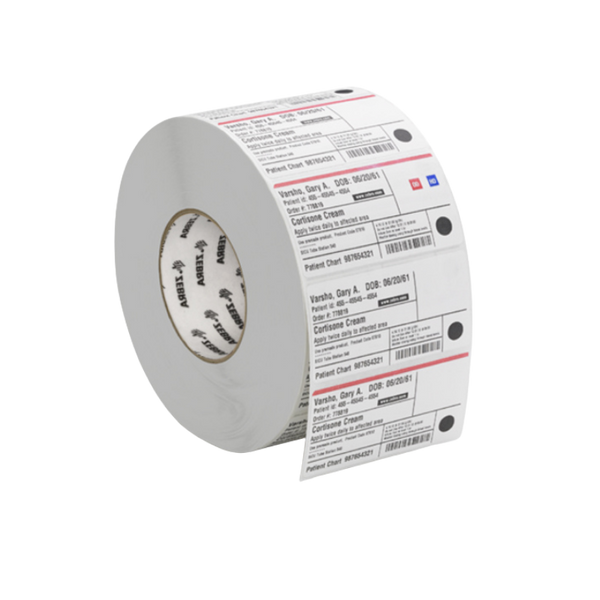
Carrier labels are 4x6 and direct thermal, which means no ribbon to reload mid-shift. Buy the largest roll or fanfold stack the printer takes, because media changes are the most frequent interruption at a busy bench.

What we need from you Nothing extra - but tell us if you also print packing slips, which changes the setup.
04

Verify What Went in the Box

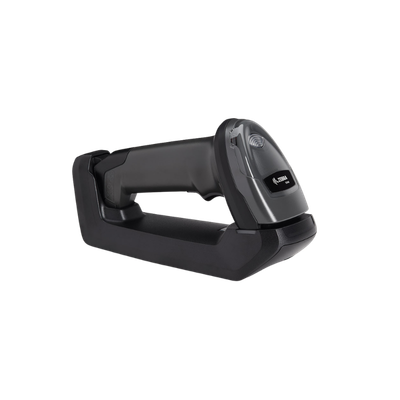
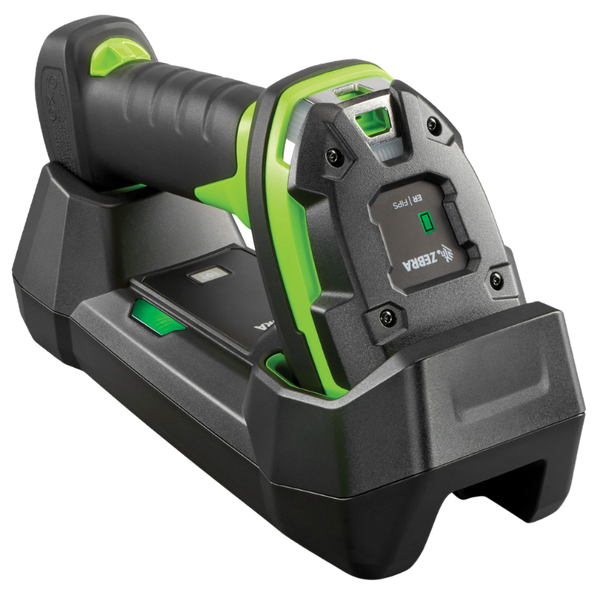
Scanning the item against the order at the pack bench is what stops mis-ships, and a mis-ship costs the item, the return shipping and the replacement. A presentation scanner suits this because the packer has both hands full.

What we need from you Whether your platform supports scan-to-verify, or if that is a manual check today.
05

Keep a Spare Printhead

Printheads wear out, and on a shipping printer running all day they wear out predictably. A worn head produces voids that scan fine at your bench and fail at the carrier hub, so the first sign is usually an exception report rather than a visible problem.

What we need from you Nothing - just budget for a spare head and cleaning supplies from day one.

If you are approaching a seasonal peak, order early. Shipping hardware is the one category where lead time genuinely bites, because everyone needs it in the same eight weeks.

Plan a Shipping Station
Browse the Catalog

Shipping and Fulfillment Hardware

Printers, scanners and media for pack benches and shipping stations.

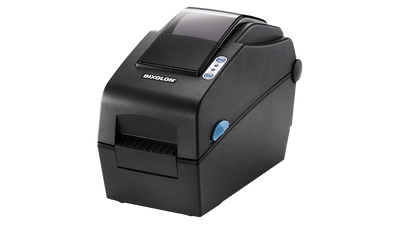
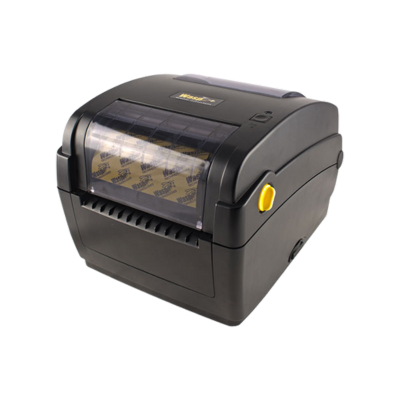
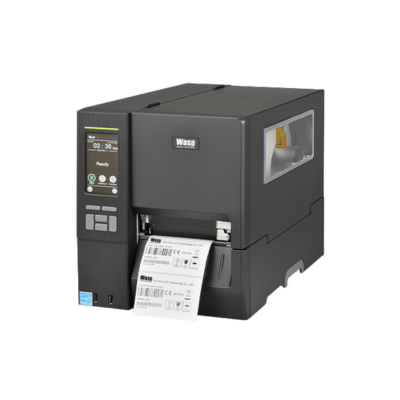
Desktop Label PrintersWasp, WPL304 Plus, Label Printer

Wasp, WPL304 Plus, Label Printer

Wasp

Featuring direct thermal and thermal transfer barcode label printing technology and best in class standard connectivity options (Ethernet, USB, Serial, and Parallel),...

Starting At

$426.64

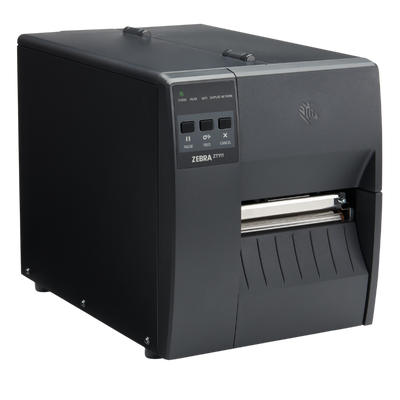
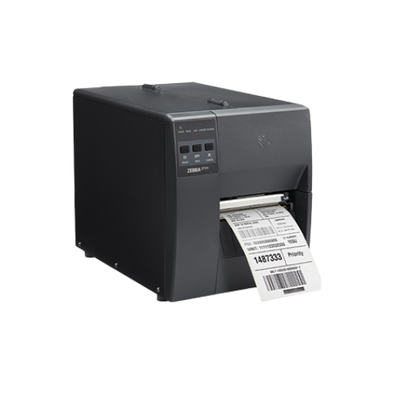
Industrial Label PrintersZebra, ZT111 Label Printer

Zebra, ZT111 Label Printer

Zebra

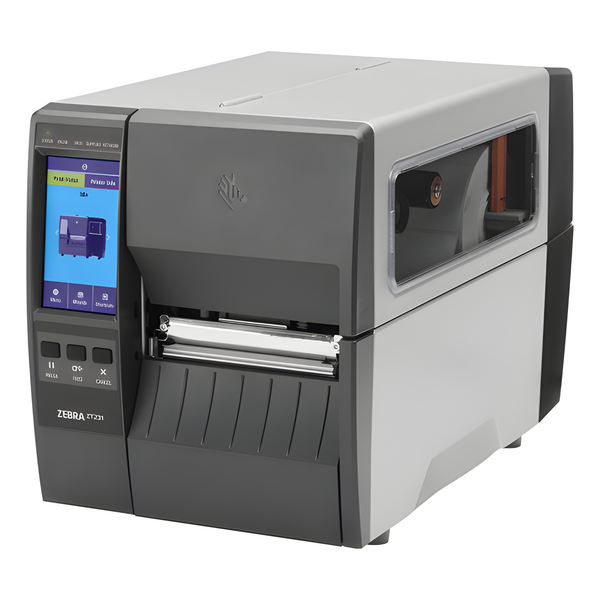
Zebra ZT111 4-Inch Industrial Label Printer Introduction The Zebra ZT111 is an affordable light-industrial barcode label printer designed for businesses...

Starting At

$938.50

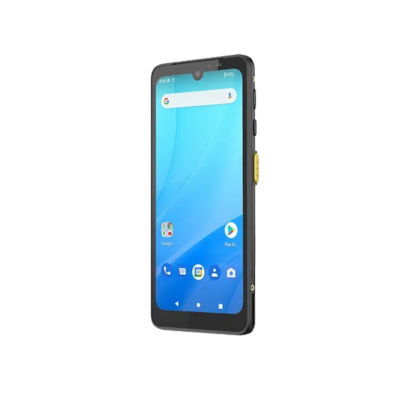
Mobile ComputersWasp, DR6 Mobile Computer

Wasp, DR6 Mobile Computer

Wasp

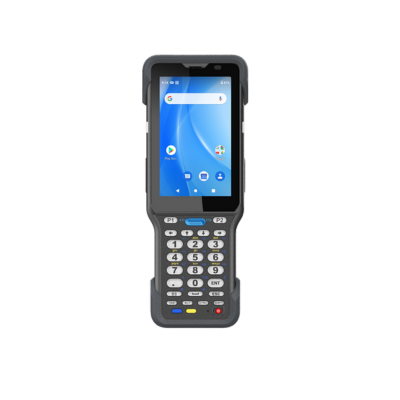
Wasp DR6 Rugged Android Mobile Computer Introduction The Wasp DR6 Rugged Mobile Computer is a powerful enterprise Android handheld designed...

Starting At

$1,045.00

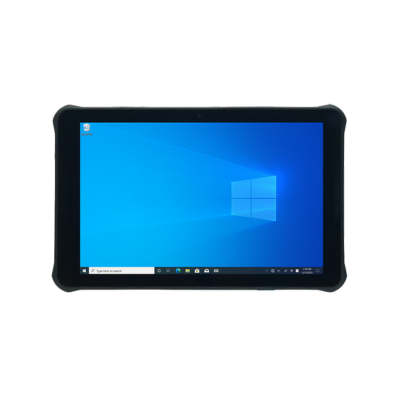
Mobile ComputersUnitech, RT112 Windows Tablet

Unitech, RT112 Windows Tablet

Unitech

Enhance indoor operations with the lightweight yet durable RT112 Windows tablet. Featuring a 10.1" touchscreen with 450-nit brightness, Wi-Fi 6E,...

Starting At

$1,144.54

No products found.

Select another filter or return to All Hardware.

Complete Systems

Pack Bench Configurations

A shipping station is a printer, a scanner and somewhere to verify what went in the box. These configurations cover single-bench operations through to multi-station fulfilment.

Warehouse Labelling System
Warehouse SystemLabelling

Warehouse Labelling System

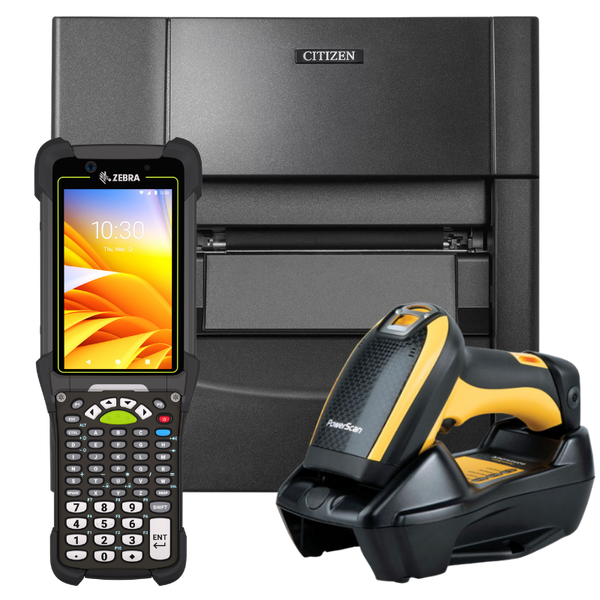
Print and verify in one place. An industrial printer with matched media and a scanner to check what came out, which is how you catch a failing printhead before the carrier does.

  • Industrial 4 inch label printer, 203 or 300 dpi
  • Matched labels and thermal transfer ribbon
  • Handheld verification scanner
  • Spare printhead and cleaning supplies
Industrial PrinterMatched MediaPrint VerificationCarrier CompliantShipping
Request Labelling System Quote
Receiving and Putaway System
Warehouse SystemReceiving

Receiving and Putaway System

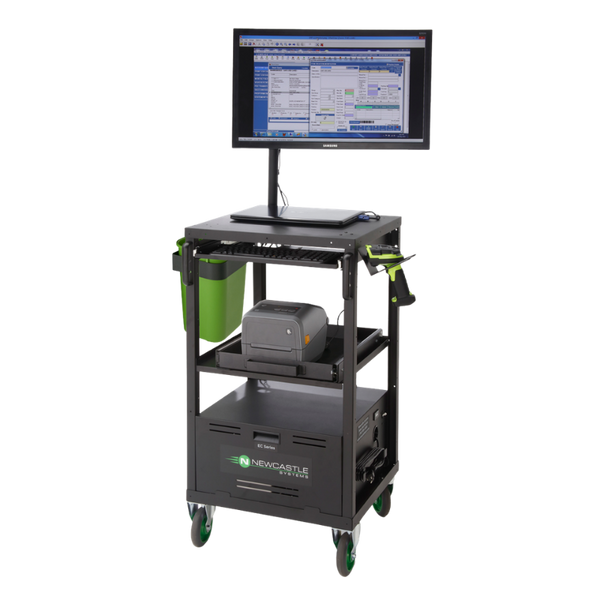
The dock-to-location configuration. A rugged handheld that reads damaged carton labels at receiving, paired with the printer producing location and licence plate labels. Add a powered cart where the labelling happens at the pallet rather than back at a bench.

  • Rugged Android mobile computer with 2D imager
  • Industrial thermal transfer label printer
  • Optional powered mobile cart for labelling at the pallet
  • Location and carton label stock with matched ribbon
  • Multi-bay charging and spare batteries
Rugged2D ImagerIndustrial PrinterCart OptionDock to Location
Request Receiving System Quote
Mobile Computing Bundle
Asset Tracking SystemTeam Deployment

Mobile Computing Bundle

The everyday configuration for teams auditing and checking assets in and out. A rugged Android handheld running your asset software, with multi-bay charging so a shared device is always ready for whoever picks it up next.

  • Rugged Android handheld, Wi-Fi or cellular
  • Multi-bay charging cradle for shared use
  • Spare batteries and hand straps
  • Desktop label printer for bulk tagging
AndroidShared ChargingWi-Fi or CellularRuggedMulti-User
Request Bundle Quote

Scaling up for peak?

Tell us your shipping platform, daily parcel volume and how many benches you run. We will specify printers, scanners and label stock together, and can stage delivery ahead of a seasonal peak rather than when it has already started.

Request a Recommendation

Shipping Hardware Questions

Most shipping hardware problems show up as carrier exceptions days later. These are the ones worth getting right first.

Which printer do we need for shipping labels?

A 4 inch direct thermal label printer. Carrier labels are 4x6 and direct thermal, so no ribbon is involved.

For under a hundred parcels a day, a desktop printer such as a Zebra ZD621 is fine. Above that, or across multiple benches, move to an industrial printer with larger media capacity so you are not reloading through a peak.

Check your shipping platform's supported printer list first, because some print raw ZPL and others need a specific driver.

Why does the carrier reject our labels?

Nearly always print quality rather than format. A worn printhead produces small voids in the barcode. Your scanner reads it fine at close range; a carrier hub scanner reading at speed does not.

Check the printhead for a thin white line running down the label, clean it properly, and replace it if the line persists. Also confirm the label width matches the print width, since narrower stock can cause tracking that distorts the code.

Printheads are consumables rated in kilometres of media, not fault items. On a busy shipping printer, replacement is routine.

Rolls or fanfold labels?

Rolls suit desktop printers and lower volume. Fanfold stacks hold far more labels, sit behind or beneath the printer, and mean fewer interruptions at a busy bench.

At peak volume the reload frequency matters more than the price per label. A packer stopping to change media every forty minutes costs more in throughput than the media saving.

Do we need a scanner at the pack bench?

If you want to stop mis-ships, yes. Scanning the item against the order before it goes in the box is the only reliable check, and a mis-ship costs the item, the return postage and the replacement.

A presentation scanner works best here because the packer has product in both hands and should not be picking a scanner up. Corded is fine, since the bench does not move.

Will direct thermal shipping labels fade?

Yes, eventually, but it rarely matters. A shipping label needs to survive days rather than years, and direct thermal is more than adequate for the journey.

Where it does matter is storage. Parcels sitting in a hot vehicle or in sunlight can darken, and labels stored as stock for months before use will degrade. Keep unused label stock out of heat and light, and use thermal transfer only if a label genuinely has to last.

Which manufacturers do you carry for shipping?

For label printing, Zebra is the most widely supported by shipping platforms, with TSC, Citizen and SATO also well supported.

For scanning, Zebra, Honeywell and Datalogic.

We also stock 4x6 label stock, print heads and cleaning supplies, which are what keep a shipping bench running.

Hardware Selection Support

Not sure which model is right?

Send us what you are trying to do and we will come back with a specific recommendation rather than a catalogue. If you are replacing equipment, a model number or a photo of the existing setup is usually enough to work from.

  • Solutions experts on staff to answer your hardware questions
  • 30 day return policy, excluding consumables
  • In-stock items ship same day when ordered by 4:00pm Eastern
  • Volume and multi-location pricing reviewed on request

Ask a Question

We usually respond within 10 minutes on weekdays.

We use your details to answer your enquiry and nothing else.