
Inventory Control Hardware

Count It Once, and Trust the Number

Barcode scanners, mobile computers, label printers and RFID for stock accuracy across stockrooms, warehouses and retail floors. Specified against the software you already run.

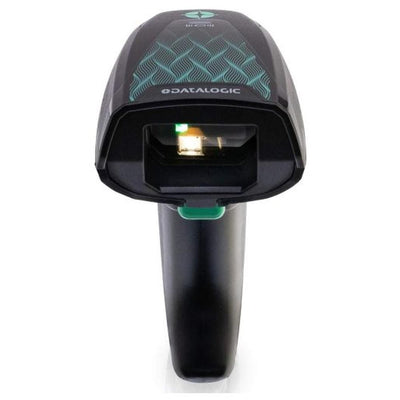
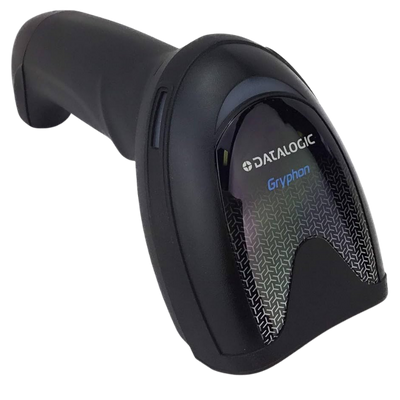
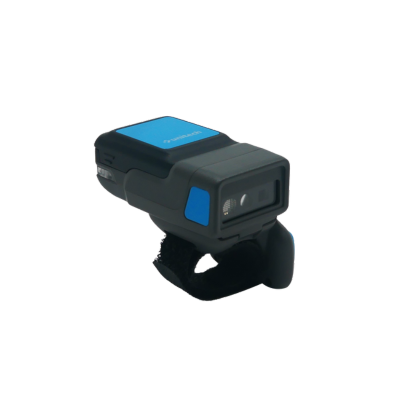
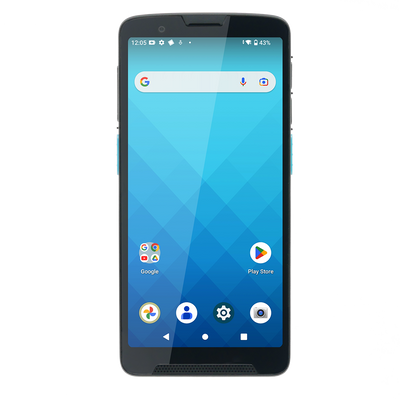
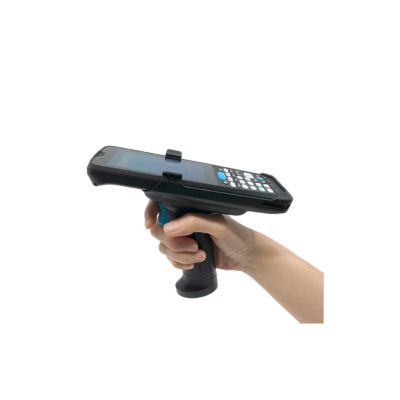
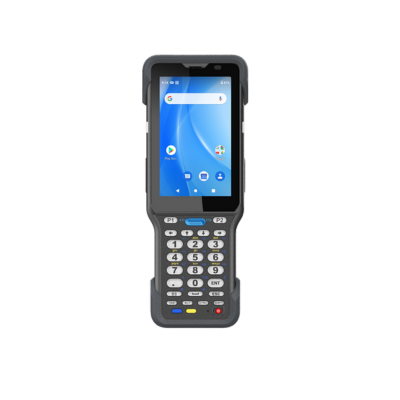
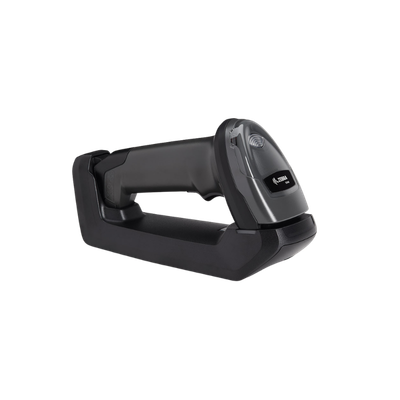
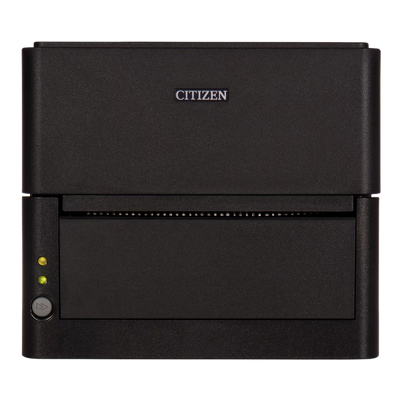
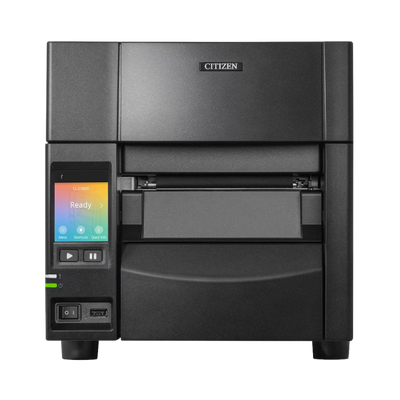
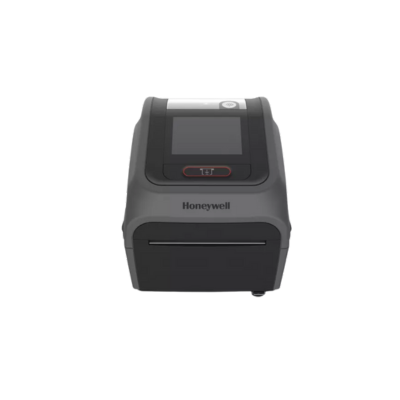
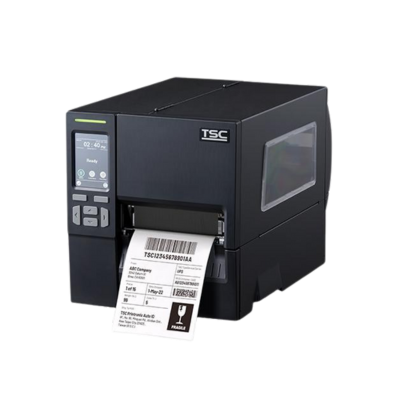
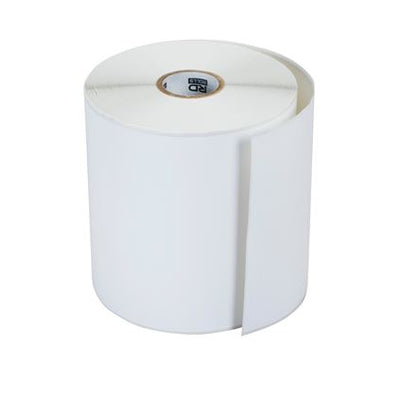
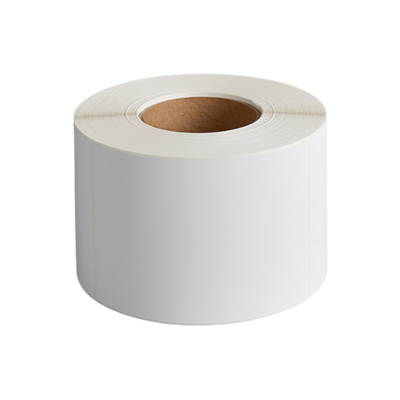
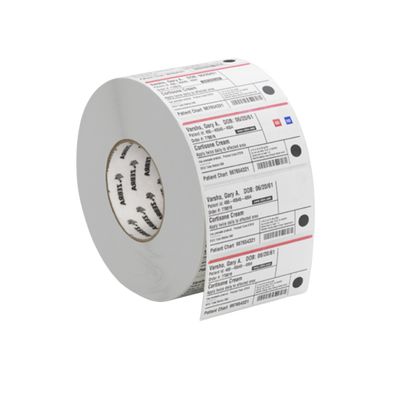
Scan at the Point of MovementLabels That Survive the StockroomOffline Capture Where Coverage Is PoorRFID Where Counting Has Stopped Scaling
Count It Once, and Trust the Number
How It Comes Together

Getting to a Number You Can Trust

Stock accuracy is rarely a software problem. It drifts because movements get recorded from memory at the end of a shift rather than captured when they happen. This is the order we work in.

01

Find Where the Variance Starts

Stock rarely goes missing evenly. It drifts at one or two specific points, usually receiving, picking, or anywhere staff currently write a number down and enter it later. That is where scanning pays back first.

What we need from you Which workflows are still on paper, and roughly what your last count variance looked like.
02

Confirm What the Software Supports

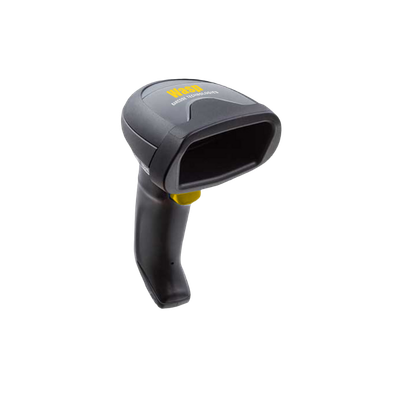
Inventory platforms differ in what they will accept. Some expect a keyboard-wedge scanner and nothing else, some publish an approved device list, some need an app on a specific Android version. This decides the hardware more than any preference does.

What we need from you The software name and version, and their approved hardware list if they publish one.
03

Label the Locations, Not Just the Stock

Counting is far faster when the shelf, bin and rack all carry a scannable location. Without it, staff type location codes by hand, which is where transcription errors enter a count that was otherwise accurate.

What we need from you Your location naming scheme, and whether shelving is metal, wire or plastic - it changes the adhesive.
04

Check Coverage Before You Rely On It

Stockrooms, basements and the far end of a warehouse are exactly where wireless coverage fails. A device that only works online will stop mid-count, and staff will revert to paper rather than wait.

What we need from you Where the dead spots are, or permission to test coverage during a walk-through.
05

Standardise Before You Scale

Once several people are scanning, one device model across the team means chargers, batteries and spares interchange, and someone covering another area already knows the equipment. Mixed fleets quietly cost more than they save.

What we need from you How many people need equipping now, and whether more sites are coming.

Most sites find one workflow is responsible for the bulk of the variance. Fix that one properly before extending the same hardware standard across the rest.

Talk Through Your Workflow
Browse the Catalog

Inventory Control Hardware

Filter by category to see what we stock. We can confirm compatibility with your inventory software before you order.

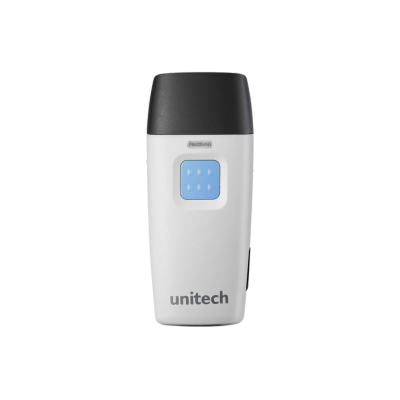
Barcode ScannersUnitech, MS633 Ring Scanner

Unitech, MS633 Ring Scanner

Unitech

The MS633 ring scanner boasts a wearable design, providing unparalleled freedom of movement. This design allows for comfortable barcode scanning...

$405.00

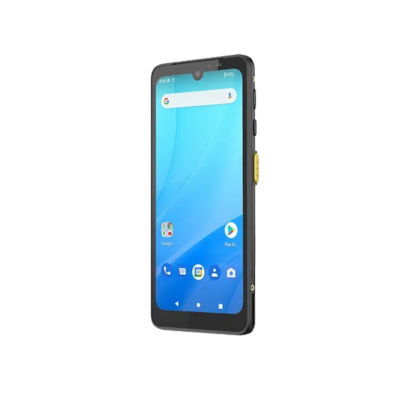
Mobile ComputersWasp, DR6 Mobile Computer

Wasp, DR6 Mobile Computer

Wasp

Wasp DR6 Rugged Android Mobile Computer Introduction The Wasp DR6 Rugged Mobile Computer is a powerful enterprise Android handheld designed...

Starting At

$1,045.00

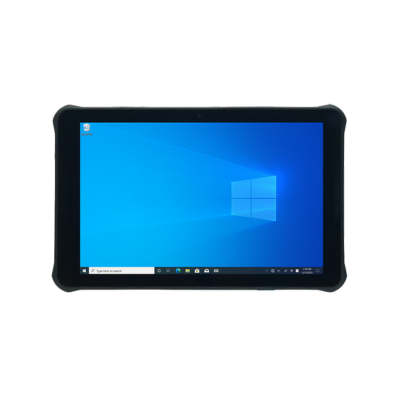
Mobile ComputersUnitech, RT112 Windows Tablet

Unitech, RT112 Windows Tablet

Unitech

Enhance indoor operations with the lightweight yet durable RT112 Windows tablet. Featuring a 10.1" touchscreen with 450-nit brightness, Wi-Fi 6E,...

Starting At

$1,144.54

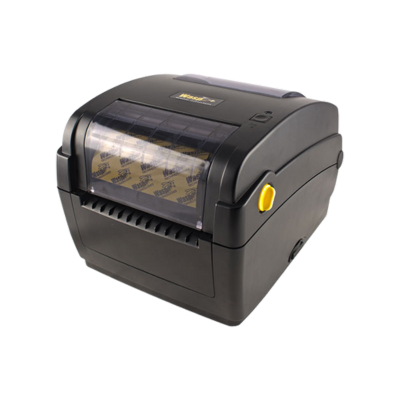
Label PrintersWasp, WPL304 Plus, Label Printer

Wasp, WPL304 Plus, Label Printer

Wasp

Featuring direct thermal and thermal transfer barcode label printing technology and best in class standard connectivity options (Ethernet, USB, Serial, and Parallel),...

Starting At

$426.64

No products found.

Select another filter or return to All Hardware.

Complete Systems

Three Ways to Keep Stock Accurate

Accuracy comes from capturing movement as it happens rather than reconciling afterwards. These configurations cover the three places that usually breaks down.

Receiving and Putaway System
Warehouse SystemReceiving

Receiving and Putaway System

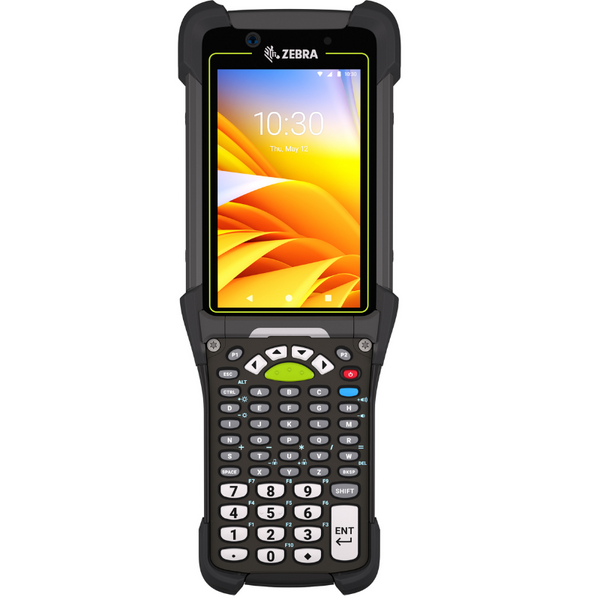
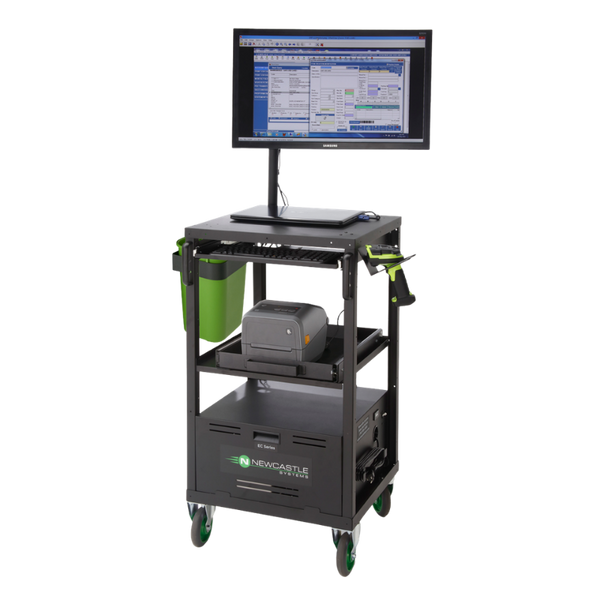
The dock-to-location configuration. A rugged handheld that reads damaged carton labels at receiving, paired with the printer producing location and licence plate labels. Add a powered cart where the labelling happens at the pallet rather than back at a bench.

  • Rugged Android mobile computer with 2D imager
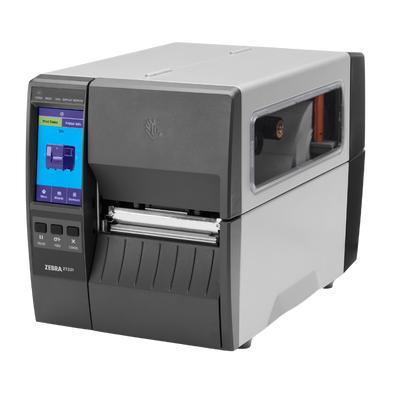
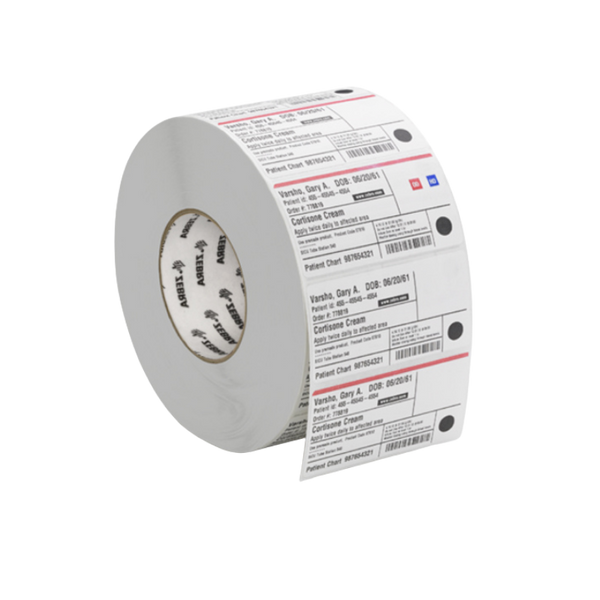
  • Industrial thermal transfer label printer
  • Optional powered mobile cart for labelling at the pallet
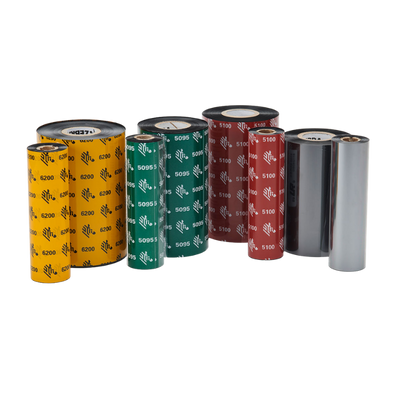
  • Location and carton label stock with matched ribbon
  • Multi-bay charging and spare batteries
Rugged2D ImagerIndustrial PrinterCart OptionDock to Location
Request Receiving System Quote
Mobile Computing Bundle
Asset Tracking SystemTeam Deployment

Mobile Computing Bundle

The everyday configuration for teams auditing and checking assets in and out. A rugged Android handheld running your asset software, with multi-bay charging so a shared device is always ready for whoever picks it up next.

  • Rugged Android handheld, Wi-Fi or cellular
  • Multi-bay charging cradle for shared use
  • Spare batteries and hand straps
  • Desktop label printer for bulk tagging
AndroidShared ChargingWi-Fi or CellularRuggedMulti-User
Request Bundle Quote
RFID Asset Tracking
Asset Tracking SystemLocate, Not Scan

RFID Asset Tracking

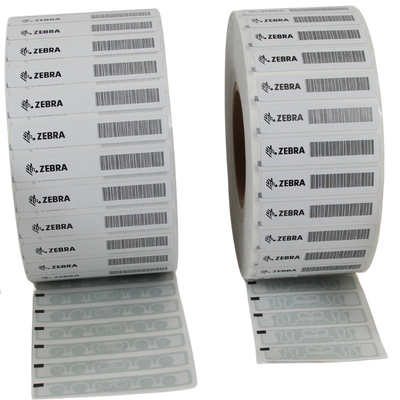
For finding assets rather than confirming them. An RFID reader captures hundreds of tags per second without line of sight, including equipment inside cabinets and containers, which turns a multi-day audit into a walk through the building.

  • RFID handheld reader or sled for an existing device
  • RFID label printer that encodes and verifies
  • On-metal tags for equipment and tooling
  • Standard inlays for non-metallic assets
No Line of SightBulk ReadingOn-Metal TagsPrint and EncodeAudit in Hours
Request RFID System Quote

Counting more than you can keep up with?

Tell us your inventory software, how many locations and roughly how many SKUs. We will specify the scanners, printers and labels together, confirm compatibility with your system, and stage delivery so a rollout does not stall mid-count.

Request a Recommendation

Inventory Control Questions

The questions that decide whether a count you can trust is achievable with the hardware you have.

What scanner do we need for stock counts?

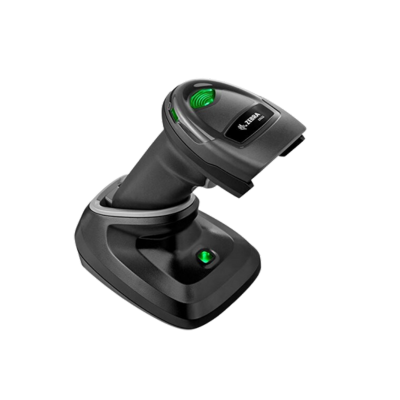
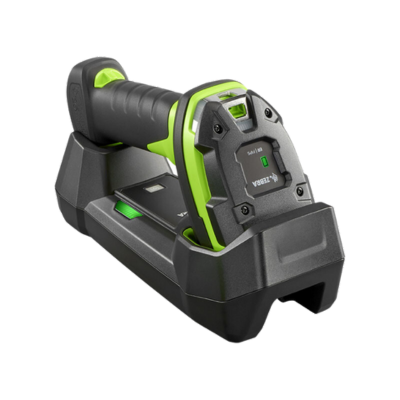
For counting away from a computer, a cordless scanner with batch memory is usually the right answer. It keeps working out of Bluetooth range and uploads when it reconnects, which matters in stockrooms and basements where coverage is poor.

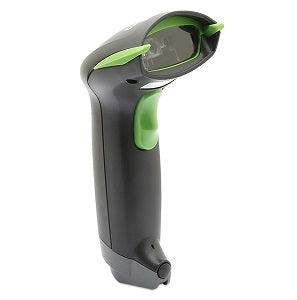
If your software runs as an app, a mobile computer is better than a scanner, because the operator sees what they are counting rather than scanning blind. If counting happens at a fixed desk, a simple corded USB scanner is fine and costs a fraction as much.

Do we need to label shelf locations?

If you want counts to be fast and accurate, yes. Scanning a location before counting its contents removes the most common source of error in a manual count, which is stock recorded against the wrong bin.

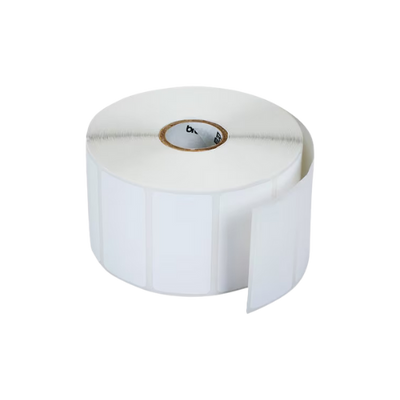
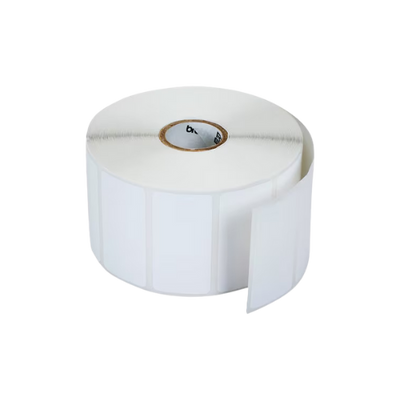
Location labels need to survive being knocked, cleaned and rubbed against for years, so polyester with thermal transfer rather than paper. On wire shelving or metal racking, confirm the adhesive suits the surface, or use a rack label with a magnetic or clip mount instead.

Is RFID worth it for inventory?

It depends on how often you count and how long it currently takes. Barcode counting is one item at a time in line of sight. RFID reads hundreds of tags per second through cartons and shelving, which turns a full count from a weekend into an hour.

The trade-off is tag cost and the fact that performance depends heavily on what you are tagging. Tags on metal or liquid need on-metal versions at a higher price, and read rates should be proven with your own products before committing to volume.

Sites counting weekly usually justify it. Sites counting annually usually do not.

Will this work with our inventory software?

Usually, but the detail matters. Some platforms accept any keyboard-wedge scanner. Others publish an approved device list and only certify specific Android builds, and running an uncertified combination generally means unsupported.

Send us the software name and version and we will check against their requirements before you order. We supply hardware for software companies, so this is the question we answer most often.

Can we just use cheap scanners from a marketplace?

For a desk in an office, often yes. For anything else the economics usually reverse within a year.

Commercial scanners publish drop ratings, read damaged and poorly printed labels that consumer models reject, and are supported with firmware and spares for years. The failures with cheap hardware are rarely dramatic; they are slow scans, repeated attempts and staff losing confidence in the system, which is harder to measure and more expensive than the device.

Which manufacturers do you carry for inventory control?

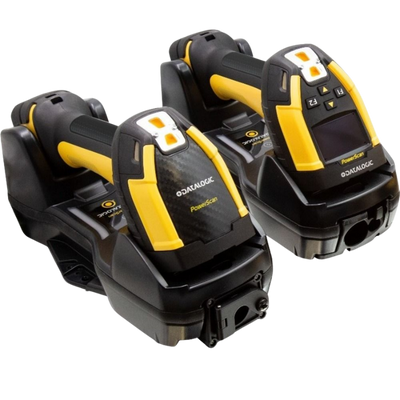
For scanning and mobile computing, Zebra, Honeywell, Datalogic, Unitech and Wasp, where hardware and inventory software are bought together.

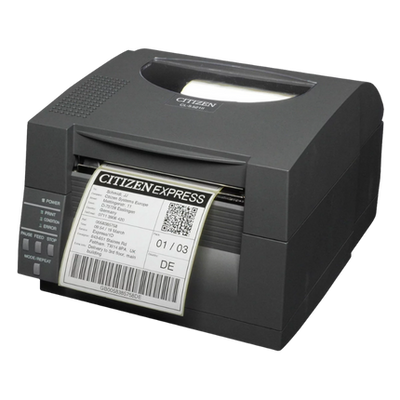
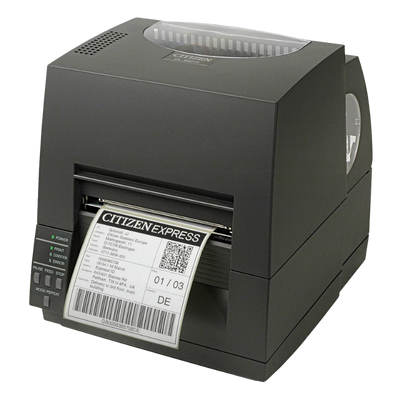
For labelling, Zebra, Brother, Citizen, TSC and SATO.

We are not tied to one brand. What suits depends on your software, your environment and how many people need equipping.

Hardware Selection Support

Not sure which model is right?

Send us what you are trying to do and we will come back with a specific recommendation rather than a catalogue. If you are replacing equipment, a model number or a photo of the existing setup is usually enough to work from.

  • Solutions experts on staff to answer your hardware questions
  • 30 day return policy, excluding consumables
  • In-stock items ship same day when ordered by 4:00pm Eastern
  • Volume and multi-location pricing reviewed on request

Ask a Question

We usually respond within 10 minutes on weekdays.

We use your details to answer your enquiry and nothing else.