
Barcode Labelling Solutions

Build Complete Barcode Label Printing Systems

Match label printers, software-compatible interfaces, labels, ribbons, scanners and accessories to desktop, industrial, mobile and high-volume labeling workflows.

Product LabelsShipping LabelsInventory LabelsCompliance LabelsAsset Tags
100,000+Hardware models
1 DayAverage fulfillment
VolumeProject pricing
Build Complete Barcode Label Printing Systems

Complete Barcode Labelling Deployments

Barcode Labeling Hardware Built Around the Print Workflow

A successful barcode labeling program starts with the label application, print volume, environment, software and required media.

ShopPOSPortal helps configure desktop, industrial and mobile printers together with scanners, labels, ribbons and accessories for product, shipping, compliance, inventory and asset labeling.

Hardware can be standardized for one workstation, multiple facilities or an ISV-supported customer program.

01

Define the label size, material and application.

02

Match printer class to daily print volume.

03

Confirm interfaces, printer language and software support.

04

Add scanners, media and deployment accessories.

Hardware by Workflow

Match the Printer to the Labeling Application

Label size, material, print method and daily volume determine the right printer class.

Product

Product Labeling

Create retail, manufacturing and packaged-goods labels.

  • Desktop or industrial printer
  • Paper or synthetic labels
  • Barcode verification
Shipping

Shipping Labels

Print carrier, carton, return and routing labels.

  • 4-inch printer
  • Direct thermal media
  • USB or Ethernet
Warehouse

Inventory & Location Labels

Create durable bin, rack, pallet and inventory labels.

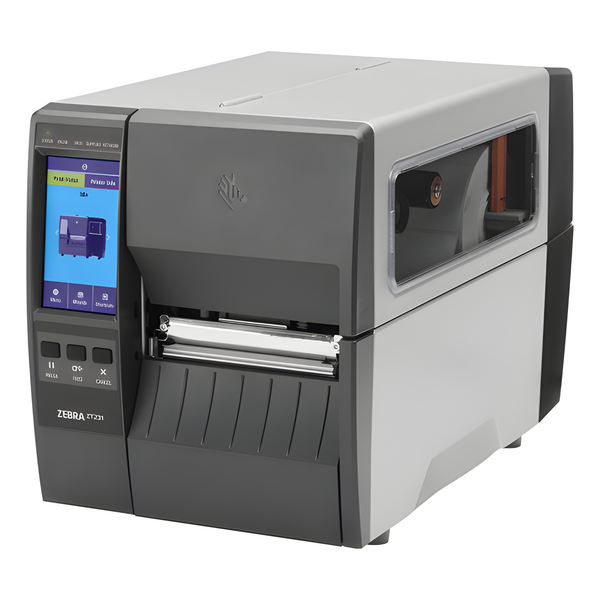
  • Industrial printer
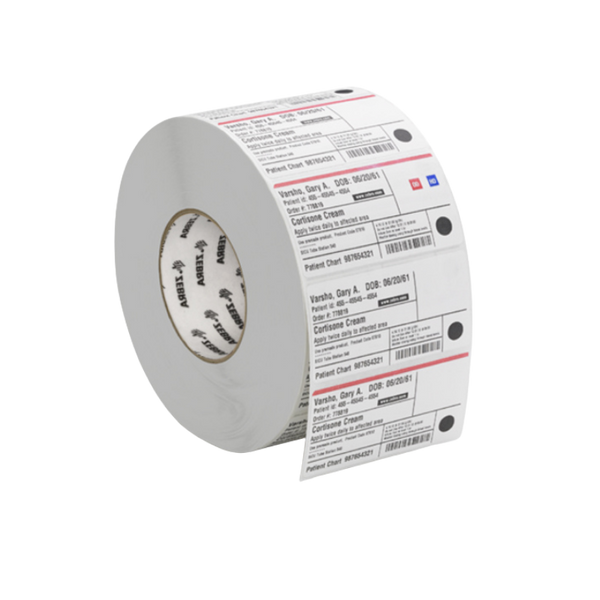
  • Thermal transfer media
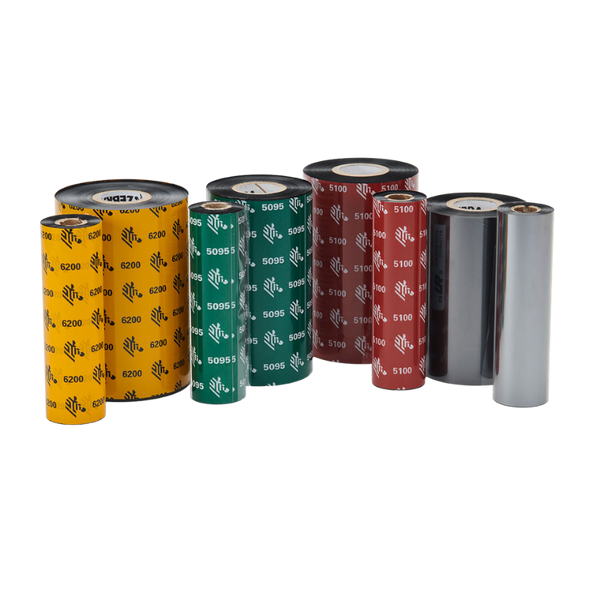
  • Long-life ribbon
Compliance

Compliance Labels

Meet customer, industry and regulatory labeling requirements.

  • Industrial printer
  • High-resolution option
  • Approved label formats
Assets

Asset Tags

Print durable serialized labels for equipment and property.

  • Thermal transfer printer
  • Synthetic labels
  • Resin ribbon
Mobile

Point-of-Activity Printing

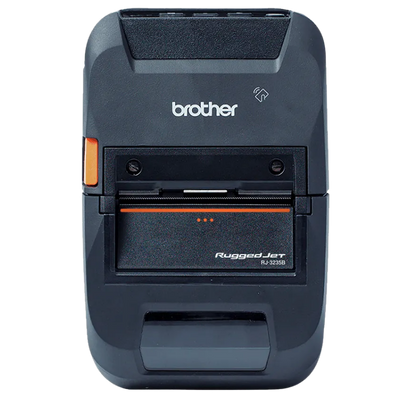
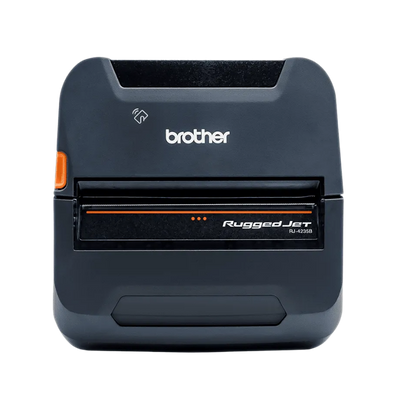
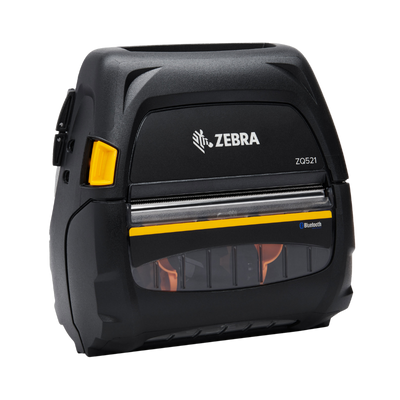
Print labels where receiving, picking or service work occurs.

  • Mobile printer
  • Wireless connectivity
  • Battery and belt accessories

Example Hardware Configurations

Start With a Proven Barcode Labelling Configuration

Use these examples as starting points, then adjust devices, interfaces and accessories around the software and environment.

01

Desktop Labeling Station

Desktop printer, scanner and starter labels for office and light-volume use.

02

Warehouse Labeling Station

Industrial printer, thermal transfer media and barcode scanner.

03

Mobile Labeling Program

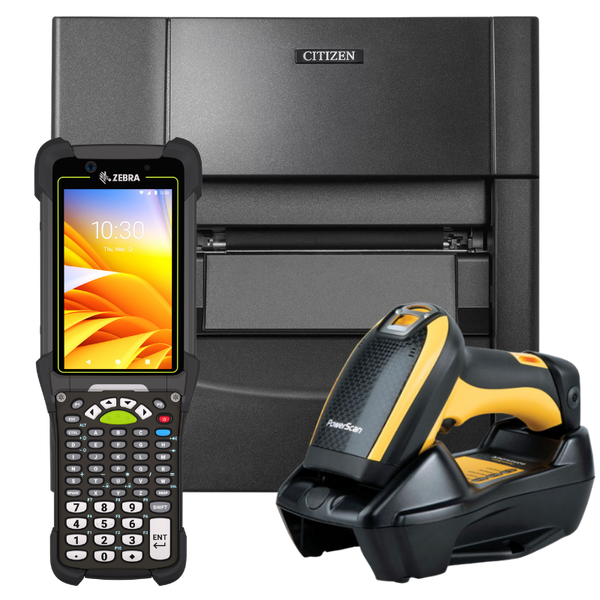
Portable printer, rugged mobile computer, batteries and vehicle or belt accessories.

Hardware Decision Factors

What to Confirm Before Choosing Barcode Labelling Hardware

Label Size

Confirm width, length, gap, mark and roll dimensions before selecting hardware.

Print Method

Direct thermal is simple; thermal transfer is better for durable and long-life labels.

Print Volume

Choose desktop, midrange or industrial construction around daily label output.

Resolution

203 dpi fits general labels; 300 or 600 dpi supports small text and dense barcodes.

Connectivity

Confirm USB, serial, Ethernet, Wi-Fi or Bluetooth requirements.

Printer Language

Match ZPL, EPL, DPL, SBPL, ESC/Label or other command requirements.

Media Durability

Select paper, polypropylene, polyester and adhesive around the environment.

Software Compatibility

Confirm drivers, templates, database connectivity and label-software support.

Featured Barcode Labelling Hardware

Recommended Hardware for Modern Barcode Labelling Deployments

Six featured products spanning the core hardware categories used in this solution.

Zebra ZD421
Desktop PrinterPopular Choice

Zebra ZD421

Flexible 4-inch desktop printer for shipping, product, inventory and general barcode labels.

4-inch203 / 300 dpiUSB / EthernetDirect / Transfer
View Product Options
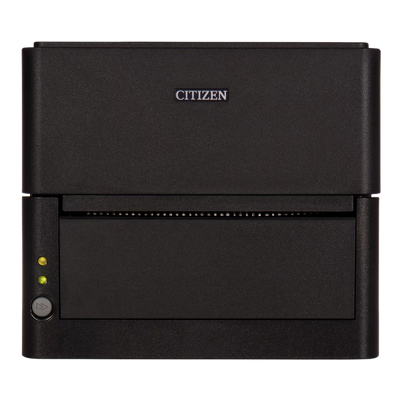
Citizen CL-E300
Desktop PrinterCompact

Citizen CL-E300

Small-footprint desktop printer with front-loading media and commercial connectivity.

4-inchCompactEthernetDirect Thermal
View Product Options
Star mC-Label3
Label PrinterLinerless Ready

Star mC-Label3

Versatile 3-inch printer for die-cut, continuous, linerless and receipt media.

3-inchLinerlessDie-CutCloud Connected
View Product Options
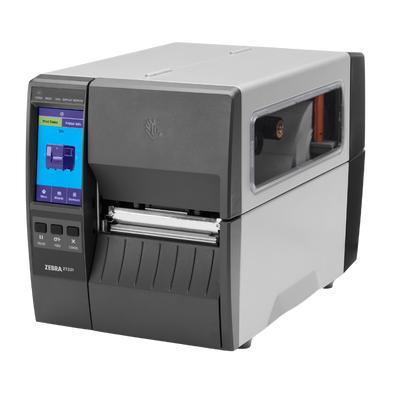
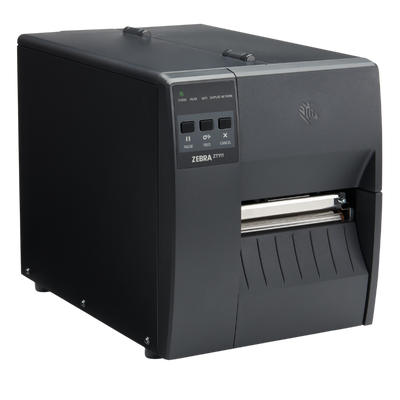
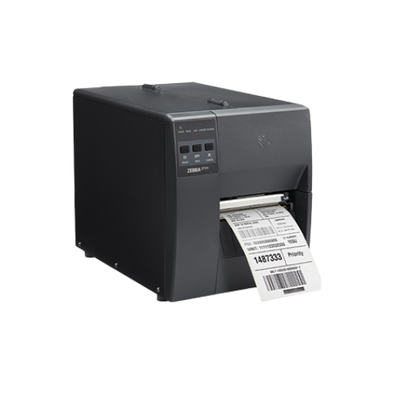
Zebra ZT411
Industrial PrinterHigh Volume

Zebra ZT411

Industrial printer for warehouse, manufacturing, shipping and compliance labels.

4-inchIndustrialRFID OptionHigh Volume
View Product Options
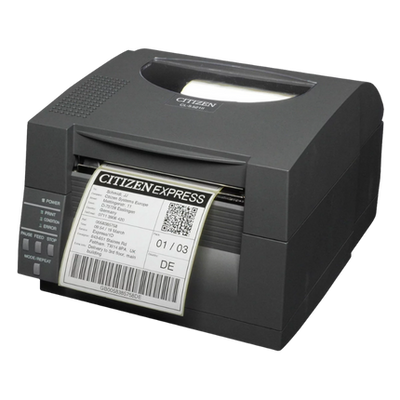
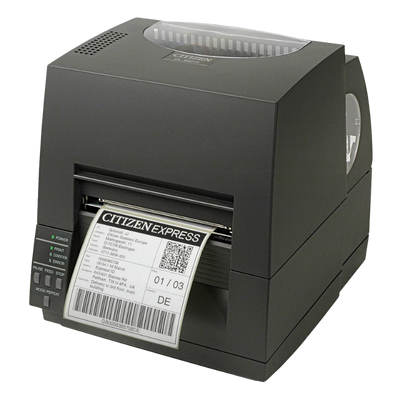
Citizen CL-S700III
Industrial PrinterEasy Loading

Citizen CL-S700III

High-capacity industrial label printing with easy media access and dependable operation.

4-inchThermal TransferIndustrialHigh Capacity
View Product Options
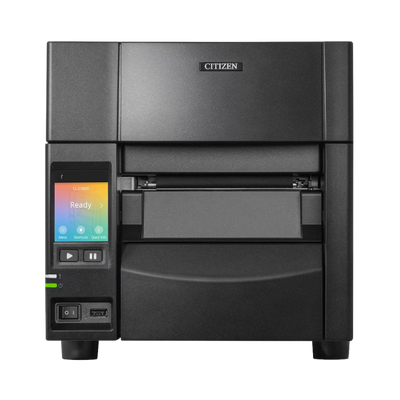
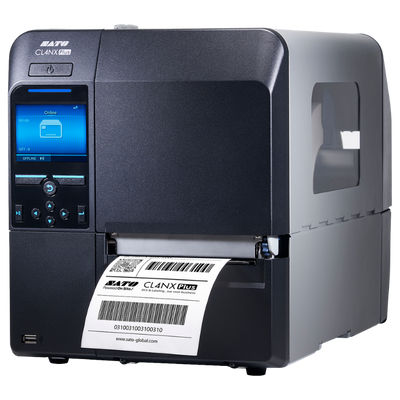
SATO CL4NX Plus
Industrial PrinterEnterprise

SATO CL4NX Plus

Enterprise industrial printer for high-volume, connected and compliance-driven workflows.

4-inchIndustrialRFID OptionEnterprise
View Product Options

Good / Better / Best

Choose the Right Level of Barcode Labelling Hardware

Use these bundle levels as a starting point, then adjust models, media, accessories and quantities.

Desktop Labeling Bundle
Barcode Labelling BundleGood

Desktop Labeling Bundle

A practical package for shipping, product and office label printing.

  • Desktop label printer
  • General-purpose scanner
  • Starter label rolls
  • USB connectivity
Desktop label printerGeneral-purpose scannerStarter label rollsUSB connectivity
Request Bundle Quote
Warehouse Labeling Bundle
Barcode Labelling BundleBetter

Warehouse Labeling Bundle

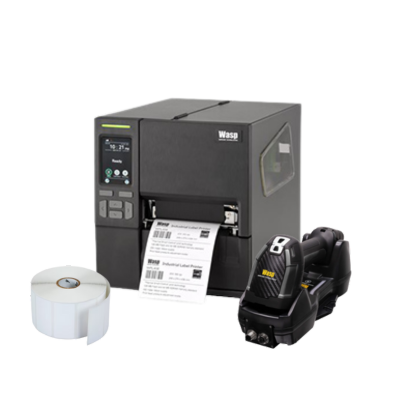
Commercial printing and verification for inventory and shipping.

  • Industrial or midrange printer
  • Cordless barcode scanner
  • Labels and ribbons
  • Ethernet connectivity
Industrial or midrange printerCordless barcode scannerLabels and ribbonsEthernet connectivity
Request Bundle Quote
Enterprise Labeling Bundle
Barcode Labelling BundleBest

Enterprise Labeling Bundle

High-volume standardized labeling for multiple facilities and workflows.

  • Industrial print platform
  • RFID or high-resolution options
  • Media and ribbon program
  • Spare parts and deployment accessories
Industrial print platformRFID or high-resolution optionsMedia and ribbon programSpare parts and deployment accessories
Request Bundle Quote

Trusted Manufacturers

Commercial Barcode Labelling Hardware From Leading Brands

ShopPOSPortal supports established manufacturers across mobile computing, scanning, printing, RFID and deployment accessories.

Zebra Technologies
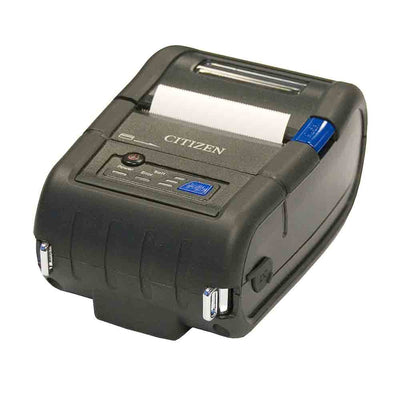
Citizen Systems
SATO
Star Micronics
Honeywell
TSC Printronix Auto ID
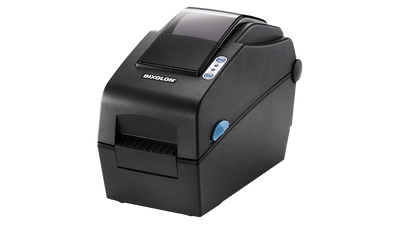
Bixolon
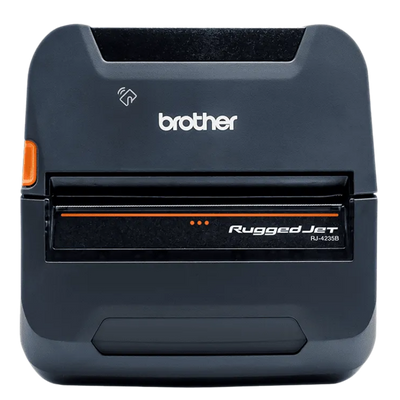
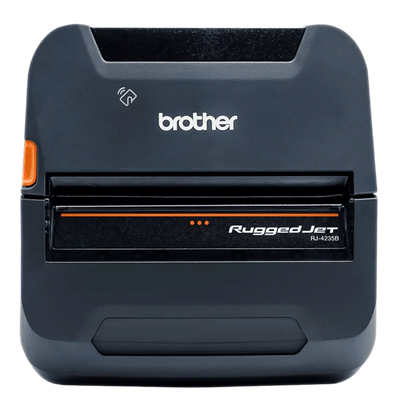
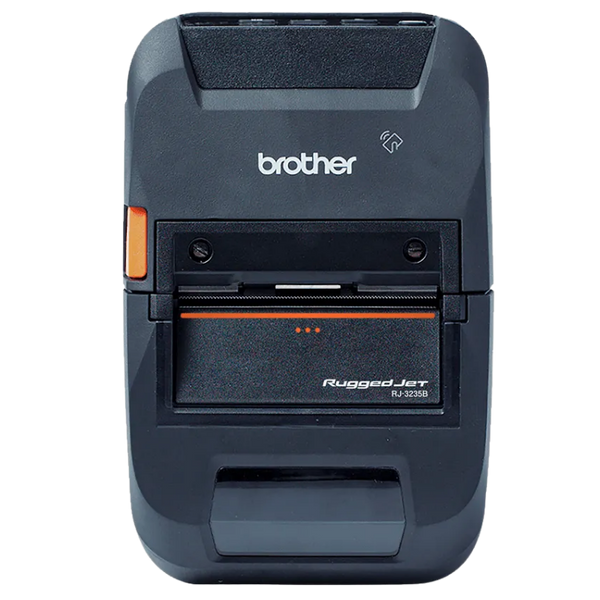
Brother Mobile
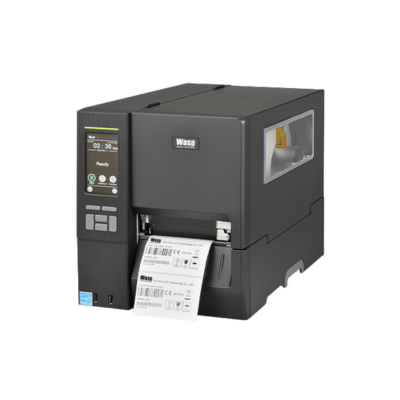
Wasp Technologies
Datalogic

Why ShopPOSPortal

Hardware Support Beyond the Product Page

Compatibility Guidance

Match devices, interfaces, accessories and media to the software workflow.

Complete Configurations

Build the full mobile, scanning, printing and accessory package.

ISV Fulfillment

Support branded hardware programs for software companies that do not stock equipment.

Volume Pricing

Receive project pricing for rollouts, resellers and enterprise deployments.

Large Hardware Selection

Access thousands of models, interfaces, accessories, replacement parts and media.

Expansion Support

Standardize products for future locations, replacements and repeatable rollouts.

Barcode Labelling Hardware FAQ

Common Barcode Labelling Hardware Questions

How do I choose a barcode label printer?

Start with label width, daily volume, print method, resolution, connectivity and the operating environment.

What is the difference between direct thermal and thermal transfer?

Direct thermal prints without a ribbon and is ideal for short-life labels. Thermal transfer uses a ribbon and is better for durable, long-life and synthetic labels.

Do I need 203 or 300 dpi?

203 dpi is suitable for most shipping and inventory labels. 300 dpi is better for small text, dense barcodes and labels with limited space.

When should I use an industrial printer?

Use industrial printers for continuous operation, large media rolls, harsh environments and higher daily print volumes.

Can one printer handle labels and receipts?

Some models, including certain linerless and multifunction printers, can support both. Media compatibility and software commands must be confirmed.

How do I match labels and ribbons?

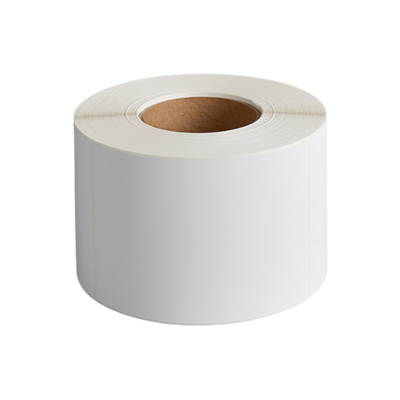
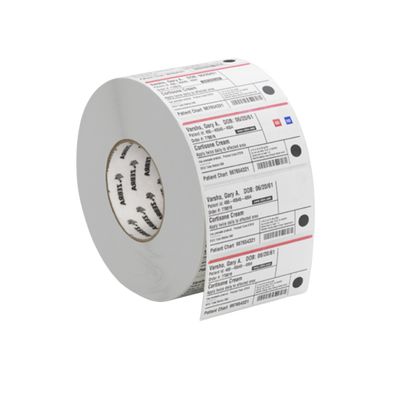
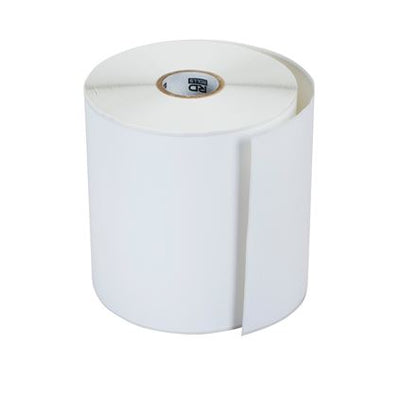
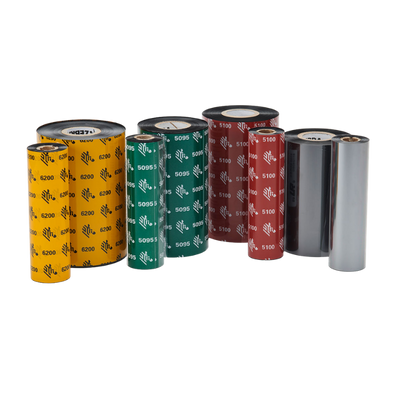
Match the label material, adhesive and top coating to the ribbon chemistry and environmental requirements.

Can ShopPOSPortal help with media selection?

Yes. Labels and ribbons can be matched to printer model, application, durability and adhesive requirements.

Are printer bundles available?

Yes. Bundles can include printers, scanners, labels, ribbons, cables and accessories.