Point of Sale Hardware

POS Hardware for Retail, Restaurant, Hospitality, and Checkout Software

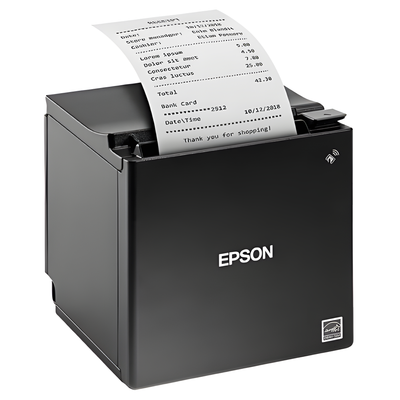
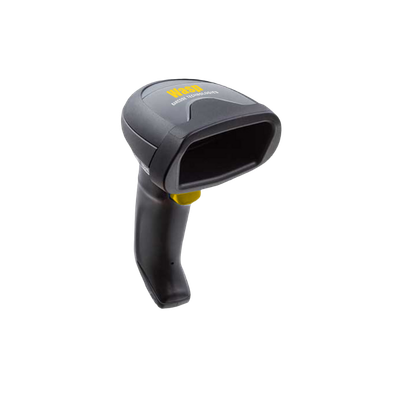
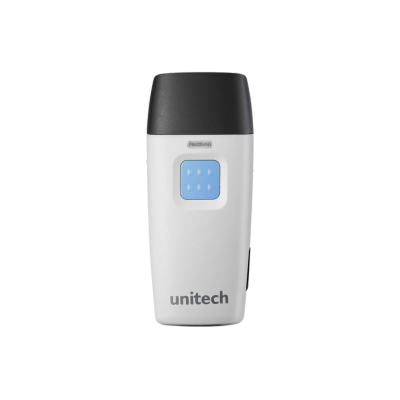
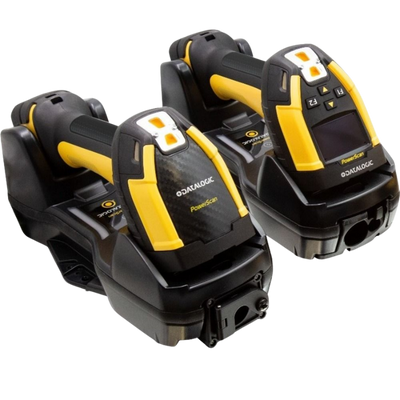
Build complete point of sale hardware stacks with receipt printers, cash drawers, all-in-one touchscreen terminals, barcode scanners, customer displays, and checkout accessories. ShopPOSPortal helps match the right hardware to each POS workflow, connection type, counter layout, and deployment size.

ReceiptPrinters
CashDrawers
POSTerminals
Receipt Printing

Receipt Printers

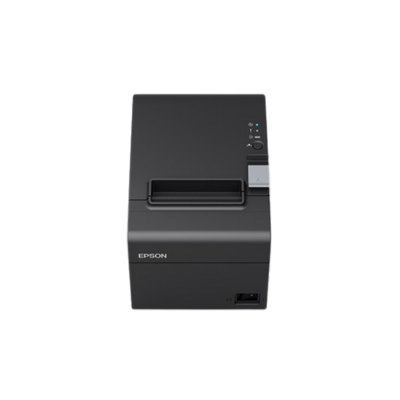
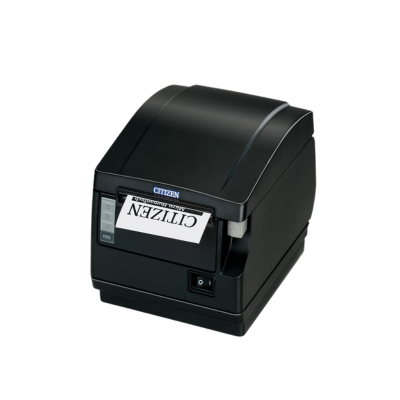
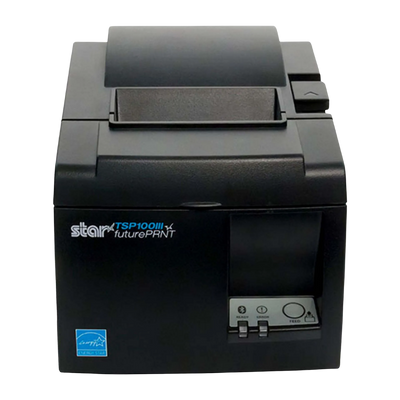
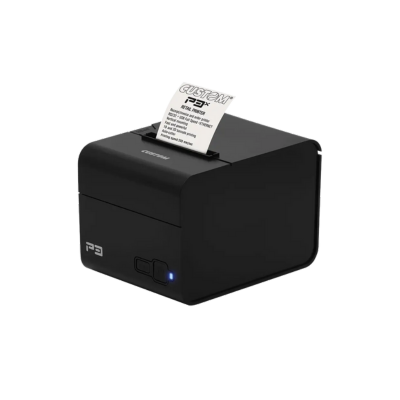
Thermal receipt printers for retail checkout, restaurants, hospitality, online ordering, cloud POS, and front-counter deployments.

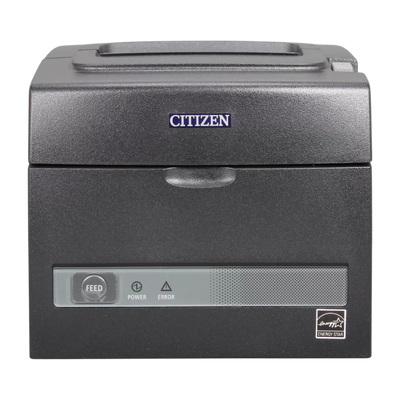
Citizen CT-S310II
Receipt PrinterValue

Citizen CT-S310II

Compact thermal receipt printer for retail, restaurant, hospitality, and front-counter POS deployments.

ThermalUSB / Serial3-inchCompact
View Product →
Star TSP143IV
Receipt PrinterCloudPRNT

Star TSP143IV

Modern thermal receipt printer with USB-C, Ethernet, CloudPRNT support, and a compact footprint for POS stations.

USB-CEthernetCloudPRNTThermal
View Product →
Star mC-Print3
Receipt PrintermCollection

Star mC-Print3

Premium compact receipt printer for retail, restaurants, cloud POS, online ordering, and connected checkout workflows.

EthernetUSB-CCloudPRNT3-inch
View Product →
Cash Management

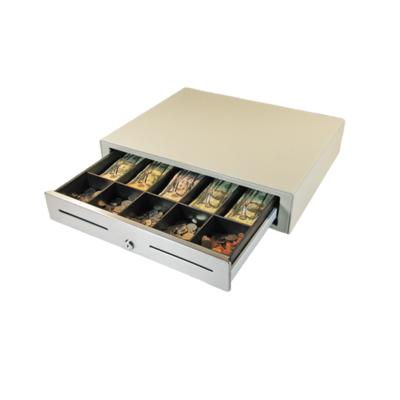
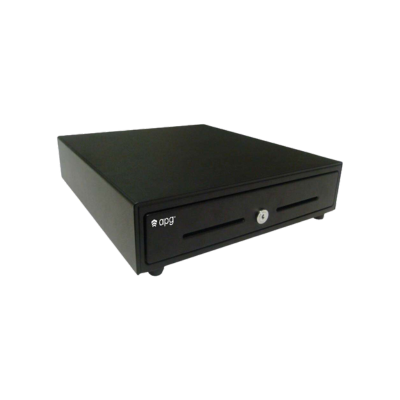
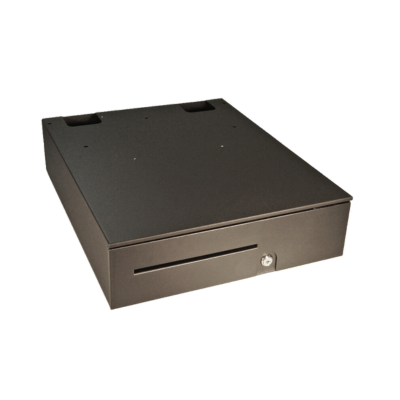
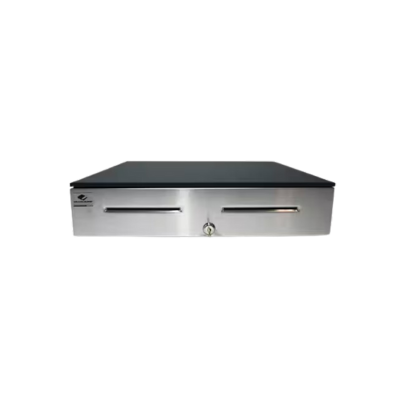
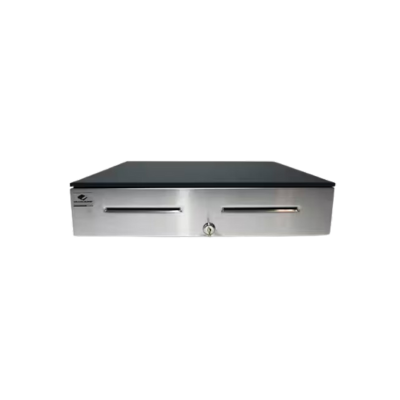
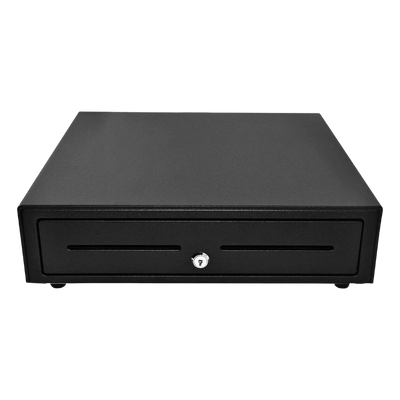
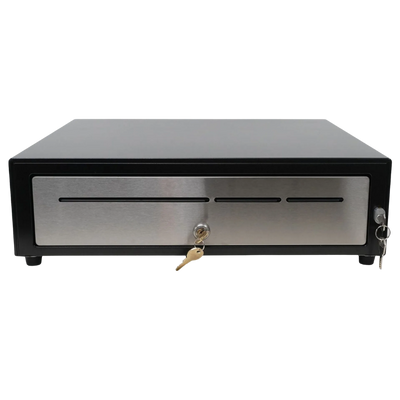
Cash Drawers

Printer-driven and heavy-duty cash drawers for retail, restaurant, hospitality, grocery, and specialty checkout lanes.

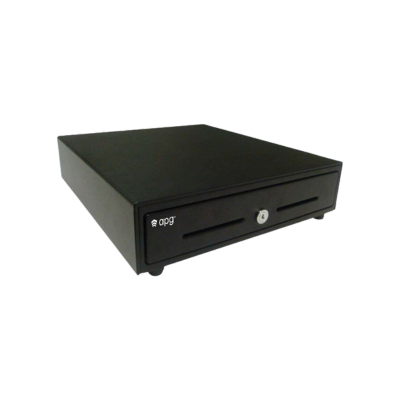
APG Vasario
Cash DrawerRetail

APG Vasario

Dependable POS cash drawer for retail, hospitality, restaurant, and standard checkout lanes.

Printer DrivenRetail16x16POS Ready
View Product →
Star CD4
Cash DrawerChoice Series

Star CD4

Commercial-grade cash drawer with multiple size and till options for daily POS cash management.

14x16 / 16x16Printer DrivenSteelRetail
View Product →
Star CD5
Cash DrawerHeavy Duty

Star CD5

Heavy-duty Max cash drawer for higher-volume retail, grocery, hospitality, and secure checkout workflows.

18x17USB / PrinterHeavy Duty5 Bill
View Product →
Checkout Workstations

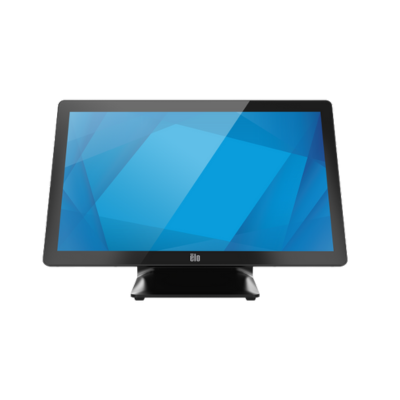
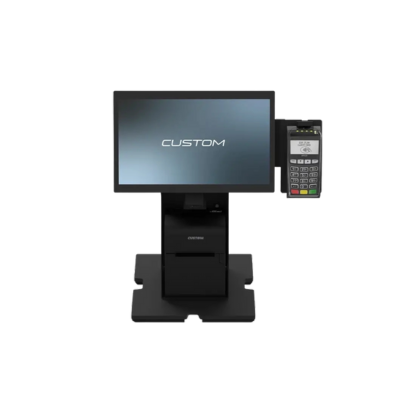
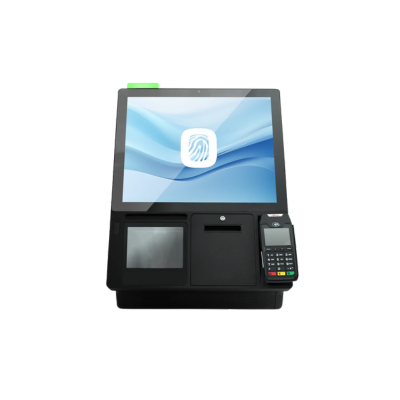
All-in-One POS Terminals

Commercial touchscreen terminals for software-driven POS deployments, retail counters, restaurants, hospitality, and self-service environments.

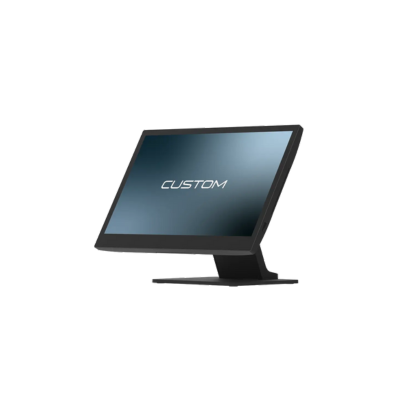
Custom America Ascent Windows 15.6 POS Terminal
All-in-One POS Custom America

Custom America Ascent 15.6

Compact Windows all-in-one POS terminal for retail, restaurant, convenience, and front-counter checkout environments.

15.6-inch Windows Touchscreen Countertop
View Product →
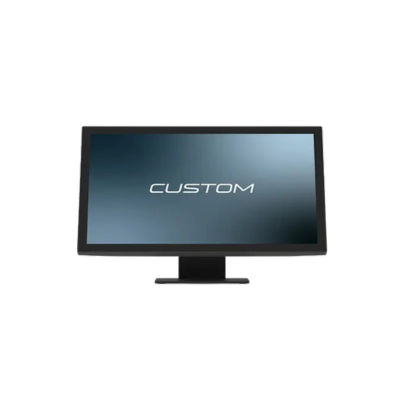
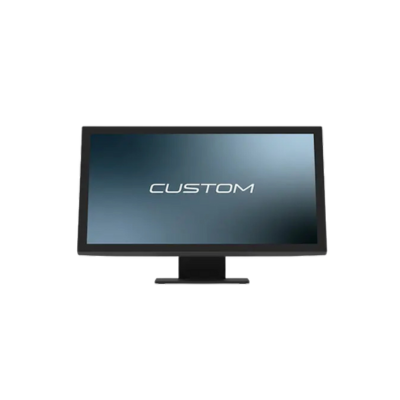
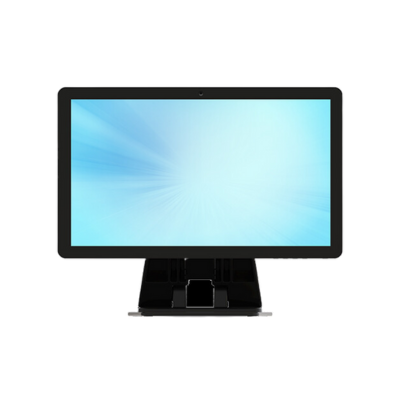
Custom America Trek Windows 21.5 POS Terminal
All-in-One POS 21.5 inch

Custom America Trek 21.5

Large-format Windows 21.5-inch POS terminal for checkout counters, hospitality, restaurants, and software-driven deployments.

21.5-inch Windows Touchscreen Commercial
View Product →
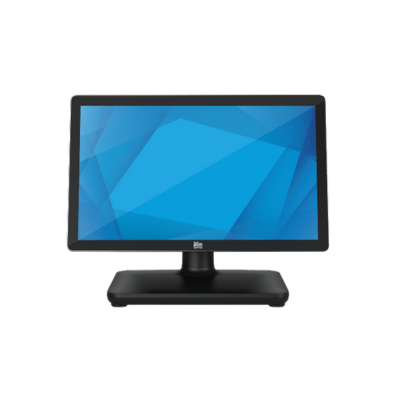
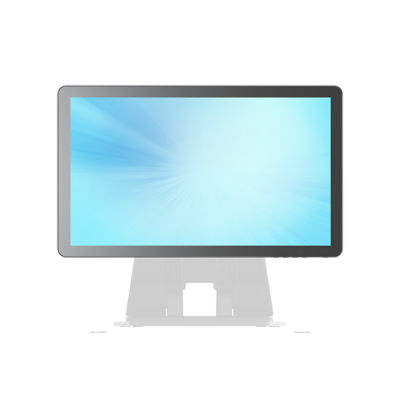
MicroTouch M1-215IC Windows 21.5 All-in-One POS Terminal
All-in-One POS MicroTouch

MicroTouch M1-215IC

21.5-inch Windows all-in-one touch computer for retail, hospitality, front-counter deployments, and high-performance POS applications.

21.5-inch Windows Touchscreen Stand Optional
View Product →
Barcode Capture

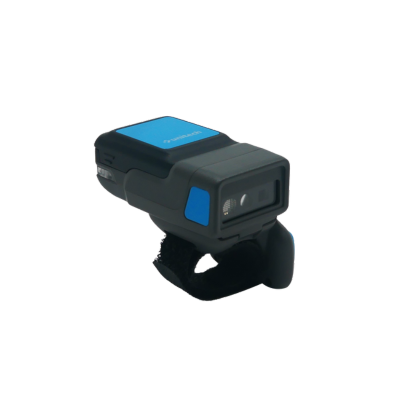
Barcode Scanners

Barcode scanners for checkout, product lookup, inventory scans, loyalty cards, coupons, and hybrid retail workflows.

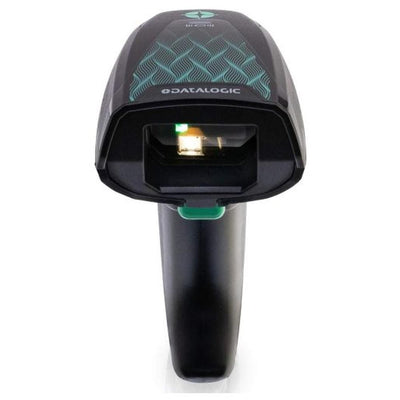
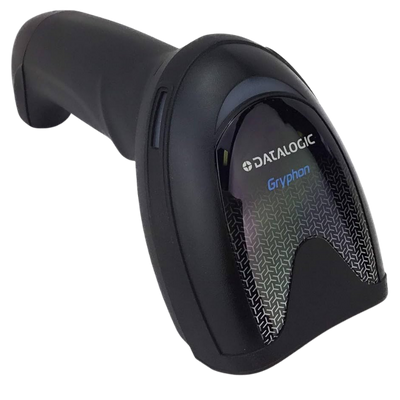
Datalogic QuickScan QBT2500 Bluetooth Barcode Scanner
Barcode Scanner Datalogic

Datalogic QuickScan QBT2500

Bluetooth 2D barcode scanner with charging dock and USB cable for retail checkout, inventory lookup, coupons, and mobile barcodes.

Bluetooth 1D / 2D Charging Dock USB Kit
View Product →
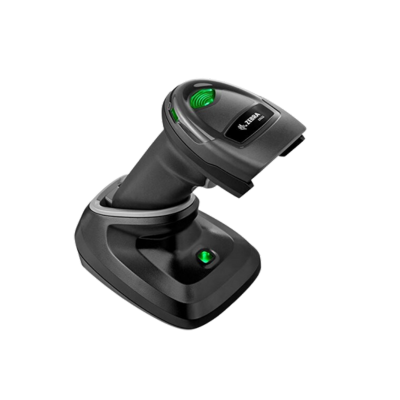
Zebra DS2278 Bluetooth Barcode Scanner
Barcode Scanner Zebra

Zebra DS2278

Bluetooth 1D/2D barcode scanner for POS checkout, product scanning, loyalty cards, mobile coupons, and retail inventory workflows.

Bluetooth 1D / 2D Retail POS
View Product →
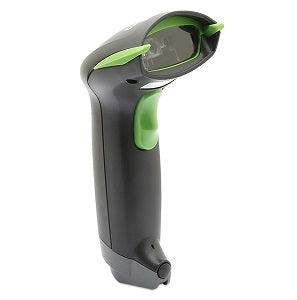
Wasp WWS550i Wireless Barcode Scanner
Barcode Scanner Wasp

Wasp WWS550i

Wireless barcode scanner for POS stations, mobile checkout, barcode lookup, retail scanning, and light inventory workflows.

Wireless Barcode POS Inventory
View Product →
Complete Checkout Kits

POS Hardware Bundles

Ready-to-deploy Custom America 21.5-inch Windows POS bundles for retail counters, hospitality, restaurants, and software-driven checkout deployments.

Custom America 21.5 Windows 11 Pro i5 Bundle
POS Bundle i5

Custom America 21.5 Windows 11 Pro i5 Bundle

Complete 21.5-inch Windows 11 Pro i5 POS bundle for high-performance retail and restaurant checkout deployments.

21.5-inch Windows 11 Pro Intel i5 Bundle
View Product →
Custom America 21.5 Windows 11 IoT i3 Bundle
POS Bundle i3

Custom America 21.5 Windows 11 IoT i3 Bundle

Commercial 21.5-inch Windows 11 IoT i3 POS bundle for standard checkout counters and software deployments.

21.5-inch Windows 11 IoT Intel i3 Bundle
View Product →
Custom America 21.5 Windows 11 IoT N97 Bundle
POS Bundle N97

Custom America 21.5 Windows 11 IoT N97 Bundle

Value-focused 21.5-inch Windows 11 IoT N97 POS bundle for retail, hospitality, and front-counter deployments.

21.5-inch Windows 11 IoT N97 Bundle
View Product →
Start With the Checkout Type

POS Hardware by Business Type

Different checkout environments require different hardware combinations, connection types, and counter layouts.

Retail Stores

Standard retail checkout usually requires a touchscreen, receipt printer, barcode scanner, and cash drawer.

  • Fast product scans
  • Receipt printing
  • Printer-driven cash drawer

Restaurants and Cafes

Food service environments often need receipt printers, kitchen printers, cash drawers, and compact terminals.

  • Front counter receipts
  • Kitchen tickets
  • Online order printing

Hospitality and Venues

Hospitality POS setups often need compact receipt printing, guest-facing terminals, and durable cash management.

  • Front desk transactions
  • Concessions
  • Event receipts

Grocery and Convenience

Higher-volume lanes may need scanners, scales, customer displays, receipt printers, and durable cash drawers.

  • Fast checkout
  • Large till options
  • Barcode-heavy workflows

Mobile and Tablet POS

Tablet POS often uses Bluetooth or network printers, compact cash drawers, and lightweight scanners.

  • Bluetooth receipt printing
  • Small footprint
  • Flexible checkout

Self-Service and Kiosks

Self-service environments require compact printers, secure mounts, terminal hardware, and reliable peripheral connections.

  • Unattended workflows
  • Compact printing
  • Integrated hardware

Key Decision Factors by Product Type

Choosing POS hardware should start with software compatibility, checkout layout, connection method, operating system, and daily transaction volume.

Receipt Printers

  • USB, Ethernet, Bluetooth, Wi-Fi, or CloudPRNT
  • 3-inch paper width and cutter requirements
  • Cash drawer kickout compatibility
  • Front-loading vs top-loading design
  • Restaurant, retail, or cloud POS workflow

Cash Drawers

  • Printer-driven, USB, or dual interface
  • Drawer size and counter space
  • Bill and coin till layout
  • Media slots and locking till covers
  • Retail, grocery, or restaurant transaction volume

All-in-One POS Terminals

  • Operating system and POS software requirements
  • Screen size and counter layout
  • Peripheral ports and mounting options
  • Customer display and payment terminal support
  • Commercial durability and warranty needs

Barcode Scanners

  • 1D vs 2D barcode support
  • Corded, cordless, or presentation scanning
  • Product labels, loyalty cards, and mobile coupons
  • USB HID, Bluetooth, or serial setup
  • Retail checkout vs inventory workflows

POS Hardware by Workflow

Use this table to match common POS workflows to the hardware typically required.

WorkflowHardware NeededBest Fit
Standard CheckoutPOS terminal, receipt printer, scanner, cash drawerRetail counters, boutiques, specialty shops, and general POS use.
Restaurant Front CounterPOS terminal, receipt printer, kitchen printer, cash drawerQuick service, cafes, takeout, and order entry workflows.
Cloud POSCloud-ready printer, tablet or terminal, scanner, drawerWeb-based POS, online ordering, and app-driven deployments.
Cash ManagementCash drawer, receipt printer, locking till, media slotsHigh-volume checkout, cash accountability, and shift changes.
Barcode Checkout2D scanner, POS terminal, product databaseRetail product scanning, loyalty cards, coupons, and inventory lookup.
Compact CounterSmall terminal, compact printer, compact cash drawerLimited counter space, tablet POS, pop-ups, and small retail environments.

Receipt Printer Connection Guide

Receipt printer compatibility usually depends on POS software, operating system, connection type, and checkout layout.

USB Receipt Printers

Best for fixed terminals, Windows POS setups, and simple one-printer checkout stations.

Ethernet Receipt Printers

Best for networked POS environments, multiple stations, shared printing, and stable countertop setups.

Bluetooth Receipt Printers

Best for tablet POS, small retail, mobile checkout, pop-up stores, and cable-light installations.

Cloud Printing

Used by select POS platforms that route print jobs through CloudPRNT or app-based print management.

Kitchen Printing

Used for restaurant order routing, bar tickets, and environments where receipt output must reach prep areas.

Cash Drawer Kickout

Most printer-driven cash drawers connect to the receipt printer and open automatically after a sale.

Frequently Asked Questions

Answers to common questions about POS terminals, receipt printers, cash drawers, barcode scanners, and checkout hardware.

What hardware is required for a POS system?

Most POS deployments use a terminal or tablet, receipt printer, cash drawer, barcode scanner, and optional customer display or kitchen printer.

Which receipt printer connection is best?

USB works well for one terminal. Ethernet is best for networked or shared printers. Bluetooth is common for tablet POS.

How does a cash drawer connect?

Many cash drawers connect through the receipt printer and open automatically after the POS sends a drawer kick command.

Do I need a barcode scanner for POS?

Retail, grocery, liquor, convenience, and inventory-heavy environments usually benefit from barcode scanners.

What is the difference between CD4 and CD5 cash drawers?

CD4 is a flexible commercial drawer family. CD5 is typically used for heavier-duty, higher-volume checkout environments.

Can you help build complete POS bundles?

Yes. We can pair terminals, receipt printers, cash drawers, scanners, customer displays, mounts, cables, and accessories.

Need Help Choosing POS Hardware?

ShopPOSPortal can help match receipt printers, cash drawers, all-in-one terminals, barcode scanners, customer displays, and accessories to your POS software, checkout workflow, and budget.