Warehouse Management Solutions

Equip Every Warehouse Workflow With the Right Hardware

Build complete WMS deployments for receiving, put-away, picking, packing, shipping, cycle counting and replenishment with rugged mobile, scanning and printing hardware.

ReceivingPut-AwayPickingPacking & ShippingCycle Counting
100,000+Hardware models
1 DayAverage fulfillment
VolumeProject pricing
Equip Every Warehouse Workflow With the Right Hardware
Build a Complete WMS Deployment

Build Your Warehouse Management Hardware Solution Step by Step

A successful warehouse management system deployment connects the software with rugged mobile computing, barcode scanning, label printing, mounting, charging and accessories. Start by mapping the physical workflow, then select hardware around each warehouse role.

Confirm software compatibility before standardizing devices.

Review supported operating systems, scan engines, printer languages, wireless requirements, label formats and accessories before building a repeatable warehouse hardware standard.

01
Workflow Mapping

Map Each Warehouse Workflow

Identify where products, cartons, pallets and location barcodes are scanned throughout the warehouse so every device supports a clear operational role.

Workflows to document
  • Receiving and purchase-order verification
  • Put-away and warehouse transfers
  • Picking, packing and shipping
  • Cycle counting and replenishment
Receiving Put-Away Picking Shipping
02
Mobile Data Collection

Select the Mobile Form Factor

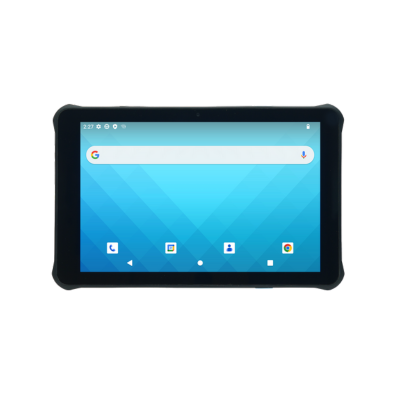
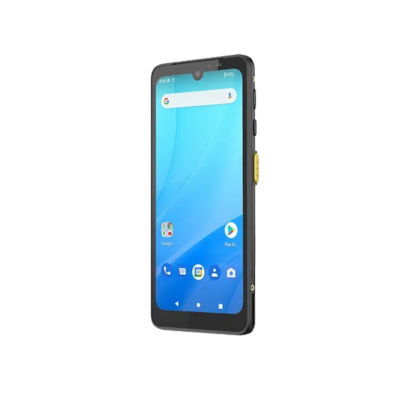
Match handheld, pistol-grip, wearable or vehicle-mounted computers to the worker, workflow, scan frequency, barcode distance and warehouse environment.

Device options
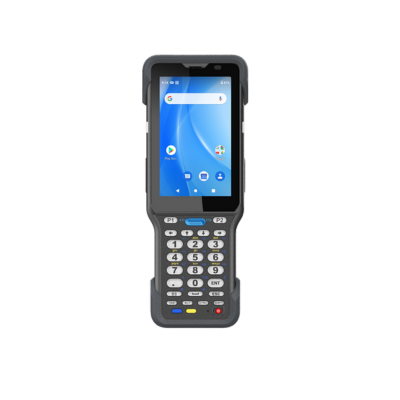
  • Rugged handheld mobile computers
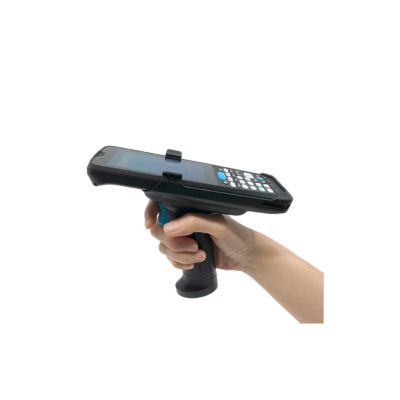
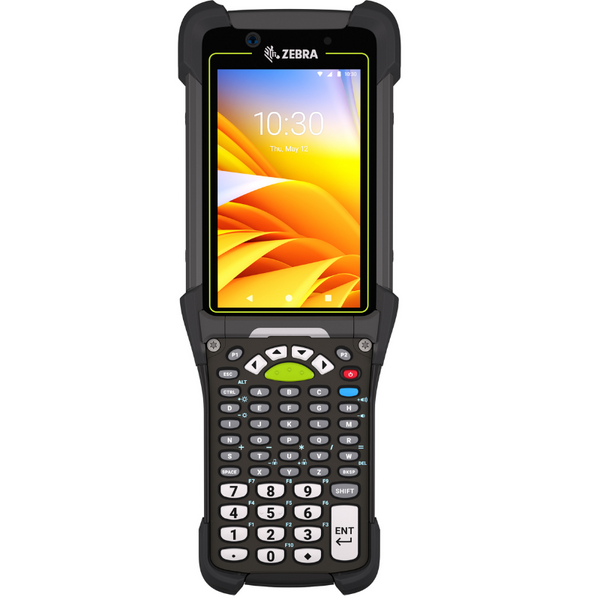
  • Pistol-grip keypad warehouse computers
  • Wearable computers and ring scanners
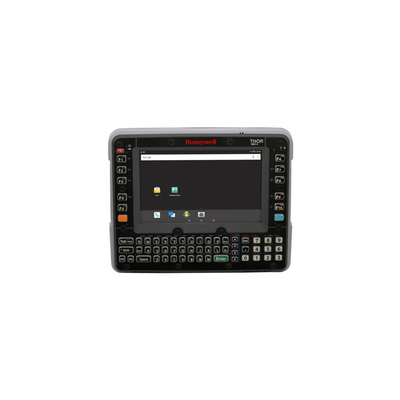
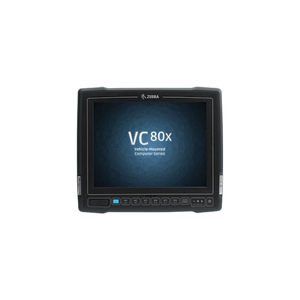
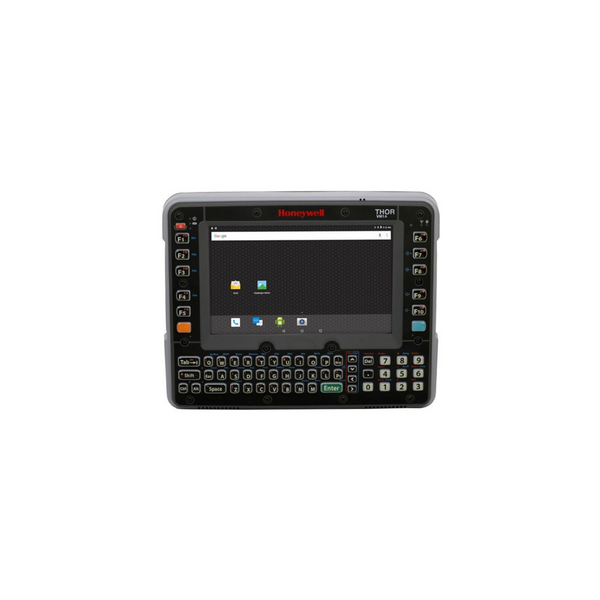
  • Vehicle-mounted forklift terminals
Handheld Pistol Grip Wearable Vehicle Mount
03
Scanning and Printing

Add Scanners, Printers and Media

Choose scan ranges and printing equipment for product, location, carton, pallet, compliance and shipping labels at each point in the workflow.

Hardware to evaluate
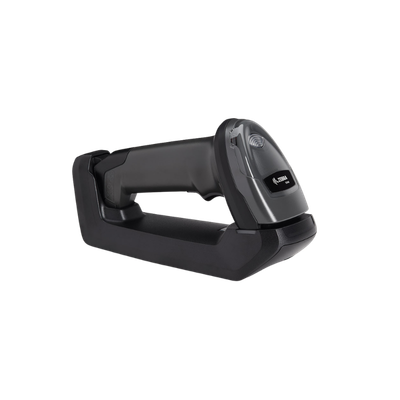
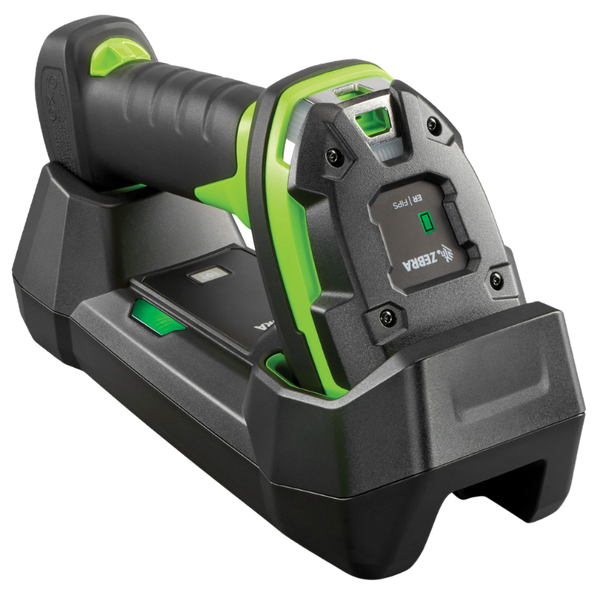
  • Standard, mid-range and extended-range scanners
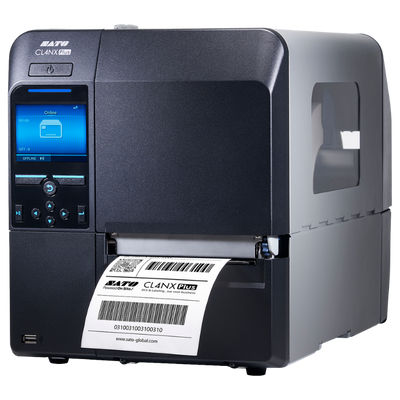
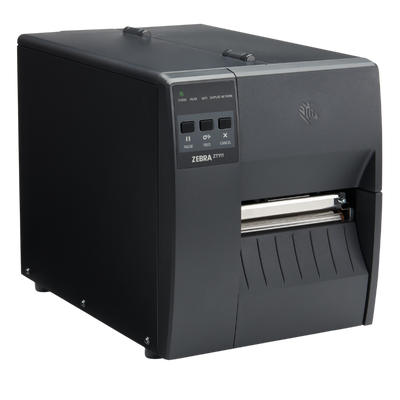
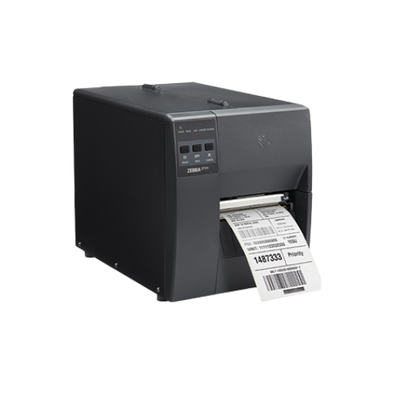
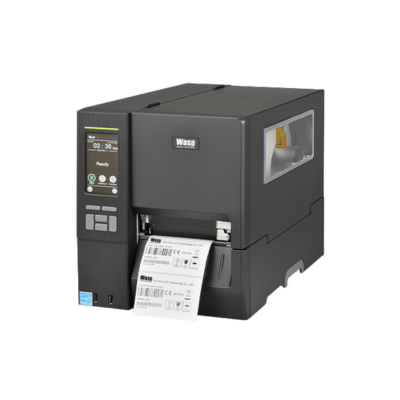
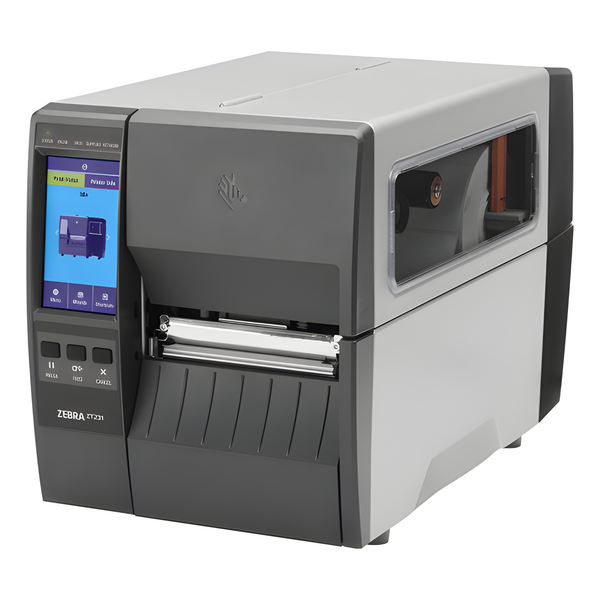
  • Desktop and industrial label printers
  • Mobile printers for point-of-activity labeling
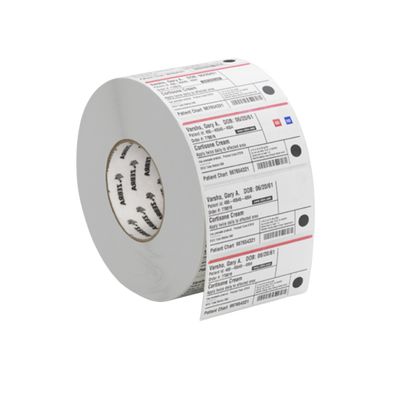
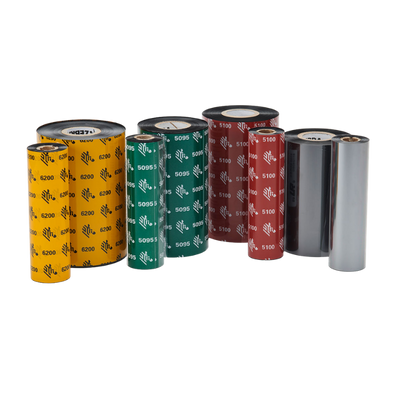
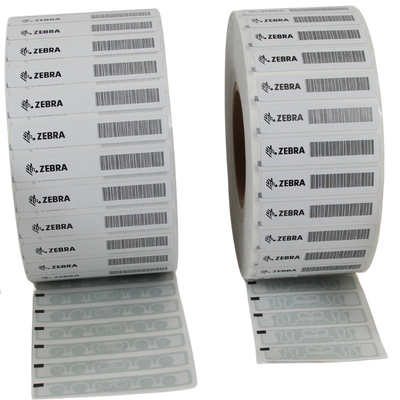
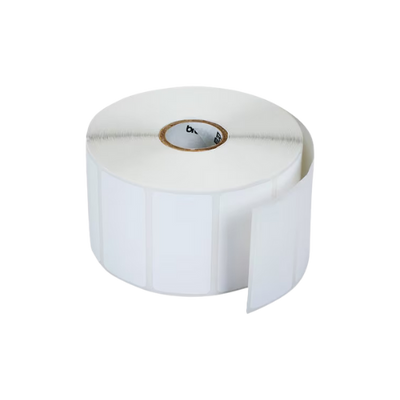
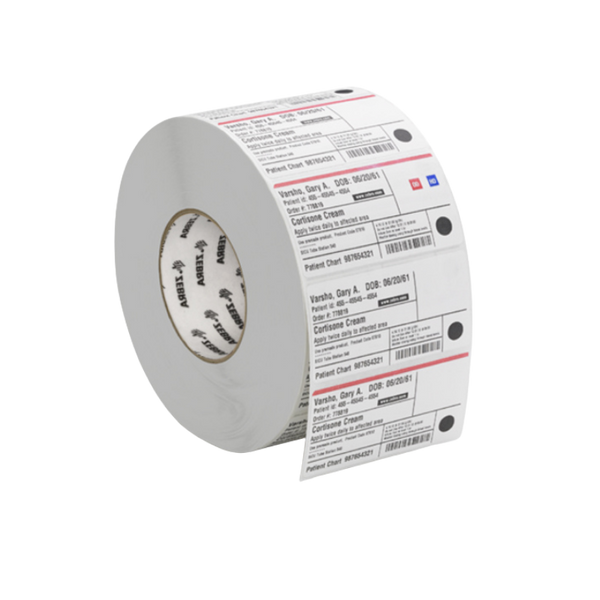
  • Labels and ribbons matched to each application
Industrial Scanning Label Printing Mobile Printing Media
04
Deployment Infrastructure

Complete the Role-Based Configuration

Finish each warehouse configuration with charging, replacement batteries, vehicle power, mounts, straps, holsters, spare devices and standardized accessories.

Deployment requirements
  • Single-slot and multi-slot charging cradles
  • Hot-swap batteries and spare battery pools
  • Forklift mounts and powered vehicle cradles
  • Cases, straps, holsters and replacement devices
Charging Vehicle Power Mounting Spare Pool
Need a complete hardware standard for each warehouse role?

ShopPOSPortal can configure receiving, picking, packing, shipping, forklift and inventory-audit packages using approved devices, accessories, printers, labels and charging infrastructure.

WMS Hardware by Workflow

Compare Hardware for Each Warehouse Management Workflow

Use the table below to compare the mobile computing, barcode scanning, printing, mounting and connectivity requirements for receiving, put-away, picking, packing, shipping and cycle counting.

Standardize core devices while adjusting each role.

The same device family can often support multiple workflows while scan range, keypad, wearable accessories, mounting, printers and batteries are adjusted for each warehouse role.

Swipe horizontally to view all workflow details.
Workflow Recommended Hardware Key Requirements Technology Best Fit
01
Inbound Receiving

Capture ASNs, cartons, pallets and purchase orders at the receiving dock.

  • Rugged handheld or pistol-grip mobile computer
  • Industrial cordless barcode scanner
  • Desktop, mobile or industrial label printer
  • Charging cradle and spare battery
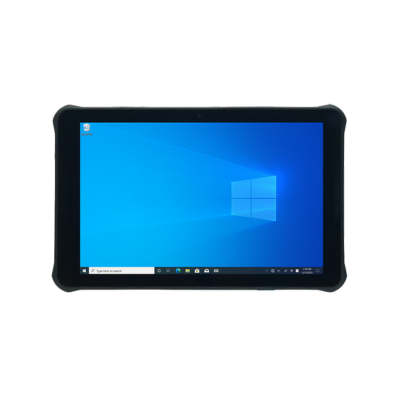
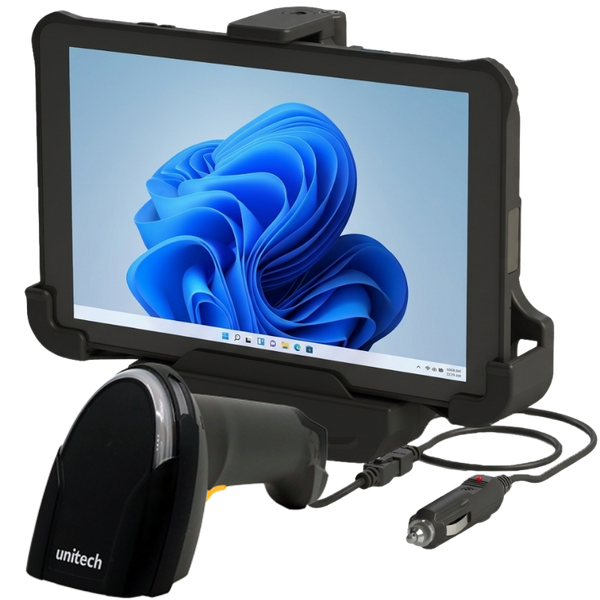
  • Optional rugged tablet for detailed receiving
ASN Capture PO Verification Pallet Scanning Label Creation
Wi-Fi with 1D/2D Scanning Mid-range or extended-range scanning may help with pallet and dock-door labels.
Receiving docks, cross-dock operations, warehouses and distribution centers
02
Storage Put-Away

Direct operators to storage locations and confirm that products are placed in the correct bin or rack.

  • Rugged mobile computer
  • Extended-range barcode scanner
  • Vehicle-mounted forklift computer
  • Powered vehicle cradle or mount
  • Mobile printer for replacement labels
Rack Scanning Forklift Use Location Accuracy Vehicle Power
Wi-Fi and Extended Range Long-range scan engines support location labels placed on higher warehouse racks.
High-rack warehouses, pallet storage, manufacturing and distribution
03
Fulfillment Picking

Support discrete, batch, zone and wave-picking workflows while confirming item and quantity accuracy.

  • Pistol-grip mobile computer
  • Wearable computer with ring scanner
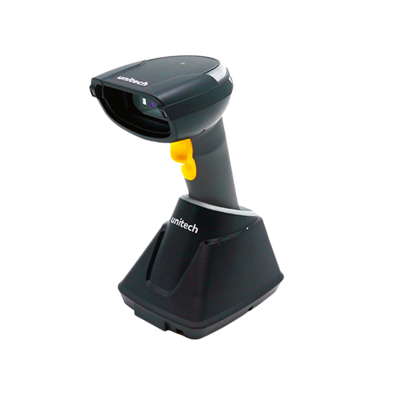
  • Bluetooth or cordless industrial scanner
  • Mobile label printer
  • Extended batteries and wearable accessories
Hands-Free High Scan Volume Ergonomics Pick Accuracy
Wi-Fi, Bluetooth and Wearables Wearable systems can reduce device handling during repetitive high-volume picking.
Ecommerce fulfillment, wholesale distribution, retail distribution and parts operations
04
Packing Packing and Verification

Confirm picked items, print carton labels and complete shipping or compliance documentation.

  • Fixed or cordless workstation scanner
  • Desktop or industrial shipping-label printer
  • Commercial shipping scale
  • Tablet or packing-station computer
  • Optional document or mobile printer
Item Verification Shipping Labels Weight Capture Documentation
USB or Ethernet Workstations Network printing supports shared packing stations and centralized printer management.
Packing benches, parcel shipping, wholesale fulfillment and ecommerce operations
05
Outbound Shipping

Confirm carrier, carton, pallet, route and dock movement before inventory leaves the facility.

  • Rugged mobile computer
  • Industrial long-range barcode scanner
  • Industrial shipping-label printer
  • Mobile printer for dock-side relabeling
  • Charging and carrying accessories
Carrier Confirmation Dock Scanning Pallet Labels Dispatch Accuracy
Wi-Fi and Industrial Scanning Rugged devices are recommended for loading docks and outdoor transition areas.
Shipping docks, parcel operations, LTL freight and pallet distribution
06
Accuracy Cycle Counting

Count selected products and locations without shutting down normal warehouse operations.

  • Lightweight or rugged mobile computer
  • Extended-range scanner for rack labels
  • RFID handheld for rapid bulk counts
  • Extended battery and charging cradle
  • Mobile printer for correction labels
Count Accuracy Rapid Audits Variance Review All-Day Battery
Barcode or UHF RFID RFID can accelerate counts when products, cases, pallets or locations are properly tagged.
Distribution centers, retail warehouses, manufacturing and enterprise inventories
Need one hardware standard across several WMS workflows?

ShopPOSPortal can create role-based configurations using consistent device families while adjusting scan range, keypads, wearables, printers, batteries, mounts and accessories for each workflow.

Essential / Advanced / Enterprise

Complete Warehouse Management Hardware Bundles

Start with a role-based warehouse hardware package, then adjust mobile computer form factors, scan ranges, printers, charging, mounting, labels and accessories around the WMS and facility.

Every warehouse bundle is configurable.

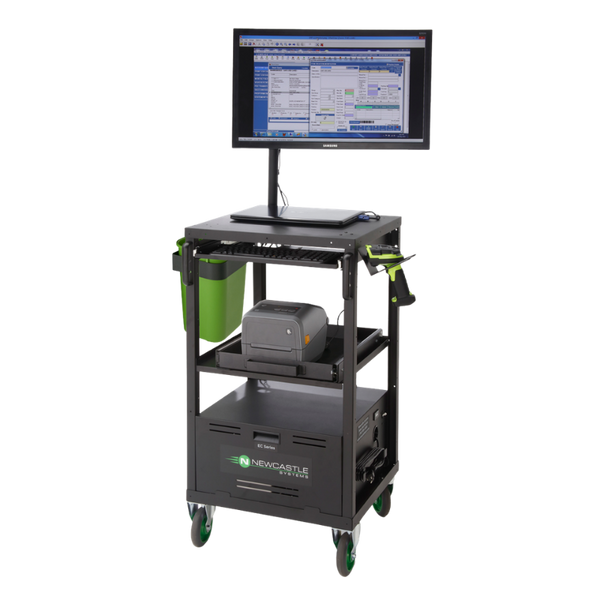
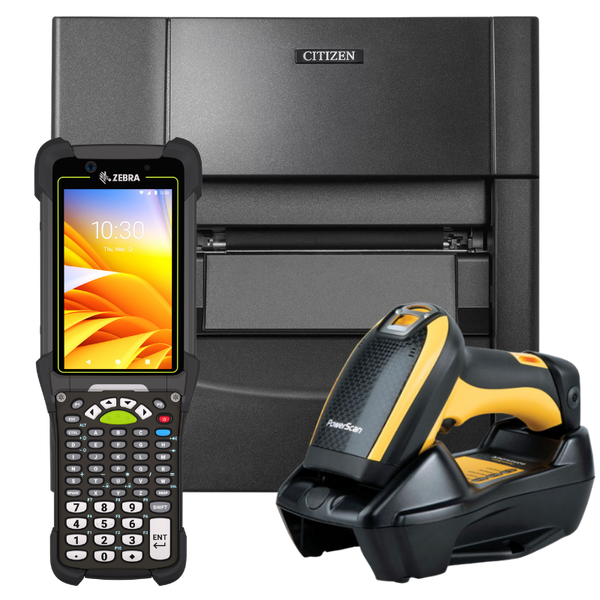
Device models, keypad layouts, scan engines, printer types, batteries, vehicle mounts, charging quantities and spare-device requirements can be changed before pricing is prepared.

Essential warehouse management hardware bundle
WMS Hardware Bundle Essential

Essential Warehouse Starter Bundle

A practical warehouse hardware set for basic receiving, inventory, picking and parcel-shipping workflows.

Best for Small warehouses, stockrooms, retail distribution, parts operations and lower-volume fulfillment.
Recommended bundle components
  • Rugged handheld mobile computer
  • Standard-range integrated scan engine
  • General-purpose cordless barcode scanner
  • Desktop shipping-label printer
  • Single-slot charging cradle
  • Protective case and starter labels
Rugged Handheld Standard Range Desktop Printing Small Warehouse
Request Pricing

Final pricing depends on the selected mobile computer, scanner, printer, accessories and media.

Request Essential Bundle
Enterprise distribution center hardware bundle
WMS Hardware Bundle Enterprise

Enterprise Distribution Center Bundle

A standardized multi-role package for high-volume distribution, large workforces, forklift operations and complex WMS workflows.

Best for Enterprise distribution centers, national rollouts, large fulfillment operations and multi-facility deployments.
Recommended bundle components
  • Ultra-rugged enterprise mobile computers
  • Wearable and long-range scanning options
  • Industrial label-printing fleet
  • Vehicle-mounted computers and forklift mounts
  • Multi-slot charging and spare-device pools
  • Optional RFID readers, printers and tags
Ultra-Rugged Wearable Vehicle Mount RFID Ready
Request Pricing

Final pricing depends on role count, device quantity, RFID, charging infrastructure and rollout scope.

Request Enterprise Bundle
Need separate packages for receiving, picking and forklift teams?

Each bundle can be divided into role-based configurations with different mobile computers, scan engines, printers, mounts, batteries, charging equipment and accessories.