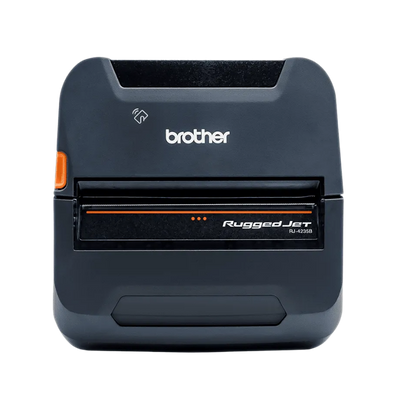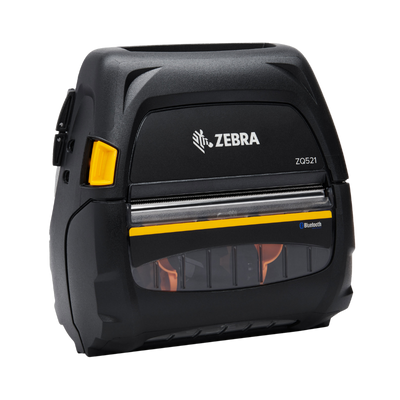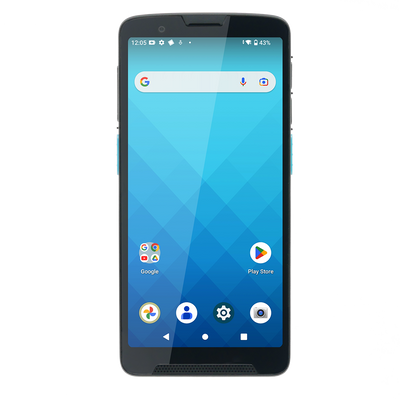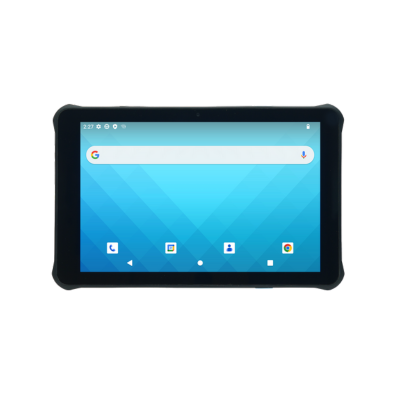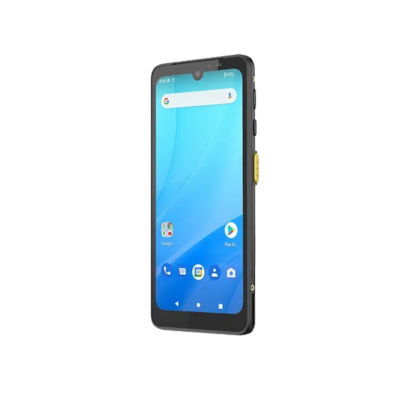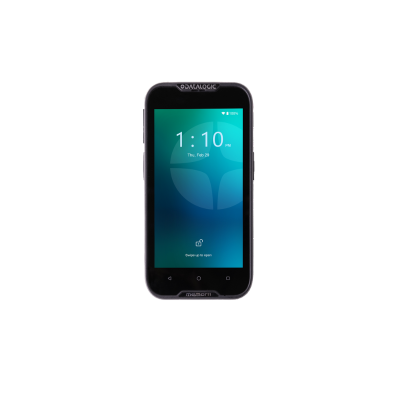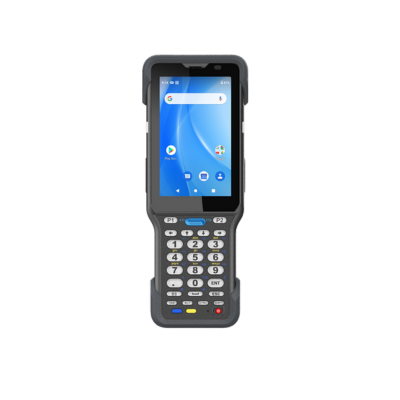

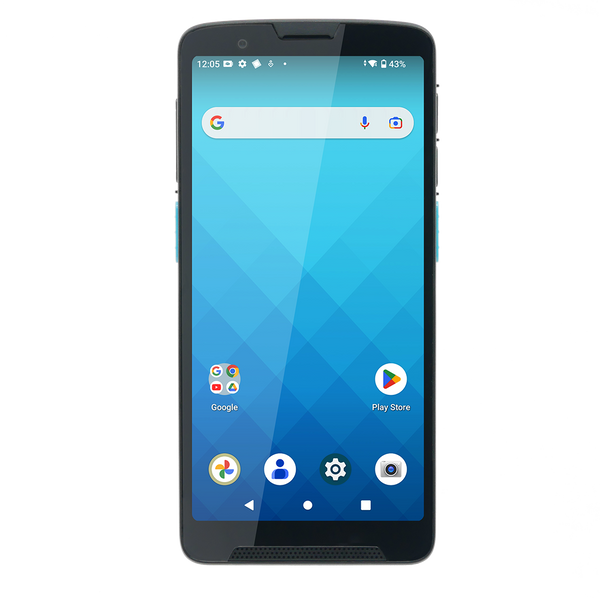
Zebra TC22 / TC27
Mobile asset scanning and application access for offices, schools, healthcare and field teams.
Build complete barcode and RFID asset tracking deployments with mobile computers, scanners, label printers, RFID hardware, durable media, accessories and fulfillment support.
Select the hardware category that supports identification, scanning, printing, RFID or complete deployment kits.
Complete Asset Tracking Deployments
Asset tracking hardware connects people, equipment and locations to a traceable software workflow.
ShopPOSPortal helps configure mobile computers, barcode scanners, RFID readers, label printers, durable labels and accessories for identification, check-in/check-out, audits and lifecycle tracking.
Programs can be standardized for offices, schools, healthcare, government, field service, warehouses and enterprise deployments.
Define the assets, locations and tracking events.
Choose barcode, RFID or a hybrid approach.
Select mobile, scanning and printing hardware.
Standardize labels, accessories and deployment kits.
Explore the Complete Asset Tracking Ecosystem
Build a barcode or RFID program around the assets, environment and frequency of tracking activity.

Run the application and scan assets in one device.
Fast check-in, check-out and asset verification.

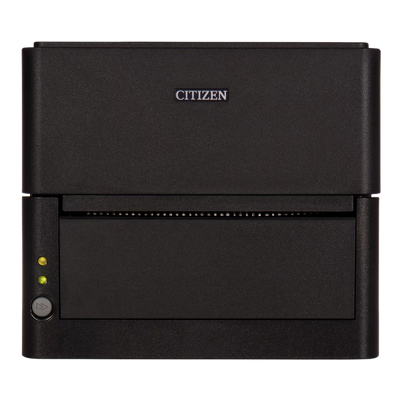
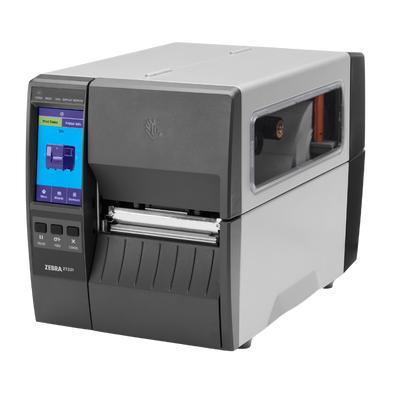
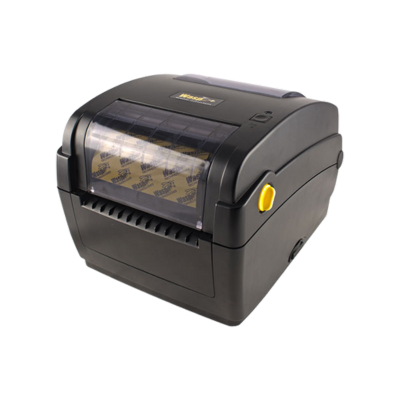
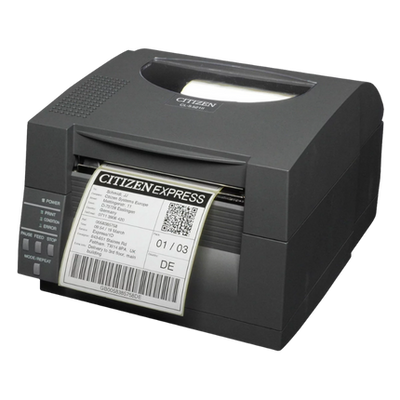
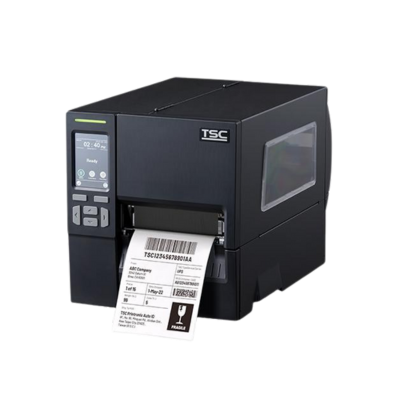
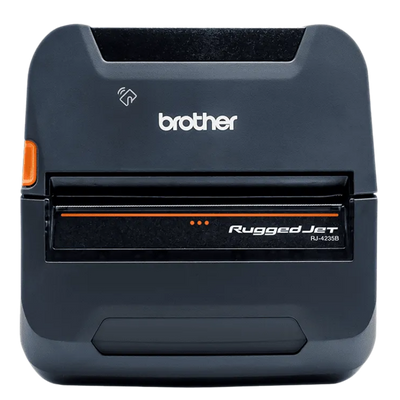
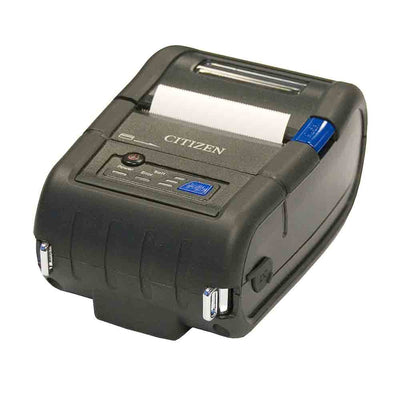
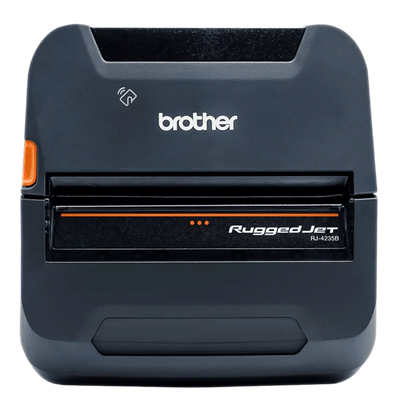
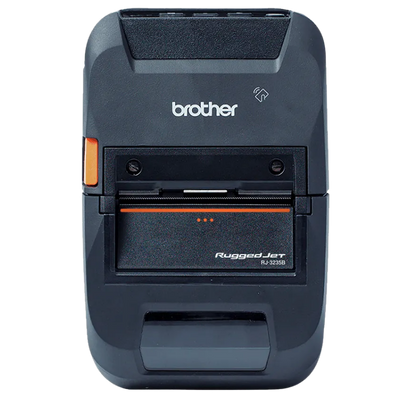
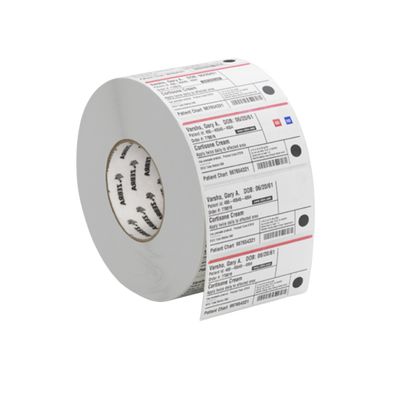
Print serialized, durable and specialty asset labels.

Rapidly locate and count tagged assets.

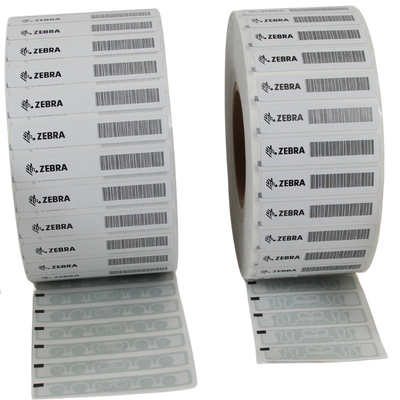
Print and encode RFID asset labels.

Fixed, portal and stationary RFID infrastructure.

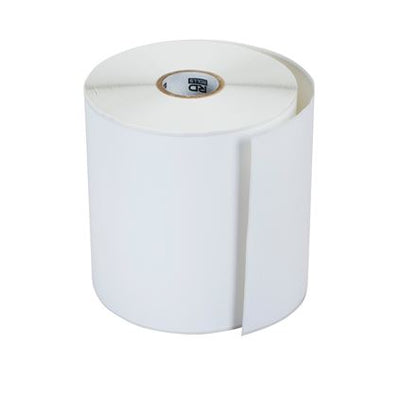
Durable labels, RFID inlays and specialty tags.

Complete hardware packages for deployments.
Hardware by Workflow
Asset type, tracking frequency and environment determine whether barcode, RFID or both are the best fit.
Create unique labels and records for equipment, tools and property.
Assign assets to employees, departments, vehicles or customers.
Verify assets, locations and exceptions during scheduled inventories.
Capture repairs, inspections and lifecycle events at the asset.
Associate assets with rooms, departments, buildings and sites.
Identify missing, moved or unreturned assets.
Example Hardware Configurations
Use these examples as starting points, then adjust devices, interfaces and accessories around the software and environment.
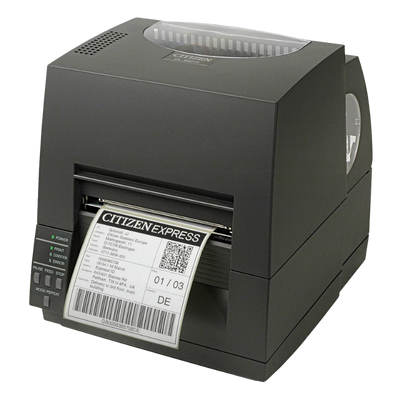
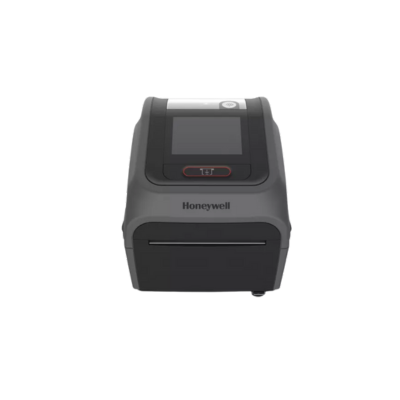
Desktop printer, durable labels and Bluetooth scanner for basic asset control.
Rugged mobile computers, barcode labels and charging accessories.
RFID handhelds, RFID printer, tags and project deployment services.
Hardware Decision Factors
Metal, plastic, curved and textured assets may require specialty labels or tags.
High-frequency audits may justify RFID; occasional events may be ideal for barcode.
Choose labels and devices around chemicals, abrasion, outdoor exposure and temperature.
Barcode requires line of sight; RFID can read multiple tags without direct visibility.
Confirm the application platform, offline needs, camera use and integrated scanning.
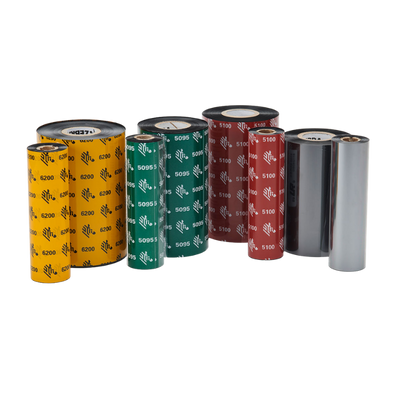
Match facestock, adhesive, ribbon and overlaminate to asset life.
Consider tamper-evident labels, serialized tags and controlled check-out workflows.
Plan naming, label standards, replacement devices and training across locations.
Featured Asset Tracking Hardware
Six featured products spanning the core hardware categories used in this solution.

Mobile asset scanning and application access for offices, schools, healthcare and field teams.

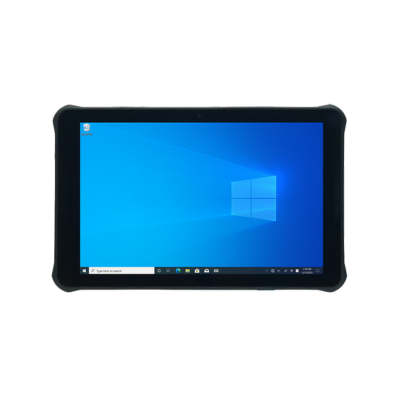
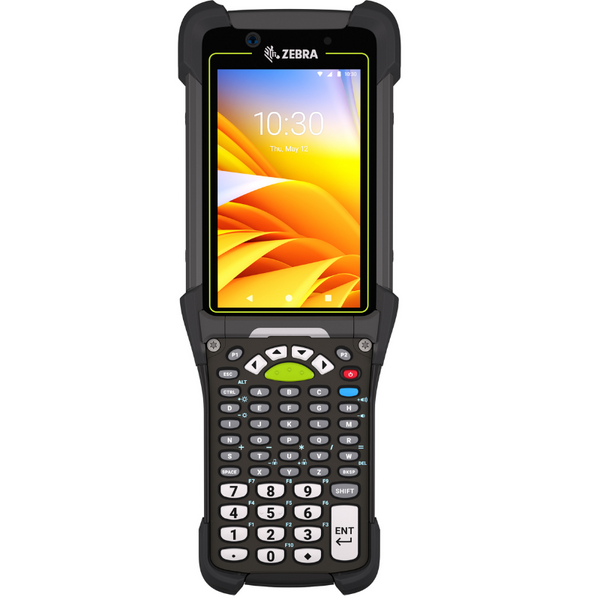
Rugged mobile computing for tools, equipment and warehouse asset programs.

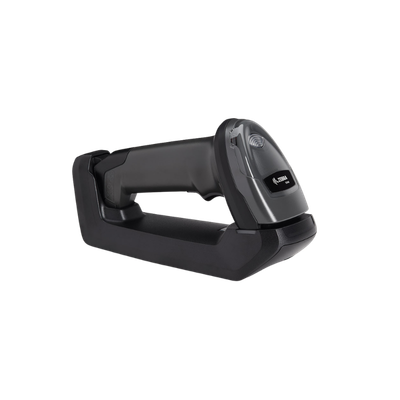
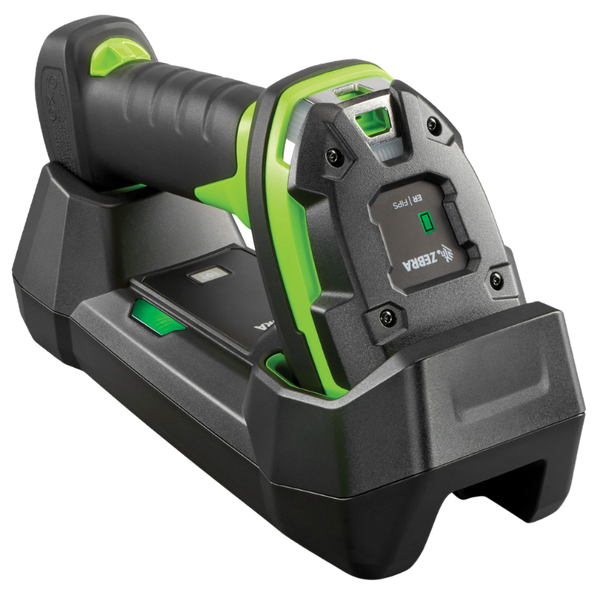
Cordless scanning for equipment, tools, racks and harsh environments.

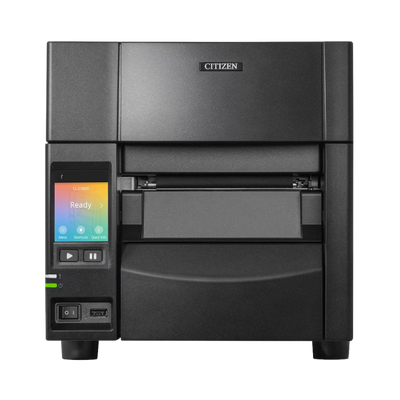
Desktop RFID printing and encoding for compact asset-tagging programs.

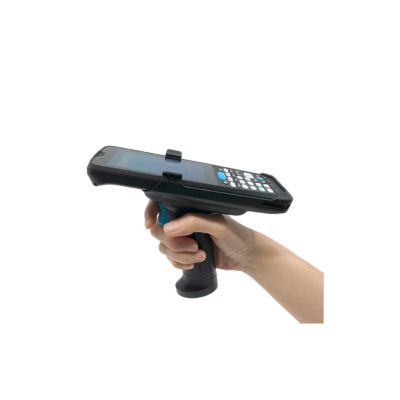
Mobile RFID reading for asset inventories, location checks and exception searches.

A complete barcode or RFID hardware package with printers, readers, labels and accessories.
Good / Better / Best
Use these bundle levels as a starting point, then adjust models, media, accessories and quantities.

A simple barcode program for equipment identification and check-out.

A mobile barcode workflow for audits, assignments and field tracking.

A high-speed RFID program for enterprise audits and visibility.
Trusted Manufacturers
ShopPOSPortal supports established manufacturers across mobile computing, scanning, printing, RFID and deployment accessories.
Why ShopPOSPortal
Match devices, interfaces, accessories and media to the software workflow.
Build the full mobile, scanning, printing and accessory package.
Support branded hardware programs for software companies that do not stock equipment.
Receive project pricing for rollouts, resellers and enterprise deployments.
Access thousands of models, interfaces, accessories, replacement parts and media.
Standardize products for future locations, replacements and repeatable rollouts.
Asset Tracking Hardware FAQ
Barcode is lower cost and precise for individual scans. RFID is better for rapid counts, locating assets and reading multiple tags without line of sight.
Use labels or tags specifically designed for metal surfaces. Standard labels may detune RFID inlays or fail to adhere over time.
A mobile computer is useful when employees need to run the application and scan assets throughout a building, warehouse or field environment.
Match the label to the expected asset life and exposure to abrasion, chemicals, cleaning, sunlight, heat and moisture.
Yes. Hybrid programs often use RFID for rapid audits and barcode for precise item-level verification and exception handling.
Typical setups include a scanner or mobile computer, label printer, durable labels and a workstation or mobile application.
Yes. Standard models and labels simplify support, training, spares and future expansion.
Yes. Packages can be configured around barcode, RFID or hybrid workflows.