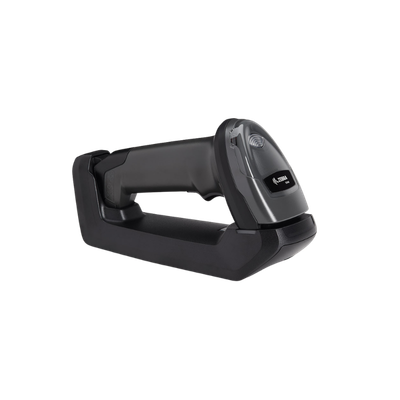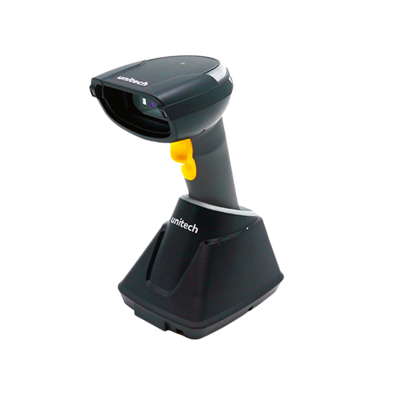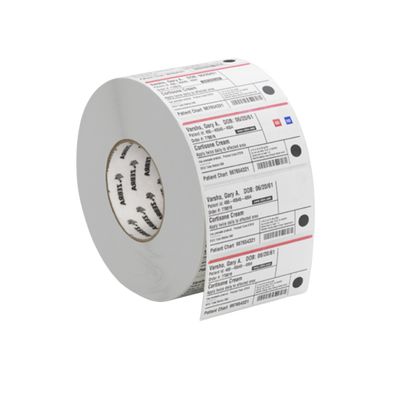
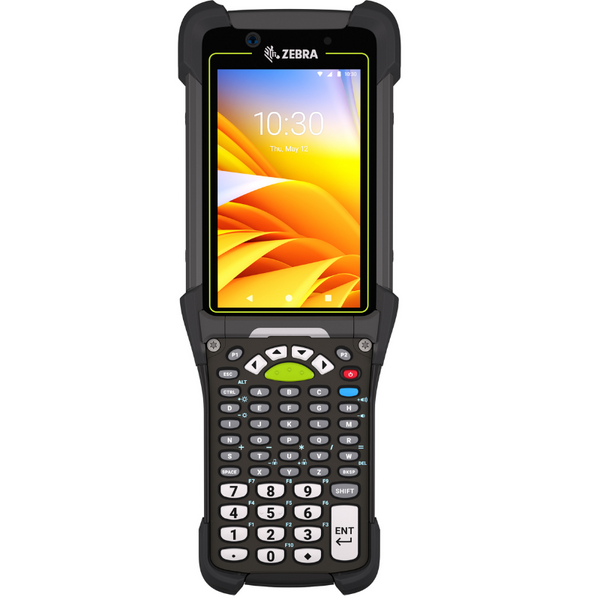

Define the Assets and Tracking Events
Identify what will be tracked, where assets move, who is responsible for them and which events must be recorded throughout the asset lifecycle.
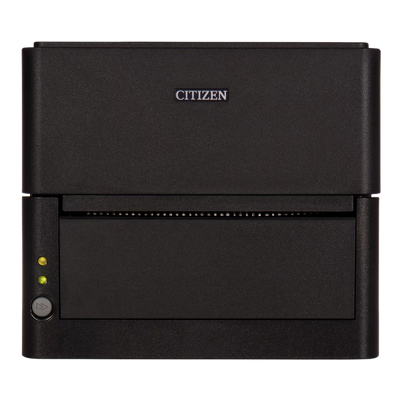
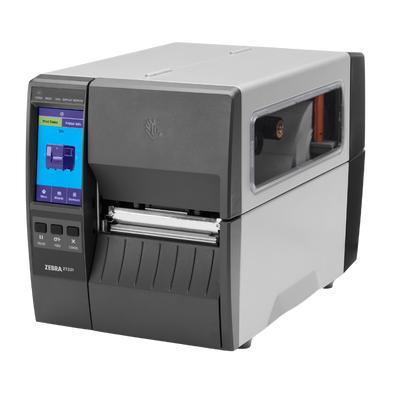
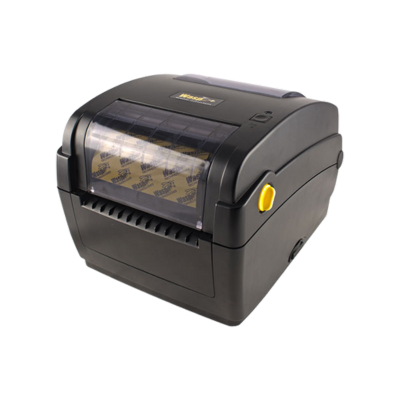
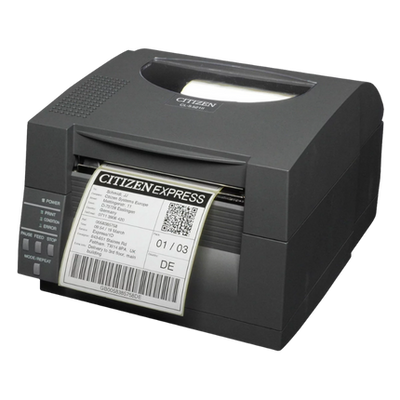
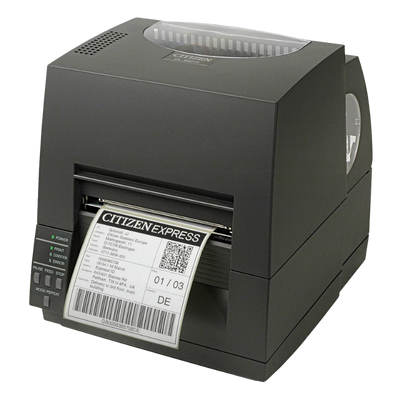
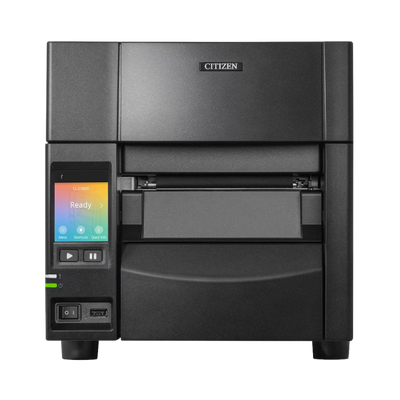
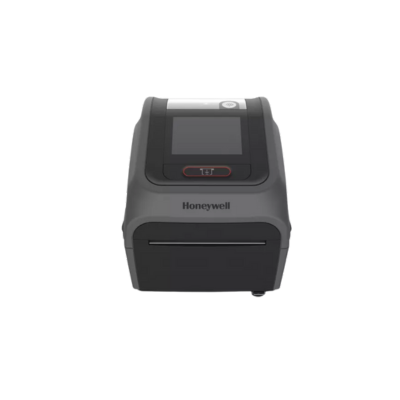
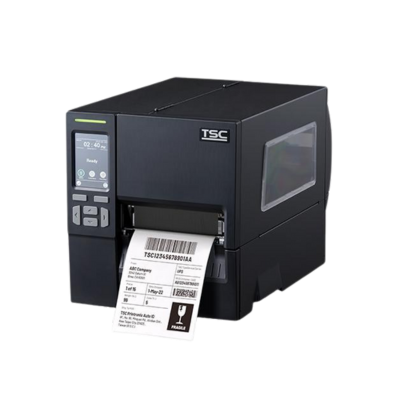
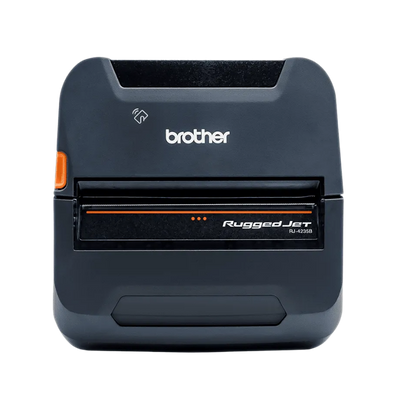
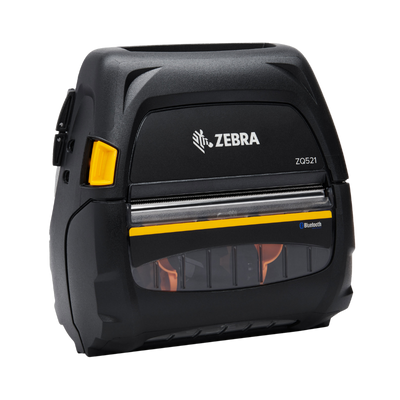
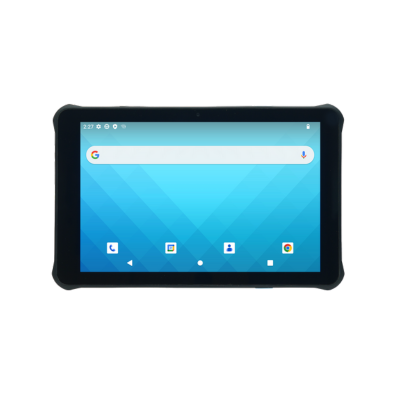
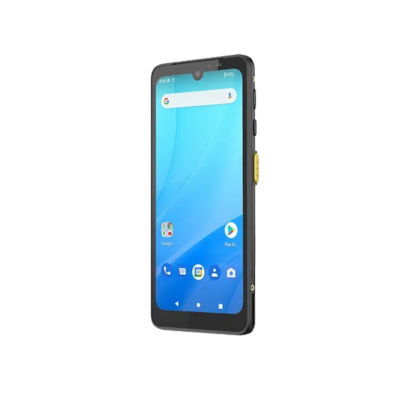
Build complete barcode and RFID asset tracking deployments with mobile computers, scanners, label printers, RFID hardware, durable media, accessories and fulfillment support.
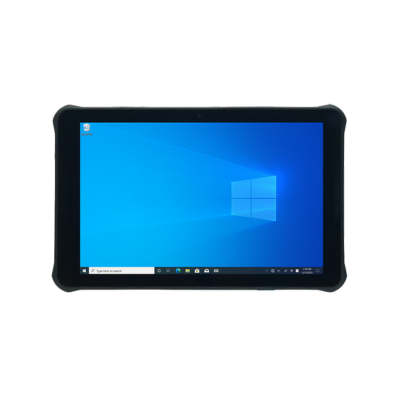
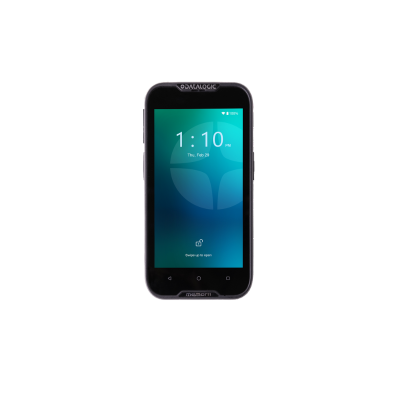
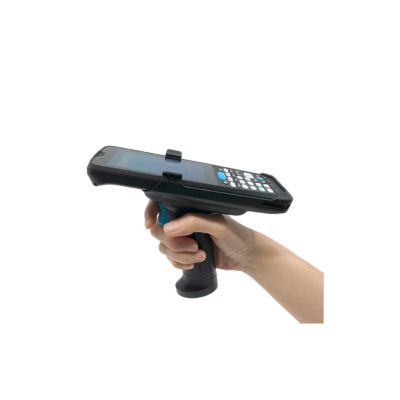
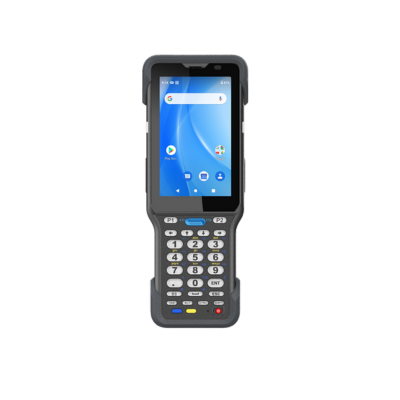
Select the hardware category that supports identification, scanning, printing, RFID or complete deployment kits.
A successful asset tracking deployment combines identification, data capture, durable labeling and software-compatible hardware. Begin by defining the assets and tracking events, choose barcode, RFID or a hybrid approach, select the appropriate mobile and printing hardware, and complete the deployment with labels, charging, connectivity and accessories.
Asset type, material, environment, audit frequency, software, connectivity and deployment scale should be considered together before selecting individual devices.
Identify what will be tracked, where assets move, who is responsible for them and which events must be recorded throughout the asset lifecycle.
Select the identification technology based on audit speed, read distance, asset material, line-of-sight requirements, budget and the number of assets being tracked.
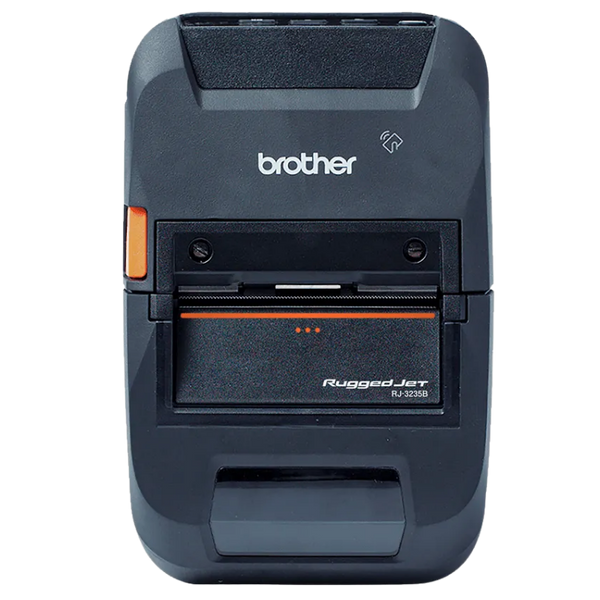
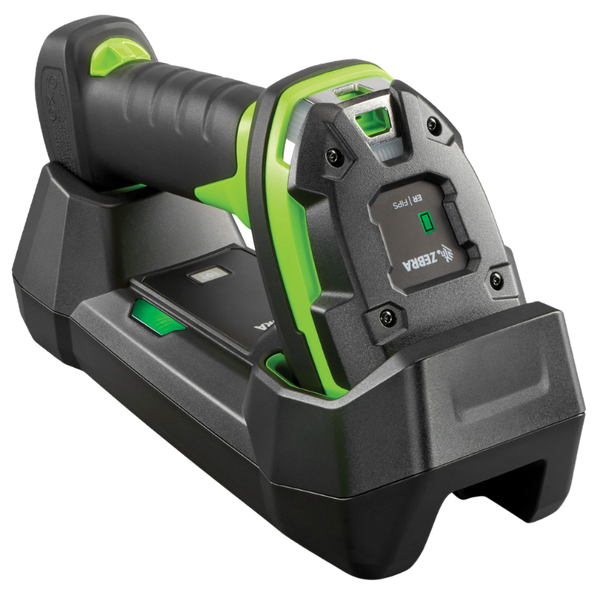
Choose devices based on the application platform, operating environment, required scan range, mobility, wireless connectivity and frequency of asset transactions.
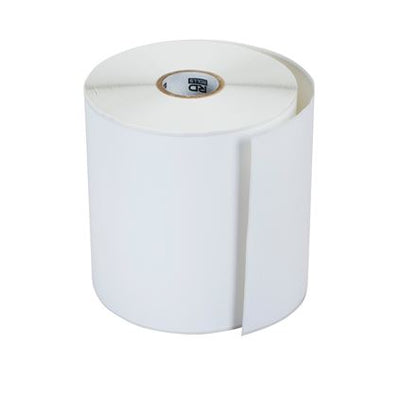
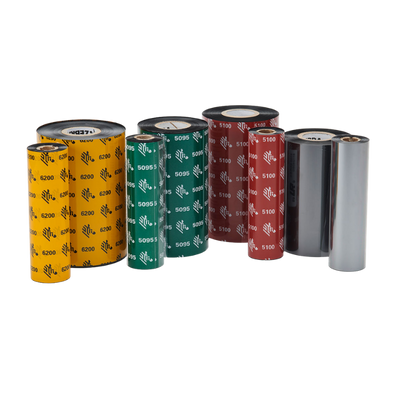
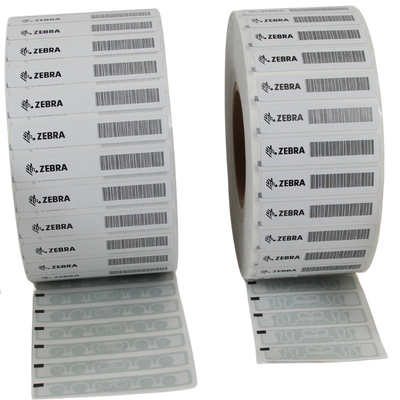
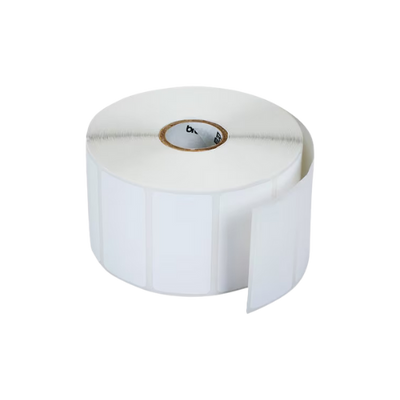
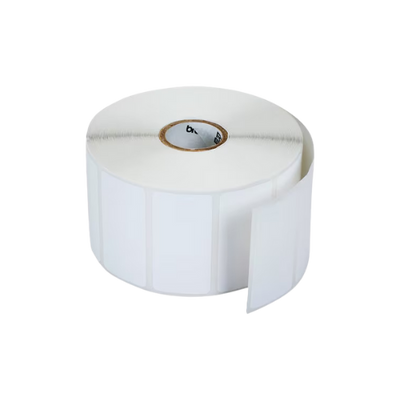
Complete the deployment with durable labels or RFID tags, the appropriate printer, software-compatible interfaces, mounting, charging and replacement supplies.
ShopPOSPortal can configure Essential, Advanced and Enterprise asset tracking systems that combine compatible mobile computers, barcode scanners, RFID readers, printers, labels, charging hardware and deployment accessories.
Use the table below to compare the primary hardware, technology and deployment requirements for asset identification, check-in and check-out, physical audits, maintenance, location tracking and missing-asset searches.
Mobile computers, barcode scanners, RFID readers and label printers can be standardized across departments while labels, accessories, scan engines and device configurations are adjusted for each task.
| Workflow | Recommended Hardware | Key Requirements | Technology | Best Fit |
|---|---|---|---|---|
|
01
Identification
Asset Identification and Labeling
Create a unique asset record and apply a durable barcode, serialized label or RFID tag. |
|
Barcode, RFID or Hybrid
Thermal-transfer printing is preferred for durable,
long-term asset identification.
|
IT equipment, tools, furniture, machinery, medical devices and facilities assets | |
|
02
Custody
Asset Check-In and Check-Out
Assign assets to employees, departments, vehicles, customers or temporary locations. |
|
USB, Bluetooth or Wi-Fi
Fixed scanning works well at service desks, while mobile
devices support transactions at the point of activity.
|
Tool rooms, equipment counters, school devices, IT checkout and shared company assets | |
|
03
Inventory Audits
Physical Asset Audits
Verify asset presence, ownership, condition and location during scheduled or continuous audits. |

|
Barcode or UHF RFID
Barcode supports item-by-item verification, while RFID can
accelerate large audits and exception searches.
|
Hospitals, universities, warehouses, government facilities and enterprise asset inventories | |
|
04
Maintenance
Service and Maintenance Tracking
Scan assets to review or update repair, inspection, calibration and preventive-maintenance records. |
|
Barcode with Wireless Data
Cellular connectivity is useful for service teams working
beyond the organization’s Wi-Fi coverage.
|
Field service, manufacturing, facilities, fleet maintenance and biomedical equipment teams | |
|
05
Location
Room, Site and Department Tracking
Associate each asset with a room, building, department, job site, vehicle or warehouse zone. |
|
Barcode, RFID and Wi-Fi
Scan both the location identifier and asset identifier to
update the current accountable location.
|
Multi-building campuses, hospitals, offices, warehouses, schools and job-site operations | |
|
06
Exceptions
Missing Asset and Exception Searches
Investigate assets that are missing, moved, unreturned, damaged or outside their expected location. |
|
RFID Locate with Barcode Backup
RFID helps narrow the search area, while barcode scanning
confirms the exact asset record.
|
High-value equipment, shared assets, medical devices, tools and large enterprise asset populations |
ShopPOSPortal can create a standardized hardware configuration that supports asset identification, check-in and check-out, physical audits, maintenance, location verification and exception management across one or multiple facilities.
Start with a complete hardware package built around your asset tracking workflow. Each bundle can be adjusted for the software, asset type, operating environment, number of users and deployment size.
Printer resolution, scanning range, RFID support, labels, mobile devices, charging accessories and connectivity can be changed before the final quote is prepared.
A fixed-station barcode package for identifying assets, creating labels and managing basic check-in and check-out transactions.
Final pricing depends on printer configuration, label material, scanner interface, supplies and quantity.
A mobile barcode solution for asset audits, assignments, field tracking, maintenance updates and multi-room or multi-building workflows.
Final pricing depends on mobile computer model, scan engine, printer, charging, accessories and deployment quantity.
A high-speed RFID and barcode solution for enterprise audits, location searches, exception management and large asset populations.
Final pricing depends on reader quantity, RFID tag type, printer configuration, infrastructure and project scope.
Each package can be rebuilt around your software, asset materials, barcode or RFID requirements, operating environment, number of users and preferred manufacturers.