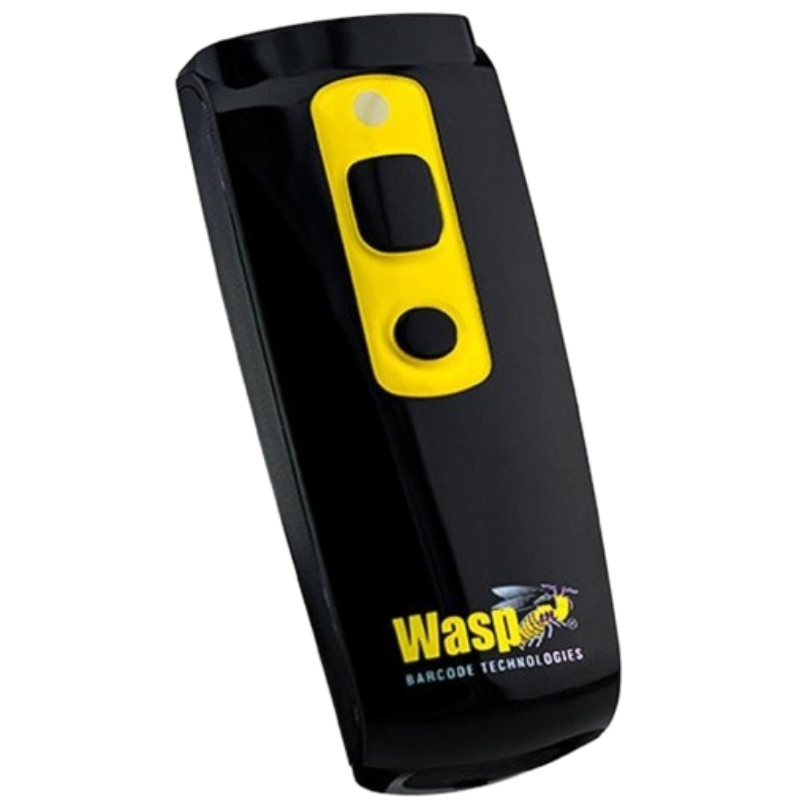
Corded, cordless and pocket scanners from the WWS and WLR ranges. Built to pair with InventoryCloud and AssetCloud, and to work in keyboard-wedge mode with everything else.
30-Day Return PolicyExcluding consumables
Expert Hardware SupportCompatibility checked before you order
Same-Day ShippingBefore 4 PM ET on in-stock orders
Bulk & Project PricingVolume and multi-location rates
Choosing between corded, cordless and pocket models, and deciding whether you need 2D.
Which Wasp barcode scanner should I choose?
Decide on three things: what you scan, how far from it, and how rough the environment is. The WLR8950 is a corded long-range 1D scanner for a fixed station. The WWS550i and WWS110i are 1D cordless and pocket units for moving around a stockroom.
For 2D codes, choose the WWS652, the WWS210i pocket model, or the WWS752 where the environment is industrial rather than a counter.
If the operator also needs to see the application while scanning, a mobile computer is the better tool.
Do I need a 1D or 2D scanner?
1D reads traditional barcodes and costs less. If every code you handle is a standard product or asset barcode, that is enough.
2D additionally reads QR codes, DataMatrix and codes shown on a phone screen, and copes better with a damaged or badly printed label because it captures an image rather than sweeping a laser line.
Asset tagging in particular drifts toward 2D, because DataMatrix packs more data into a smaller tag than a linear barcode can.
Corded or cordless?
Corded has no battery to charge, nothing to pair and nothing to lose, which suits a receiving desk or a bench beside a PC.
Cordless matters when the items are too big to bring to the scanner, which is most of asset tracking and stock counting. Wasp cordless models use Bluetooth and pair with a PC, tablet or phone.
Pocket models like the WWS110i and WWS210i sit in between: cordless, but small enough to clip to a lanyard rather than carry.
Will a Wasp scanner work with my software?
Generally yes. Most operate in keyboard-wedge mode, where scanned data arrives as if typed, so no driver is needed and any application with a text field will accept it.
Wasp scanners are designed alongside InventoryCloud and AssetCloud, so those pair with no configuration at all. Other systems usually work but may need the scanner configured for a prefix, suffix or specific symbology.
Tell us the software and we will confirm before you order.
Hardware Selection Support
Not sure which model is right?
Send us what you are trying to do and we will come back with a specific recommendation rather than a catalogue. If you are replacing equipment, a model number or a photo of the existing setup is usually enough to work from.
Solutions experts on staff to answer your hardware questions
30 day return policy, excluding consumables
In-stock items ship same day when ordered by 4:00pm Eastern
Volume and multi-location pricing reviewed on request
Ask a Question
We usually respond within 10 minutes on weekdays.
Choosing a selection results in a full page refresh.