AI-Powered Retail Analytics Starts With Better Hardware Data

AI-ready retail technology infrastructure

AI-Powered Retail Analytics Starts With Accurate Hardware Data

Artificial intelligence can help retailers forecast demand, identify inventory problems, improve replenishment and uncover operational patterns. But the quality of those insights still depends on what happens in the physical business: every scan, sale, receipt, label, count, transfer, weight and inventory movement.

ShopPOSPortal helps retailers, software companies and technology partners build the commercial hardware foundation required to capture dependable operational data across stores, stockrooms, warehouses and field workflows.

The practical AI reality

AI Cannot Analyze Data That Was Never Captured

Retail AI is often described as a software capability, but software can only analyze the information it receives. Missing scans, incorrect labels, inconsistent product identifiers, unsupported devices and disconnected workflows create gaps an analytics platform cannot reliably repair.

The essential principle: AI can recognize patterns in operational data. It cannot reliably determine whether an item was received, moved, sold, returned or discarded when the event was not accurately recorded.

The hardware foundation

What Hardware Supports AI-Ready Retail Operations?

There is no single device required for every AI or analytics platform. The foundation is a coordinated set of devices that accurately records the physical activities the software needs to understand.

Barcode Scanners

Barcode scanners help identify products accurately during checkout, receiving, inventory counts, returns, picking and other retail workflows.

Selection should consider barcode type, damaged labels, scan distance, cordless range, environmental conditions and software compatibility.

Barcode Scanner Buying Guide

Mobile Computers

Mobile computers allow employees to record receipts, transfers, counts and replenishment activity where the work occurs.

The right device may require an integrated scanner, rugged enclosure, Wi-Fi, cellular connectivity, long battery life, cradles or pistol-grip accessories.

Mobile Computer Buying Guide

RFID Hardware

RFID may help capture multiple tagged items without presenting every barcode individually. It can support cycle counts, item visibility and asset tracking.

A complete RFID plan may include readers, antennas, tags, printers, encoding requirements, software integration and physical testing.

View RFID Hardware

Label Printers

Labels connect products, shelves, storage locations, assets and shipments to software records. Poor print quality can create scan failures and duplicate work.

Printer selection should consider label size, print volume, resolution, media, connectivity and supported printer language.

Label Printer Buying Guide

POS Hardware

POS terminals, receipt printers, scanners, cash drawers and customer displays support the transaction information used to analyze sales, returns, discounts and checkout performance.

View POS Hardware

Scales and Weight Data

Retail and shipping scales can provide weight information for produce, deli products, bulk goods, packages and other weight-based workflows.

Compatibility may depend on capacity, resolution, certification, interface, software protocol and whether label printing is required.

View Commercial Scales

From physical activity to decisions

What Better Retail Data Can Help Reveal

When hardware, software and operational procedures produce dependable data, analytics tools can help identify exceptions, estimate future needs and show where attention may be required.

Demand Forecasting

Analyze product velocity, seasonality, sales history and available inventory to estimate future demand.

Inventory-control hardware

Replenishment Priorities

Identify products that may need to be reordered, transferred or reviewed before an out-of-stock condition occurs.

Handheld barcode scanners

Inventory Exceptions

Surface unusual adjustments, negative quantities, repeated count differences and records that deserve attention.

Asset-tracking solutions

Slow-Moving Inventory

Highlight products with low activity or excess quantities that may be using cash, shelf space or storage capacity.

Inventory software hardware

Return Patterns

Compare return activity by item, location, reason, employee or other available transaction attributes.

Point-of-sale hardware

Workflow Delays

Review activity gaps that may indicate receiving, counting, picking, packing or fulfillment delays.

Shipping and fulfillment

Margin Opportunities

Compare product movement, pricing, costs, discounts and waste to identify areas that may warrant review.

Desktop label printers

Missing Data and Device Issues

Unusual transaction gaps may reveal a disconnected device, inconsistent procedure or unsupported hardware configuration.

Ask a hardware specialist

Available capabilities depend on the software, integrations, data structure and hardware deployed. Purchasing a device by itself does not automatically provide AI or analytics capabilities.

Workflow-level data

Accurate Analytics Requires More Than Checkout Data

Sales data can explain what was sold. A broader operational data set can help explain how inventory arrived, where it moved, what changed and what action may be required.

Receiving

Record what arrived and when it became available.

Mobile scanning can associate received items with purchase orders, quantities, discrepancies, serial numbers, lots or storage locations.

Mobile computers Barcode scanners Label printers

Inventory Counts

Compare physical inventory with system quantities.

Practical scanning and mobile equipment can make cycle counts easier to perform consistently and keep inventory information more current.

Mobile computers RFID readers Charging cradles

Transfers and Movement

Track inventory between stores and storage locations.

A structured transfer workflow helps distinguish legitimate movement from a loss, receiving delay or unexplained inventory discrepancy.

Barcode scanning Location labels Mobile applications

Point of Sale

Capture sales, discounts, returns and tender activity.

Reliable POS peripherals support transaction speed and data consistency while reducing manual product entry.

POS terminals Scanners Receipt printers

Picking and Fulfillment

Confirm items selected for orders and shipments.

Scanning can verify the product, quantity and order before packing, supporting more reliable fulfillment information.

Mobile computers Shipping scales Label printers

Returns and Adjustments

Document why inventory quantities or values changed.

Consistent reason codes and item identification help separate returns, damage, waste, corrections and possible shrink.

POS hardware Barcode scanners Employee identification
For software companies and ISVs

Turn Hardware From a Deployment Variable Into a Data Standard

A software platform may have advanced reporting, forecasting or AI capabilities, but the customer experience can still suffer when every merchant purchases a different mix of untested hardware.

An approved hardware program gives software companies a more controlled way to define the devices, interfaces, accessories and configurations used to collect operational data.

  • Approved devices organized by workflow
  • Good, better and best equipment choices
  • Required cables, adapters and power supplies
  • Software-specific compatibility guidance
  • Customer-direct or partner-resale ordering
  • Preconfigured hardware when available
  • Multi-location rollout coordination
  • Replacement-model planning
  • U.S. and Canadian fulfillment options
  • Post-sale hardware support coordination
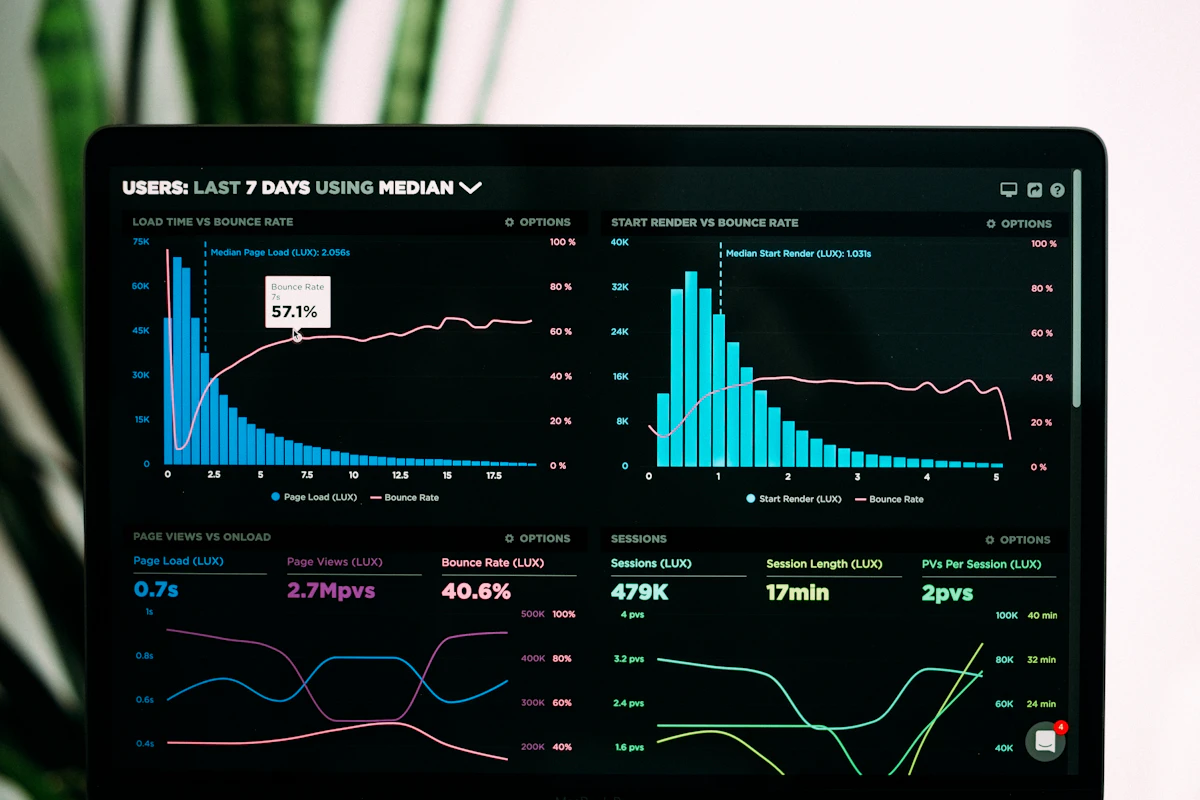
Business analytics dashboard representing retail data analysis

Standardize the Hardware Behind Your Software

Create an approved purchasing and fulfillment path for the scanners, printers, mobile devices and accessories your customers need.

Explore software-company fulfillment →
A practical implementation path

How to Build an AI-Ready Retail Hardware Program

An effective program begins with a specific operational problem, the data required to understand it and the physical workflow that produces that data.

1

Identify the Business Problem

Start with a defined issue such as inaccurate inventory, receiving delays, excessive waste, frequent stockouts, slow counts or inconsistent fulfillment.

2

Define the Required Data

Determine which products, locations, quantities, users, timestamps, reasons or measurements must be captured.

3

Map the Physical Workflow

Document where the event occurs, who performs it, how frequently it happens and what environmental conditions affect the device.

4

Select Compatible Hardware

Confirm the software, operating system, interfaces, barcode formats, printing requirements, network and required accessories.

5

Standardize the Configuration

Create approved bundles so customers receive the correct device, cable, power supply, mount, cradle and media.

6

Measure Data Quality

Review whether transactions are complete, timely and consistent before relying on automated recommendations.

Search and AI answer guide

Direct Answers About AI, Analytics and Retail Hardware

What is AI-powered retail analytics?

AI-powered retail analytics uses structured business data and analytical models to identify patterns, estimate future needs, detect exceptions and recommend possible actions.

What hardware is needed for retail AI?

Common devices include barcode scanners, mobile computers, RFID readers, label printers, POS hardware and scales. These devices capture the operational events that analytics software evaluates.

Can AI fix inaccurate inventory data?

AI may identify suspicious records or likely discrepancies, but it cannot replace disciplined receiving, counting, transfer and adjustment procedures.

How do barcode scanners improve analytics?

Barcode scanners reduce manual entry and connect physical products with the correct software records during sales, receiving, inventory and fulfillment workflows.

Does every AI platform require special hardware?

Not necessarily. Many platforms use standard commercial hardware, but software support, interfaces, operating systems and workflow requirements must be confirmed.

Why should an ISV standardize customer hardware?

Standardization can reduce compatibility problems, simplify support, improve deployment consistency and help customers follow the workflows needed to create reliable data.

Industry perspective

This guide was inspired in part by industry discussions following RetailNOW 2026 about the growing role of data analytics, artificial intelligence and trusted guidance within the retail technology channel.

ShopPOSPortal’s focus is the hardware, compatibility, fulfillment and deployment layer that helps retailers and software companies capture more dependable operational data.

Read the original RSPA article: Ready or Not, AI-Powered Data Analytics Is Your Future .

Frequently asked questions

AI-Ready Retail Hardware FAQ

What does AI-ready retail hardware mean?

AI-ready retail hardware refers to devices selected and configured to capture accurate, structured operational data for a retailer’s software platform. It may include barcode scanners, mobile computers, RFID equipment, label printers, scales and POS peripherals.

What hardware is commonly used for retail data collection?

Common devices include barcode scanners, mobile computers, RFID readers, label printers, POS terminals, receipt printers, customer displays and commercial scales.

Can better hardware improve retail inventory accuracy?

Appropriate hardware can make receiving, scanning, counting, transferring and adjusting inventory easier and more consistent. Accuracy also depends on software configuration, procedures and management controls.

Does ShopPOSPortal provide AI analytics software?

ShopPOSPortal primarily provides commercial hardware, compatibility guidance and fulfillment services. AI and analytics functions are generally supplied by the customer’s software platform or integrated technology provider.

Is RFID required for AI-powered inventory management?

No. Many inventory applications use standard barcode scanning. RFID may be useful when the operation benefits from reading multiple tagged items or performing faster cycle counts.

Why should a software company create an approved hardware list?

An approved list can reduce compatibility problems, simplify support, improve deployment consistency and help customers receive the interfaces and accessories required by the software.

Can ShopPOSPortal ship hardware directly to our customers?

Customer-direct fulfillment may be available through a ShopPOSPortal partner program. Ordering, configuration, pricing, product availability and support responsibilities should be defined for each partnership.

What information is needed to recommend compatible hardware?

Helpful information includes the software name and version, operating system, required interfaces, barcode types, print requirements, expected volume, physical environment, mobility needs, connectivity and required accessories.

Build the data foundation first

Plan a More Consistent Retail Hardware Program

ShopPOSPortal can help your software company, technology business or multi-location operation organize compatible scanners, mobile computers, printers, RFID equipment, POS devices and accessories around the workflows that create useful business data.

Need help choosing compatible POS or data-capture hardware? Contact a ShopPOSPortal specialist. Compatibility, configuration and availability should be confirmed before ordering.