WellnessLiving front-desk and studio hardware

Build the Complete Hardware Setup for WellnessLiving

Shop front-desk POS terminals, receipt printers, barcode scanners, cash drawers, customer displays, tablets, kiosks, card readers and accessories for gyms, yoga and Pilates studios, martial-arts and dance schools, spas, salons, massage clinics, wellness centers and multi-location operators.

  • Front-desk checkout hardware
  • Self-check-in and kiosk options
  • Scanners, drawers and displays
  • Multi-location project support
Fitness, wellness and beauty hardware
Gyms & Fitness Studios
Yoga & Pilates
Spas & Salons
Self Check-In
Multi-Location Support
Quick recommendation

Start With the Front-Desk Workflow

Determine whether staff will process payments, scan products or membership cards, print receipts, accept cash, display totals to clients, or support self check-in. Those tasks define the hardware needed at each station.

Choose a Workflow
Hardware by business workflow

Choose the Setup That Matches Your Business

WellnessLiving supports fitness, wellness, sports, beauty and specialty-service businesses. Build the hardware list around how clients check in, book services, buy products and complete payments.

GYM

Gyms and Fitness Studios

Use a front-desk terminal, receipt printer, scanner, cash drawer and customer display for memberships, retail and daily check-in.

YOGA

Yoga and Pilates Studios

Create a clean, compact front desk with a touch terminal, receipt printer and optional tablet or customer-facing display.

SPA

Spas and Massage Clinics

Support appointment checkout, retail sales, receipts and client-facing payment workflows with a professional front-desk setup.

SALON

Salons and Barbershops

Combine booking and checkout with a receipt printer, scanner, drawer and display for services and retail merchandise.

DOJO

Martial Arts and Dance

Support memberships, classes, merchandise and events with front-desk POS hardware and optional self-check-in equipment.

KIOSK

Self Check-In

Use a kiosk, tablet stand or compact terminal to reduce front-desk congestion and simplify member arrival.

SCAN

Membership and Retail Scanning

Add barcode or ID scanning for products, passes, membership cards and faster client lookup.

MULTI

Multi-Location Standardization

Create approved hardware kits and replacement lists for every WellnessLiving location.

WellnessLiving collection

Shop WellnessLiving Hardware and Accessories

Filter the collection by hardware category. Product images, prices and availability update automatically from the WellnessLiving collection.

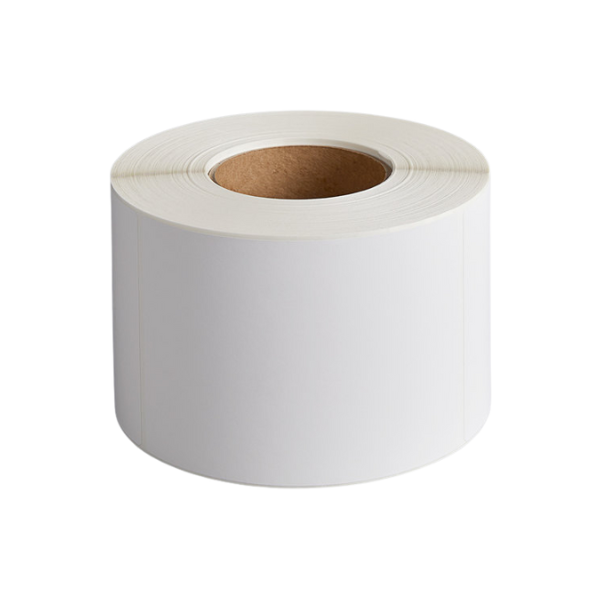
LabelsZebra, 1.25X3.5IN Labels, WL
Zebra · Labels

Zebra, 1.25X3.5IN Labels, WL

Zebra Ait, Consumables, ZSB Series Label Cartridge, 1.25X3.5IN (32X89MM), Multipurpose, Name Tag, 325 Labels, 21 cartridges per case

Consumable
$399.00
View Details

Opening a new studio or standardizing multiple locations?

Request a formal quote for repeatable front-desk kits, project quantities, location-based shipping and replacement planning.

Request Project Pricing
Front-desk planning checklist

Build a Complete WellnessLiving Station

Confirm each component before ordering so the setup fits the exact business workflow.

ComponentCommon UseKey Details to ConfirmTypical Workflow
POS terminalBooking, checkout and retailOperating system, processor, memory, ports and network connectionFront desk
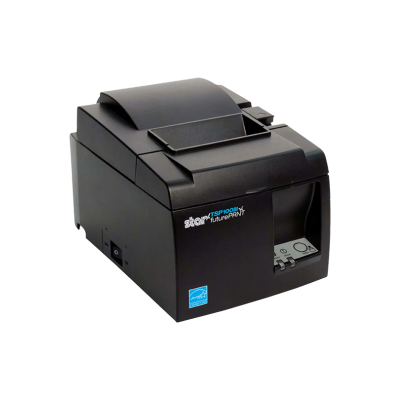
Receipt printerPayment and retail receiptsUSB, Ethernet, Bluetooth, paper width and device compatibilityCheckout
Barcode or ID scannerRetail items, passes or member lookup1D/2D, wired/wireless, stand and cableCheck-in and retail
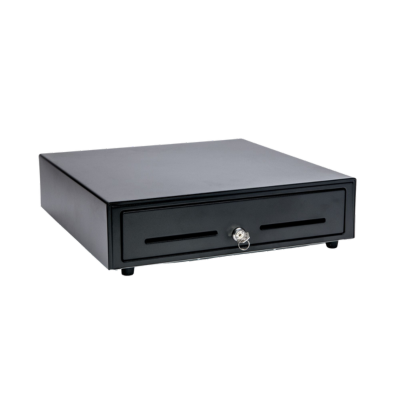
Cash drawerCash transactionsSize, till layout, cable and printer-driven connectionFront desk
Customer displayShow totals and transaction detailsConnection type, mounting and software supportCheckout
Tablet or kioskSelf check-in or mobile staff useOperating system, stand, charging and network accessLobby and mobile workflows
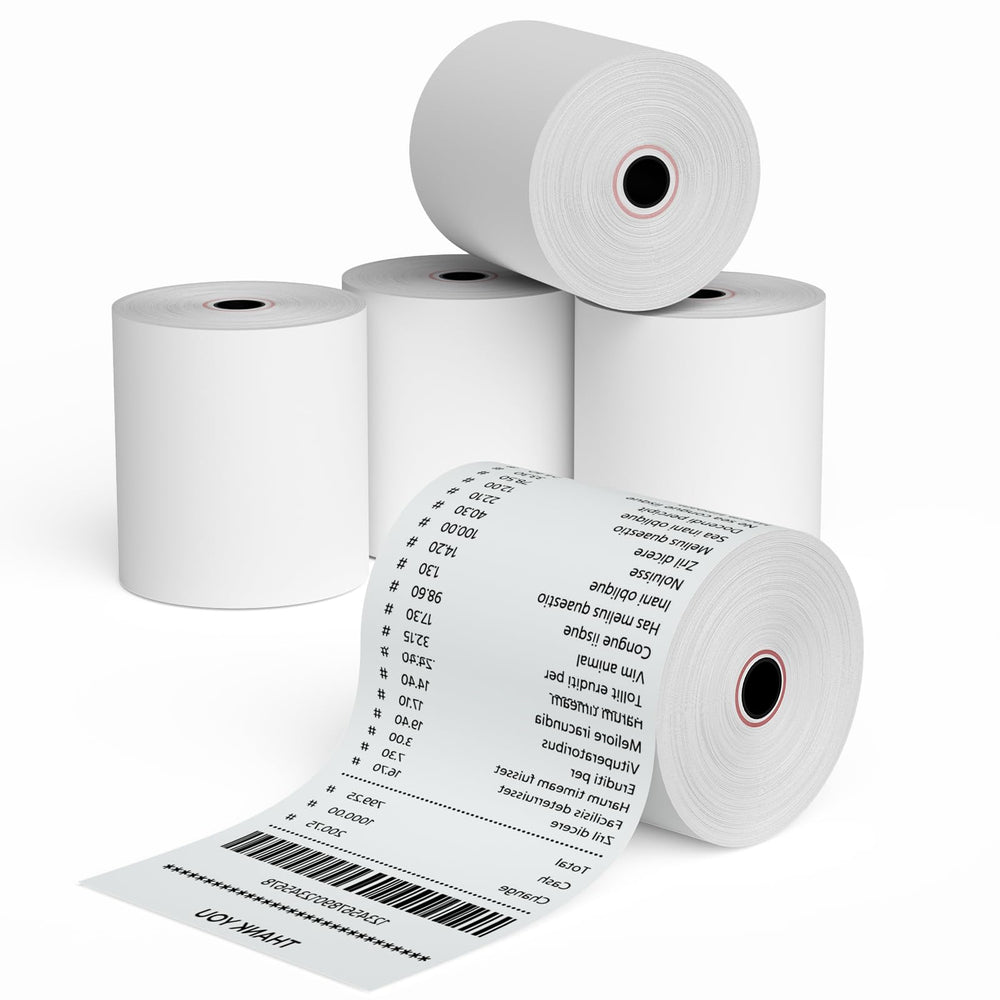
Receipt paperOngoing printing supplyWidth, roll diameter, case quantity and printer modelAll receipt-printing stations
Mounts and adaptersComplete installationDevice model, VESA pattern, cable type and placementFront desk and kiosk
Before ordering

Verify the Hardware Against the Exact Setup

Compatibility may depend on the WellnessLiving product, operating system, connection method, drivers, firmware, cables and payment or check-in workflow.

01

Identify the workstation

Front desk, retail checkout, treatment room, mobile staff station or self-check-in kiosk.

02

Confirm the interfaces

USB, USB-C, Ethernet, Bluetooth, Wi-Fi and printer-driven connections.

03

Review mounting and space

Measure the counter, kiosk or wall location and verify stands, mounts and cable routing.

04

Plan replacements

Document complete part numbers and approved alternatives for every location.

Frequently asked questions

WellnessLiving Hardware Questions

What hardware do I need for a WellnessLiving front desk?

A typical setup may include a POS terminal, receipt printer, barcode scanner, cash drawer and customer display. The exact hardware depends on whether the location processes retail sales, cash payments, client check-in or self-service.

Can ShopPOSPortal provide a complete WellnessLiving hardware package?

Yes. Contact ShopPOSPortal with the business type, number of stations, required workflows and preferred hardware so a complete package can be reviewed.

Can I use a tablet or kiosk for self check-in?

A tablet or kiosk may be appropriate for self check-in when the device, operating system, mounting and WellnessLiving workflow are supported. Verify current requirements before ordering.

Do I need a barcode scanner?

A scanner can be useful for retail products, membership cards, passes and faster client lookup. Confirm whether 1D or 2D scanning and wired or wireless operation are required.

Can equipment ship to multiple gyms, studios or wellness locations?

Multi-location shipping can be reviewed for project orders. Provide the location list, quantities required at each site and preferred deployment timing.

Do you offer formal quotes or volume pricing?

Yes. Project or volume pricing may be available depending on products, quantities, manufacturers and availability. Contact ShopPOSPortal before placing a larger order.

What information should I send for replacement-hardware help?

Provide the current manufacturer, complete model and part number, connection type, host device, operating system, WellnessLiving workflow and photos of the product label and rear ports when available.

Are all receipt printers interchangeable?

No. Similar-looking printers can use different interfaces, drivers, firmware and paper sizes. Verify the complete part number and connection method before ordering.

Can I order receipt paper and accessories with the hardware?

Yes. Add the correct paper, cables, stands, mounts and adapters based on the exact hardware models selected.

Does ShopPOSPortal install or configure WellnessLiving software?

ShopPOSPortal primarily supplies hardware. WellnessLiving software setup, payment configuration and workflow-specific support may require assistance from WellnessLiving, your implementation partner or IT provider.

WellnessLiving is a trademark of its respective owner. ShopPOSPortal is an independent hardware supplier. Unless specifically stated in writing, product inclusion does not represent certification, endorsement or a guarantee of compatibility by WellnessLiving. Verify current software and hardware requirements before ordering.

WellnessLiving hardware assistance

Need Help Building the Right Front-Desk Package?

Tell us whether you operate a gym, studio, spa, salon, clinic, school or multi-location wellness business, along with the number of stations and required workflows.

Email sales@shopposportals.com
