
Build a better consignment-store checkout
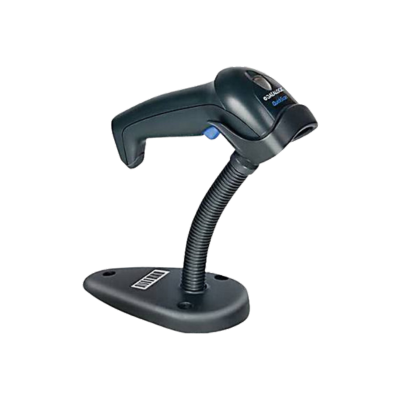
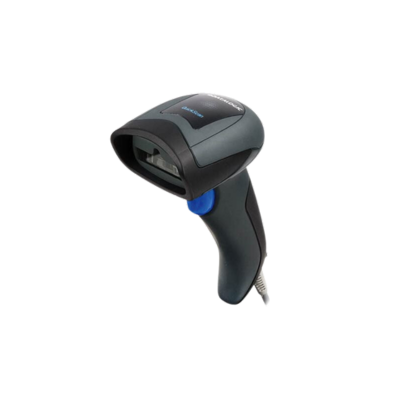
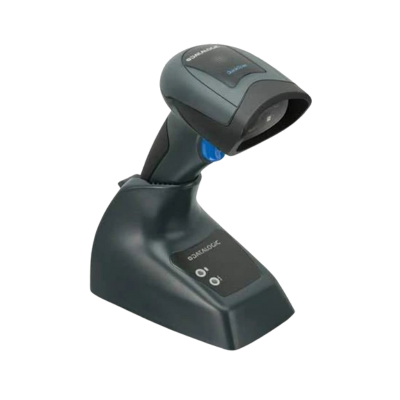
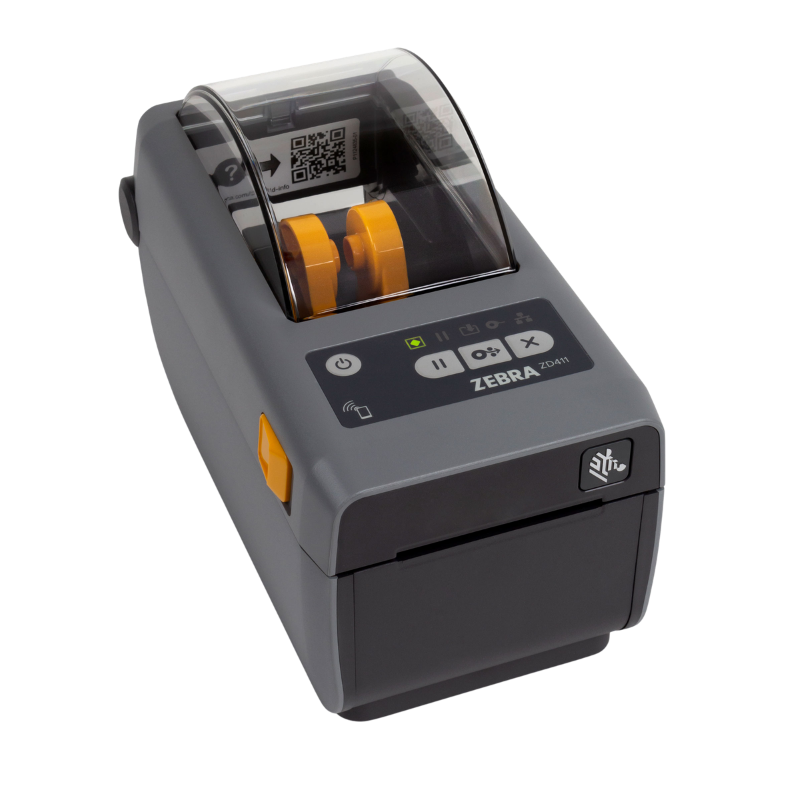
Shop carefully selected barcode scanners, receipt printers, label printers, cash drawers, cables and supplies for stores using SimpleConsign. Purchase individual replacements or let our hardware team help assemble a complete workstation.

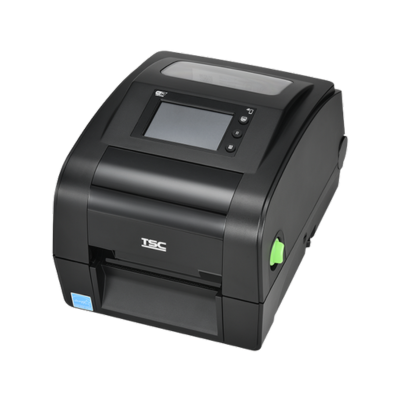
TSC DH240T 4-Inch Direct Thermal Label Printer 20...


Choose your hardware
What does your SimpleConsign workstation need?
Start with the type of hardware you are replacing or adding. Use the product filters below to narrow the collection by product type and manufacturer.
Before you order
Confirm the details that affect hardware compatibility
SimpleConsign workstation requirements can vary based on your computer, available ports, receipt-printer connection and label workflow. Checking these details before ordering helps avoid missing cables and incompatible interfaces.
Why ShopPOSPortal
More than a list of hardware
Get help selecting the products, interfaces, accessories and supplies needed for a complete SimpleConsign workstation.
Hardware selection help
Identify suitable scanners, printers, drawers and connection types.
Complete setup purchasing
Purchase the workstation hardware and supplies from one source.
Replacement hardware
Replace an individual scanner, printer or drawer when needed.
Multi-location ordering
Standardize hardware selections across multiple store locations.
Hardware assistance
Not sure which SimpleConsign hardware to order?
Tell us whether you are opening a new location, replacing an existing device or equipping multiple checkout stations. Include any model numbers, connection types or photos of your current hardware.
SimpleConsign Hardware FAQs
Can you confirm compatibility before I order?
Yes. Send us the model numbers, connection types and photos of your existing hardware. We can help identify suitable replacements and required accessories before you place the order.
Can you help equip multiple SimpleConsign locations?
Yes. We can help standardize scanners, printers, cash drawers, cables and supplies across multiple registers or store locations.
What hardware do I need for a SimpleConsign workstation?
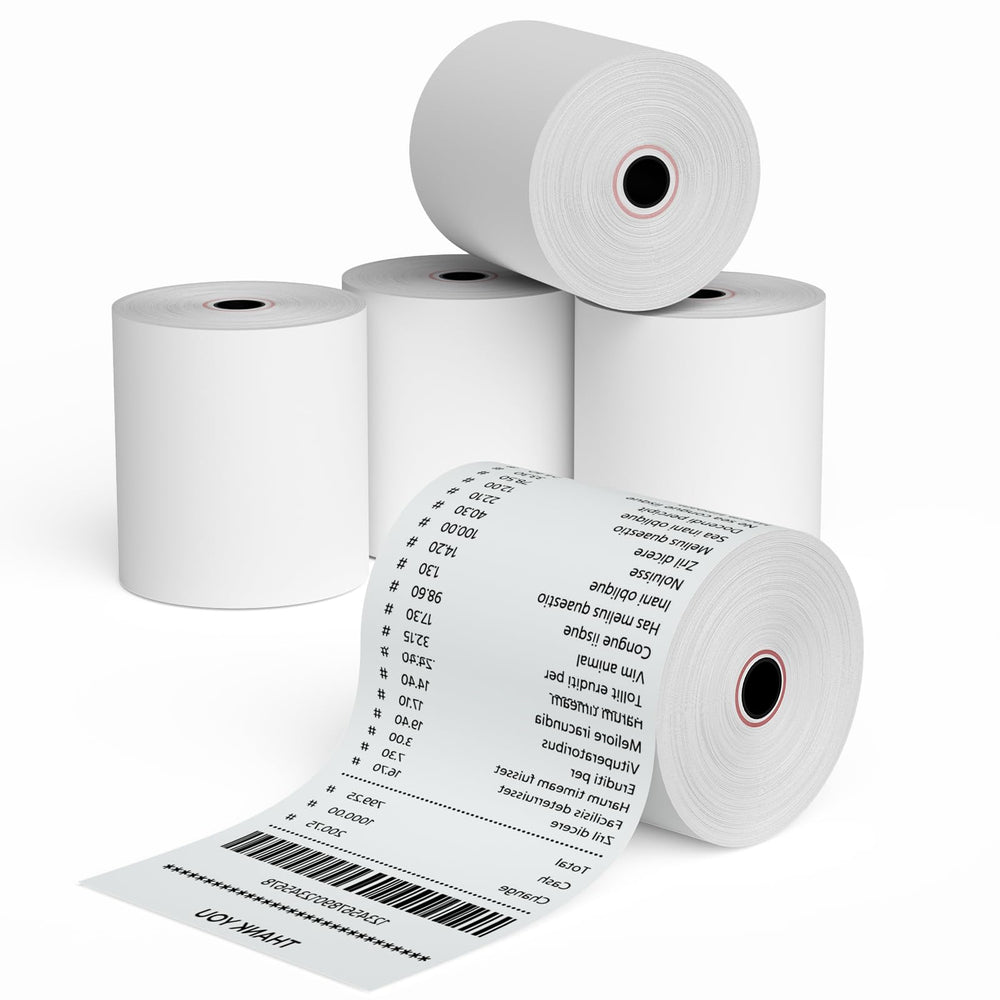
A typical workstation may include a Windows computer, barcode scanner, receipt printer, cash drawer, label printer, required interface cables, receipt paper and labels. The exact combination depends on whether you are opening a new location or replacing an existing device.
Can I replace only my barcode scanner or receipt printer?
Yes. You can replace an individual device without replacing the entire workstation. Before ordering, confirm the connection type, available ports and any required cables or accessories.
Should I choose a corded or wireless barcode scanner?
Corded USB scanners are usually the simplest and most economical choice for a fixed checkout station. Wireless scanners are useful when employees need to scan merchandise away from the counter or want fewer cables at the workstation.
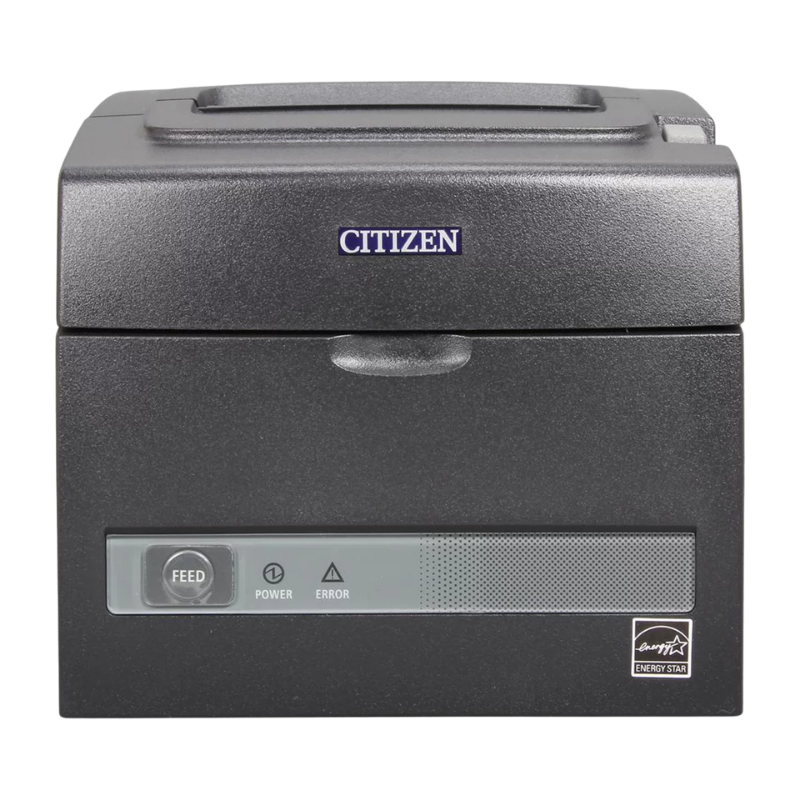
Which receipt-printer connection should I order?
Choose the interface that matches your workstation and network setup, such as USB, Ethernet or serial. Check the existing printer connection and available computer ports before ordering.
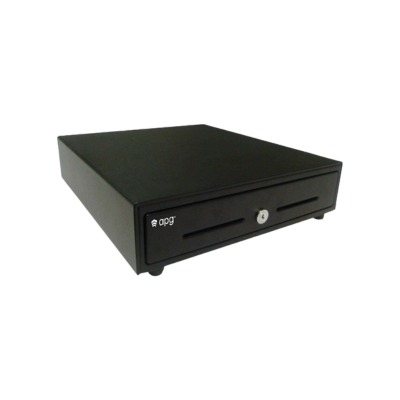
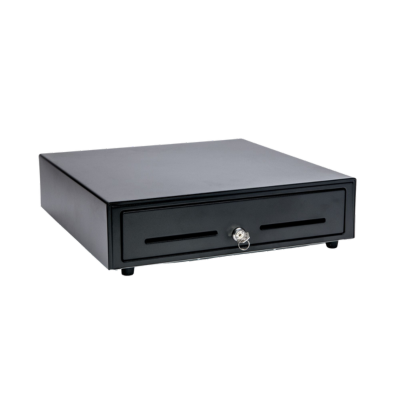
How does the cash drawer connect?
Many cash drawers connect through the receipt printer using a compatible drawer cable. The cable must match both the drawer and printer. Some setups may use a separate USB interface.
Which label printer should I use for merchandise tags?
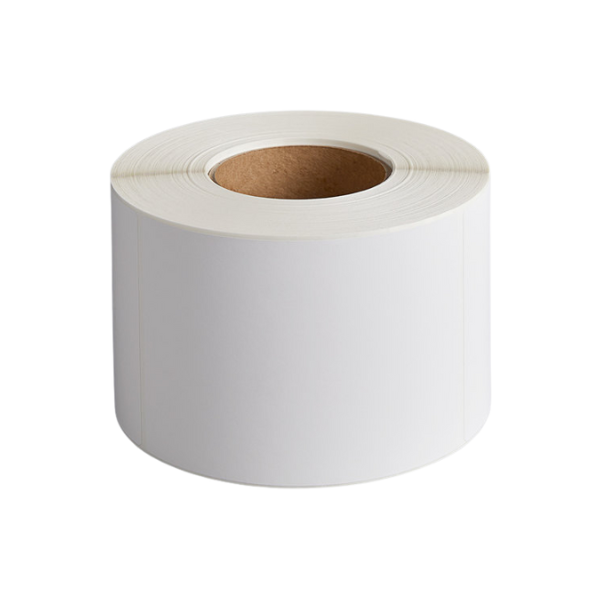
The right printer depends on the label width, tag format, print volume and connection type. Confirm the label dimensions and whether direct thermal printing is appropriate for your workflow.