FareHarbor point-of-sale and mobile-tour hardware

Build the Right Hardware Setup for FareHarbor

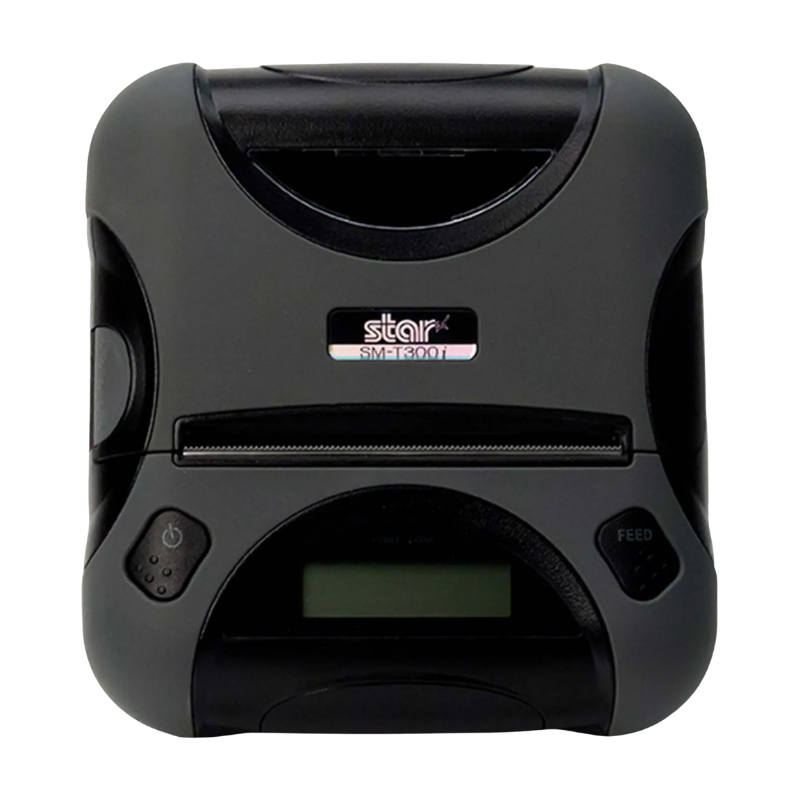
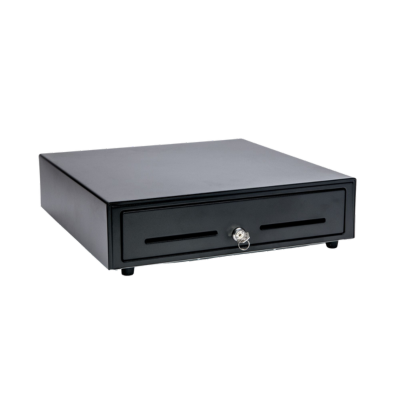
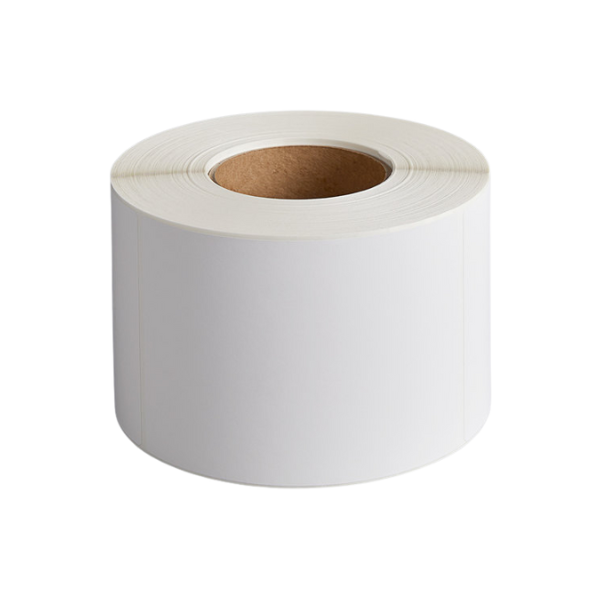
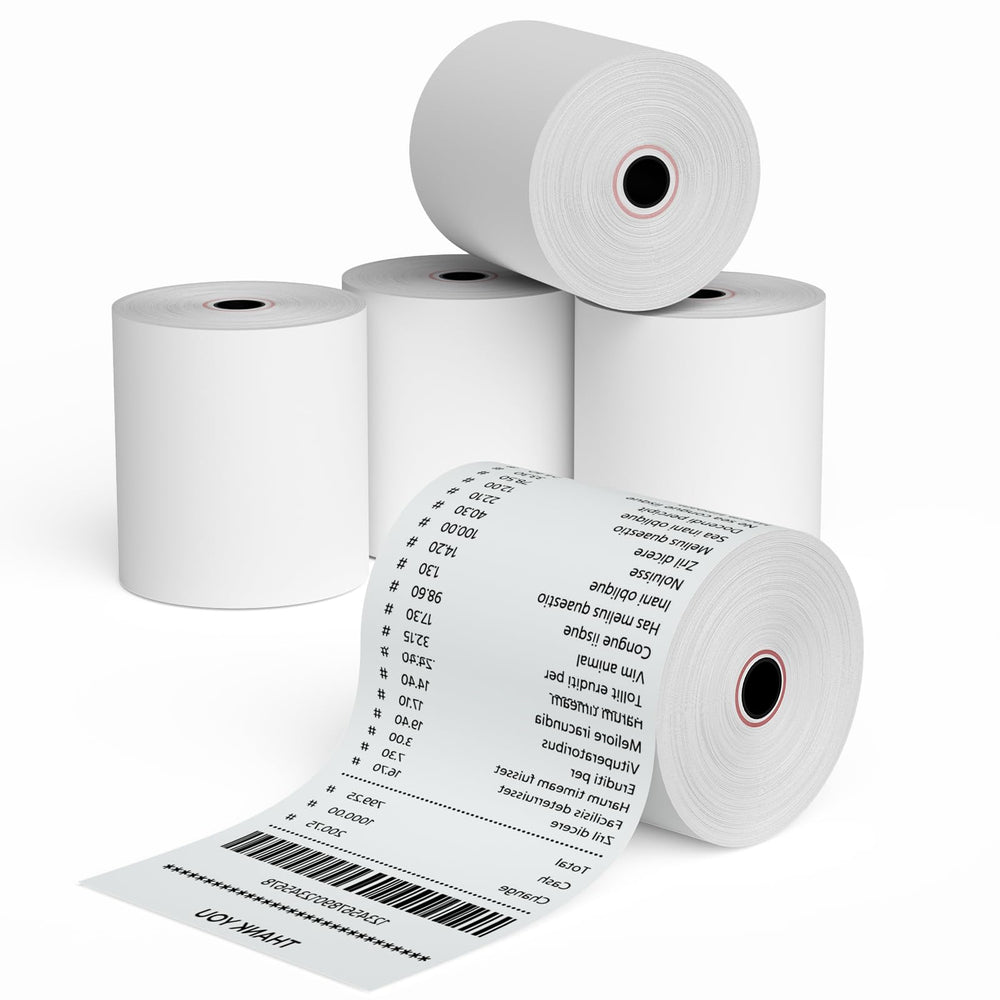
Shop receipt printers, mobile printers, cash drawers, wireless barcode scanners and receipt paper for tour operators, attractions, rental businesses, boat tours, trains, ziplines, farms and other experience-based businesses using FareHarbor.

  • Desktop and mobile receipt printing
  • Tour desk and walk-up sales
  • Cash drawers and wireless scanning
  • Multi-location project support
Tours, attractions and rental hardware
Tour Desks
Mobile Check-In
Walk-Up Sales
Rentals & Attractions
Receipt Supplies
Quick recommendation

Choose Desktop or Mobile First

FareHarbor supports selling and managing bookings on desktop and mobile. Decide whether the hardware will remain at a fixed ticket desk or travel with staff, then select the printer, scanner, cash drawer and paper for that workflow.

Compare Workflows
Hardware by experience workflow

Choose the Setup That Matches Your Operation

FareHarbor serves tour operators, rental companies, boat tours, attractions, trains, ziplines and farms. The right hardware depends on where guests book, check in and receive tickets or receipts.

DESK

Fixed Ticket Counter

Use an Ethernet or USB receipt printer with a cash drawer and desktop workstation for dependable walk-up sales.

MOBILE

Mobile Check-In

Pair a Bluetooth mobile printer and wireless scanner with supported tablets or phones for remote guest service.

TOUR

Tour Operators

Print receipts or tickets at the office, dock, meeting point or departure area and support staff with portable scanning.

RENT

Rental Companies

Use scanners for inventory or booking lookup and printers for customer receipts, agreements or transaction records.

BOAT

Boat Tours and Charters

Choose equipment suited to fixed marina counters or mobile staff working near departure areas.

ATTR

Attractions and Farms

Support admission, merchandise, event and walk-up transactions with receipt printing and cash handling.

SCAN

Barcode and QR Scanning

Use portable 1D/2D scanners for tickets, QR codes, inventory and fast guest lookup.

MULTI

Multi-Location Standardization

Create repeatable hardware kits, approved replacements and paper reorder lists for every location.

FareHarbor collection

Shop FareHarbor Printers, Drawers, Scanners and Paper

The collection currently includes desktop and mobile printers, cash drawers, wireless scanners and 80 mm receipt-paper options.

Outfitting multiple ticket desks or tour locations?

Request a formal quote for project quantities, repeatable counter kits, mobile equipment and shipping by location.

Request Project Pricing
Hardware planning checklist

Build a Complete FareHarbor Sales Station

Confirm each component before ordering so the setup matches the ticketing, check-in and payment workflow.

ComponentCommon UseKey Details to ConfirmTypical Workflow
Desktop receipt printerWalk-up tickets and receiptsUSB or Ethernet, paper width, host device and drawer portFixed ticket desk
Mobile receipt printerRemote check-in and mobile salesBluetooth, supported device, battery and chargingDock, attraction, vehicle or remote station
Wireless scannerBarcode and QR-code scanning1D/2D, Bluetooth/USB, range, charging dock and device supportGuest check-in and ticket validation
Cash drawerWalk-up cash transactionsSize, till layout, cable and printer-driven connectionFixed counter
80 mm receipt paperReceipts and transaction recordsPrinter model, roll diameter, roll length and case quantityDesktop or mobile printing
Before ordering

Verify the Hardware Against the Exact Setup

Compatibility can depend on the FareHarbor workflow, host device, operating system, printer interface, scanner connection, drivers, firmware and network configuration.

01

Identify fixed or mobile use

Choose equipment based on whether staff remain at a counter or move through the venue.

02

Confirm the connection

Verify USB, Ethernet or Bluetooth before ordering a printer or scanner.

03

Check power and charging

Plan outlets, batteries, chargers and vehicle or remote-location use.

04

Document replacements

Record complete part numbers and approved alternatives for every location.

Frequently asked questions

FareHarbor Hardware Questions

Which receipt printer should I choose for FareHarbor?

Choose a desktop USB or Ethernet printer for a fixed ticket desk, or a Bluetooth mobile printer when staff need to print away from the counter. Verify the exact interface and supported host device before ordering.

Can I use a mobile printer for outdoor tours or remote check-in?

A mobile printer may be appropriate when the supported tablet or phone, Bluetooth connection, battery capacity and environmental conditions meet the workflow requirements.

Do I need a barcode or QR-code scanner?

A wireless 1D/2D scanner can help with ticket validation, QR codes, inventory and guest lookup. Confirm whether the scanner must connect by Bluetooth, USB receiver or cable.

Can ShopPOSPortal provide a complete FareHarbor hardware package?

Yes. Contact ShopPOSPortal with the business type, number of fixed and mobile stations, printer and scanner requirements, cash-handling needs and deployment schedule.

Can equipment ship to multiple tour or attraction locations?

Multi-location shipping can be reviewed for project orders. Provide the location list, quantities required at each site and preferred deployment timing.

Do you offer formal quotes or volume pricing?

Yes. Project or volume pricing may be available depending on products, quantities, manufacturers and availability.

What receipt paper do the printers use?

The collection includes 80 mm thermal receipt-paper options for desktop and mobile printing. Verify the printer model, roll diameter and roll length before ordering.

Are all Star receipt printers interchangeable?

No. Models can use different USB, Ethernet or Bluetooth interfaces and may have different power, driver and mobile-device requirements.

What information should I send for replacement-hardware help?

Provide the current manufacturer, complete model and part number, interface, host device, FareHarbor workflow and photos of the product label and ports when available.

Does ShopPOSPortal install or configure FareHarbor software?

ShopPOSPortal primarily supplies hardware. FareHarbor software setup, booking configuration and platform-specific support may require assistance from FareHarbor or your implementation partner.

FareHarbor is a trademark of its respective owner. ShopPOSPortal is an independent hardware supplier. Unless specifically stated in writing, product inclusion does not represent certification, endorsement or a guarantee of compatibility by FareHarbor. Verify current software and hardware requirements before ordering.

FareHarbor hardware assistance

Need Help Building the Right Ticketing Hardware Setup?

Tell us whether the equipment will be used at a fixed ticket desk, mobile check-in point, tour departure area, attraction, rental location or multi-site operation.

Email info@shopposportal.com
